
★ Featured start here
NewRobot cell programmer→
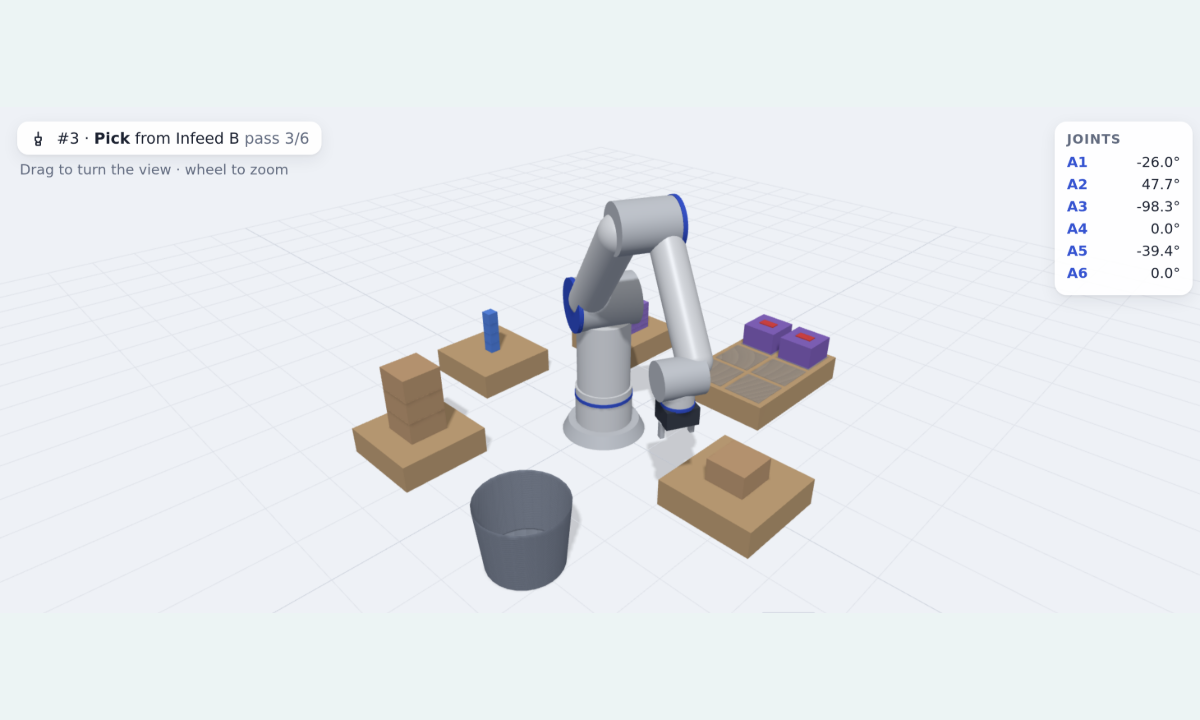
Program a multi-use robot arm on a timeline docked along the bottom, and watch it work in 3D. Open the Library and drag commands into place (Pick, Place, Insert into, Close lid, Stamp…), set each one in a Fieldia popup, and wrap steps in a Repeat loop whose way back runs port to port. Press Run: the six-axis cobot in the centre reaches, grips, inserts, presses and stamps while its A1–A6 joint angles count, the cards light up in turn, and a map of the cell from above and a run log follow along. Simple mode is one line for one arm; Advanced puts two arms, a conveyor and a vision camera in lanes on a time ruler, where a dashed line makes one step wait for another. The program is checked as you edit: a Place with an empty gripper or a seventh box for a six-slot pallet is flagged on its card, and Run says what to fix.
Visio-style editor→
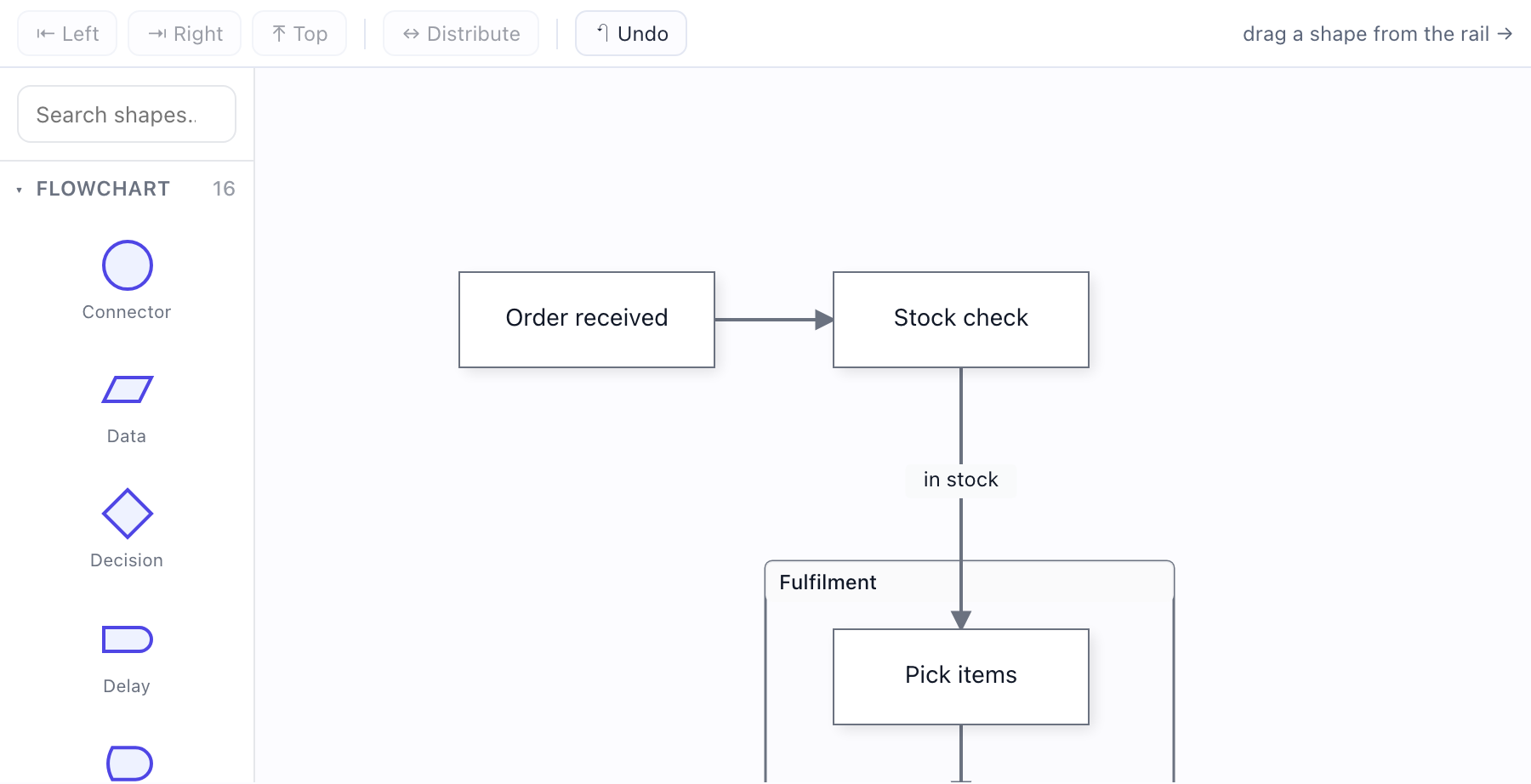
The whole authoring surface: a page grid with snap, zoom controls and a minimap, drop a shape OR a real database table, group, align, drop into containers — every edit undoable.
draw.io import→
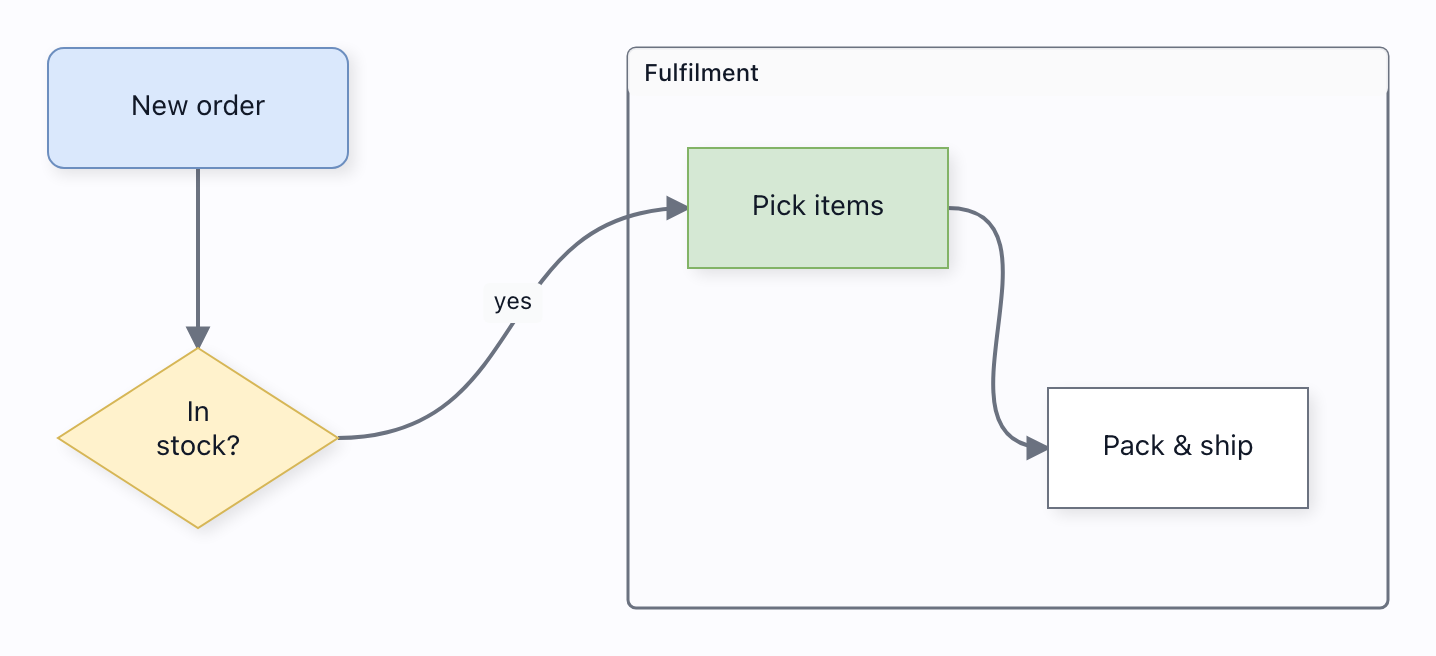
Import .drawio files — plain XML or the default compressed save — onto live engine models: shapes, colours, swimlane containers with real membership, edge labels. Every dropped construct is a named warning.
n8n workflow builder→
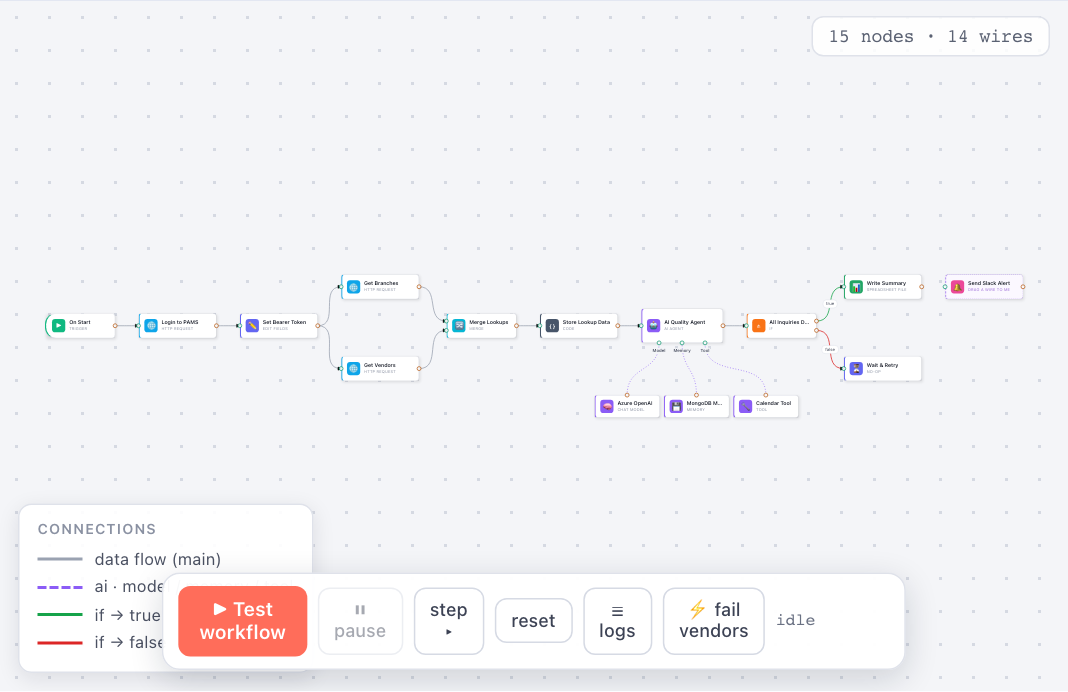
An n8n workflow you can actually RUN: press ▶ Test workflow and execution walks the graph from the Trigger — the running node spins, finished nodes get green checks, wires grow "n items" pills, the AI Agent's sub-nodes flash while it thinks, and the If node routes items down ONE branch by a real condition. Pause / step / continue a live run, read the execution log, and double-click any node for n8n's Node Details View: input items | an editable Parameters form + Settings tab | output items, plus "Execute step" to run up to that node. Connect-by-drag, a node palette, and the two wire families still apply.
NewManyChat-style chatbot builder→
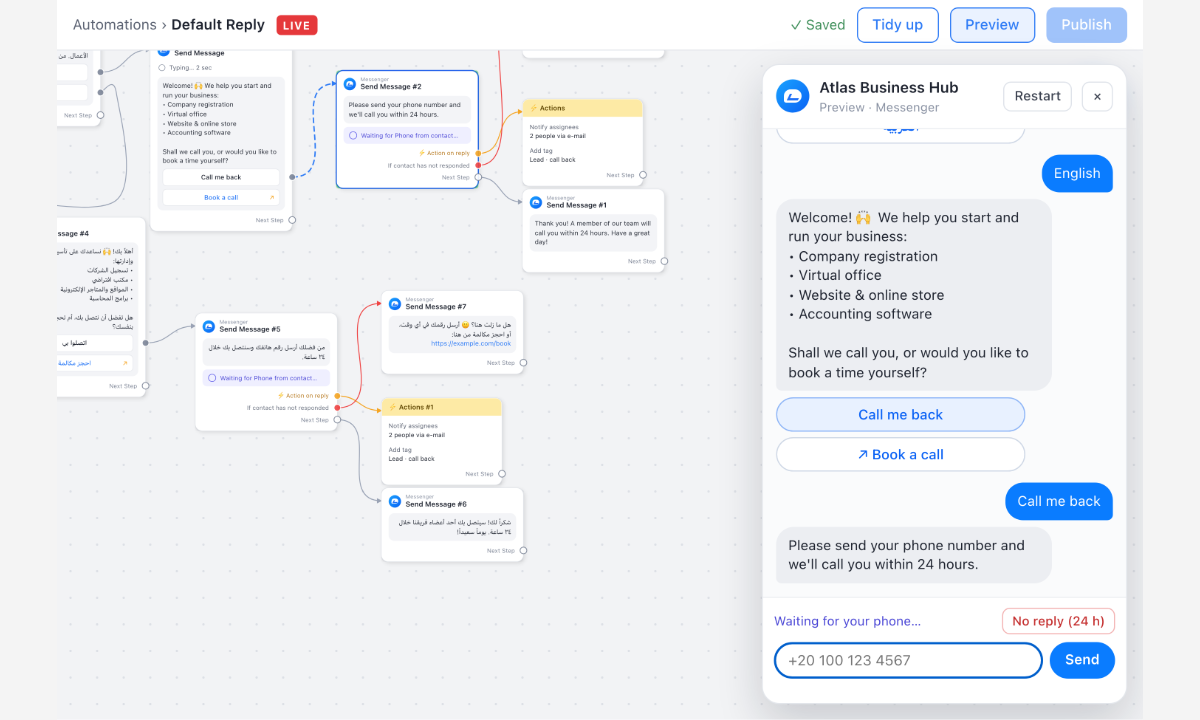
A ManyChat-style chatbot builder: message cards whose every button owns its own connection dot, orange and red branches for "on reply" and "no reply", a step editor that re-measures the card as you type, and a Preview that runs the bot along the lines you drew.
NewWorkflow automation builder→
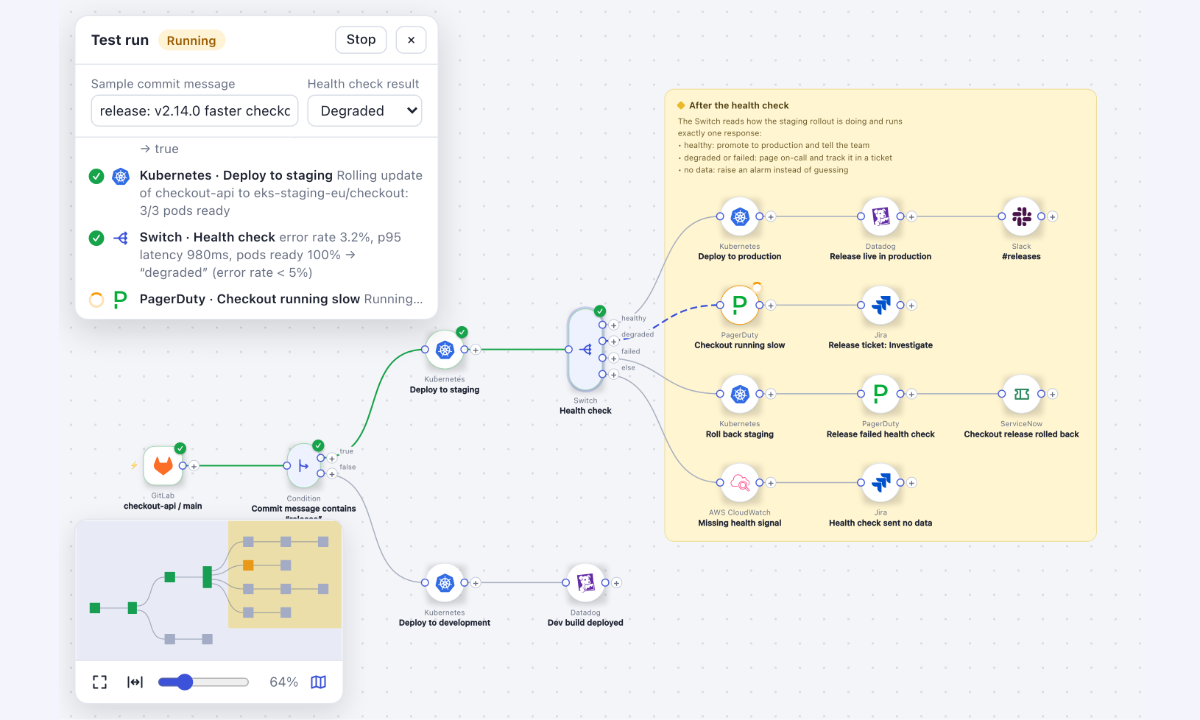
A deployment-automation builder: a GitLab push runs through a Condition and a health-check Switch to Kubernetes, Datadog, PagerDuty, Jira, ServiceNow and Slack steps. Add steps with the "+" on any output (the flow re-arranges itself), edit each step in the side panel, group a sub-flow in a sticky note, undo anything, save and load, and press Test workflow to watch the run take the branch its rules decide.
NewMarketing automation studio→
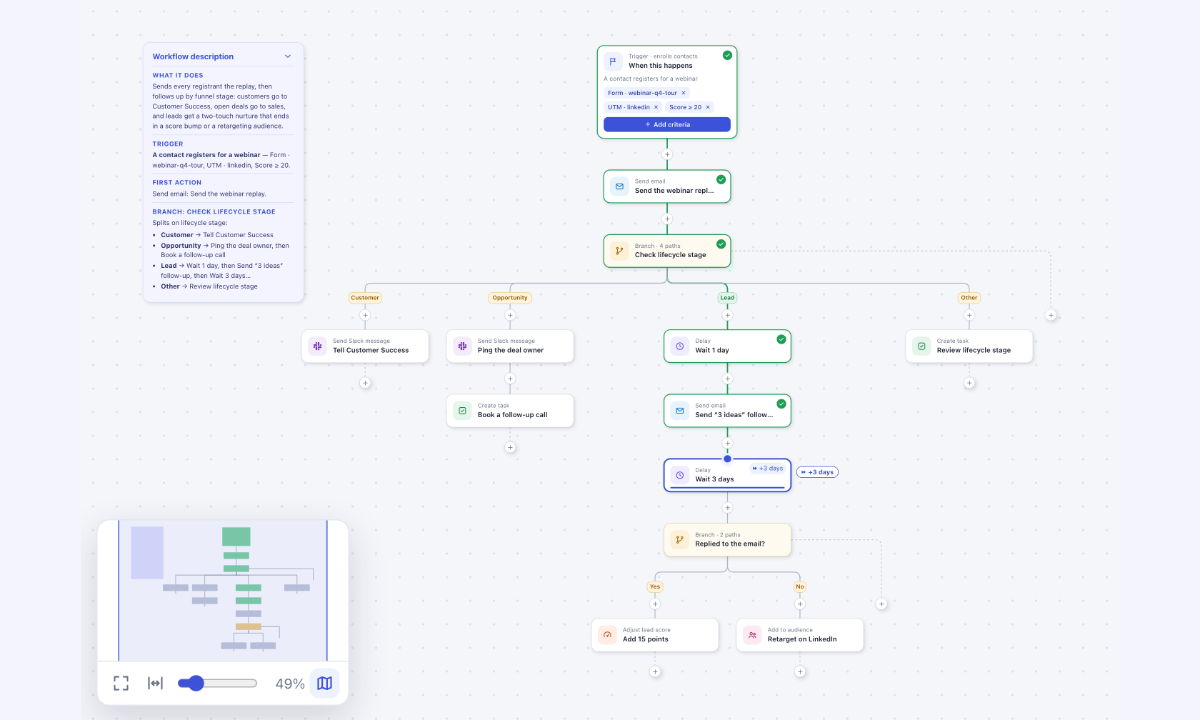
A top-down marketing automation builder: a trigger with removable criteria chips, a spine of steps, Branches whose paths fan out under chips, a computed layout that re-flows with a short animation on every edit, a "+" on every line and at the end of every path, a property panel with a hint under each field, undo for everything, Save / Load, and a Test flow in which a token walks a sample contact through the automation while delays fast-forward.
NewData modeling studio→
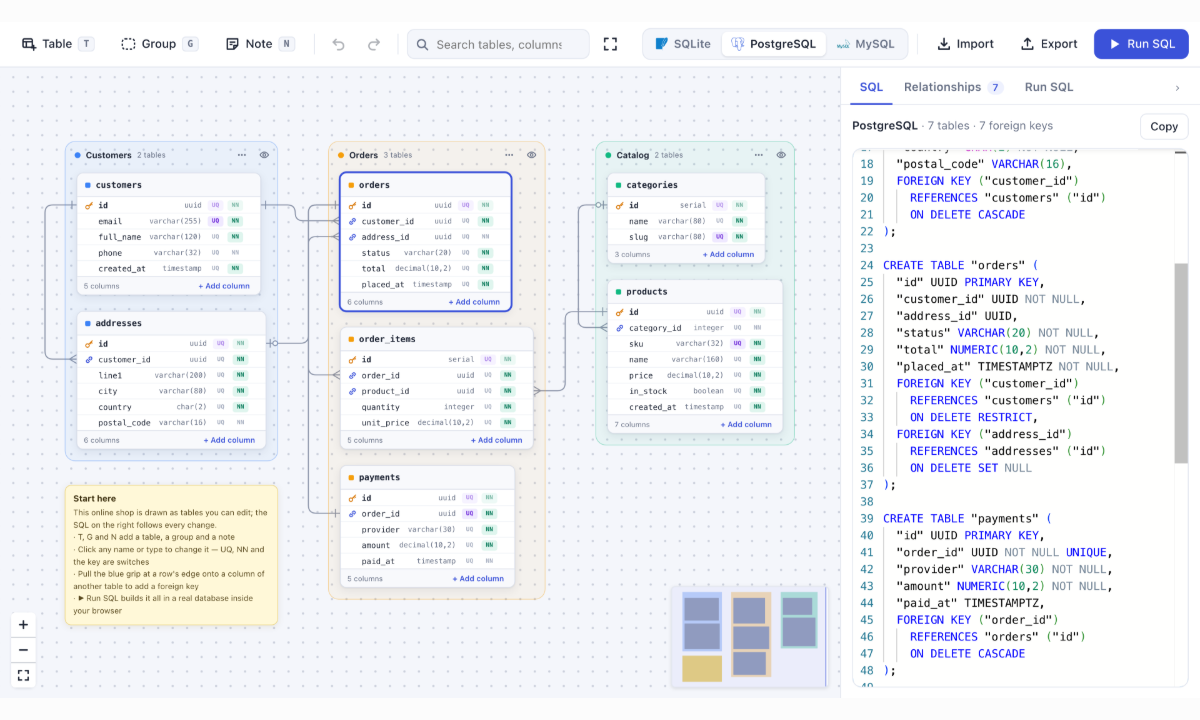
Design a database on the board and get live SQL: table cards with inline names, types and UQ / NN switches, foreign keys made by dragging a column's grip onto another table, coloured groups that fold away, DDL for SQLite, PostgreSQL or MySQL that rewrites itself on every edit, DDL import and export, and a query runner that builds the schema in a real in-browser database — all of it undoable.
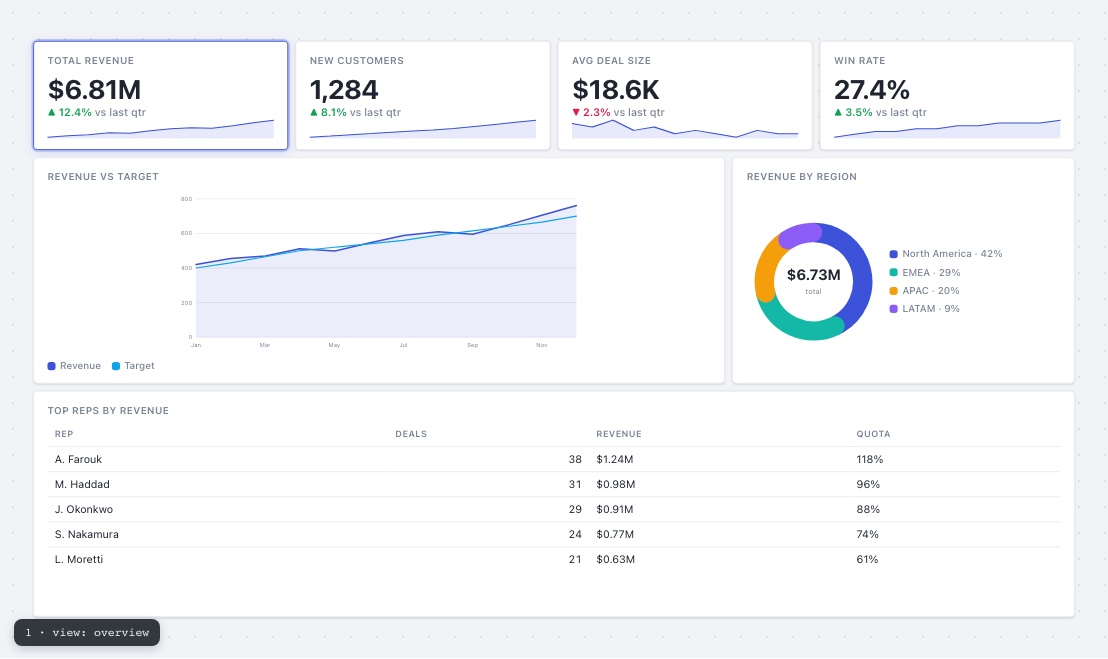
Dashboard builder→
A dashboard-builder app authored with the kit's DATA-FIRST API: `dashboard({ views: [{ widgets: [{ id, kind, span, rows, data }] }] })` — three tabbed views declared as plain data, no groups/nodes/cells assembled by hand, and every chart drawn by the kit's built-in renderers (kpi / line / bar / donut / funnel / table) from this page's own dataset. render() wires the rest: ONE flat 12-column PACK grid per view, so drag a tile and neighbours slide out of the way live around a truthful placeholder; resize from the corner and only that tile changes; pinned tiles refuse the mover; Esc restores; palette drag-in and drag-out-to-remove; fit/grow sizing — every gesture ONE undoable BatchCommand, from the @grafloria/element front door.
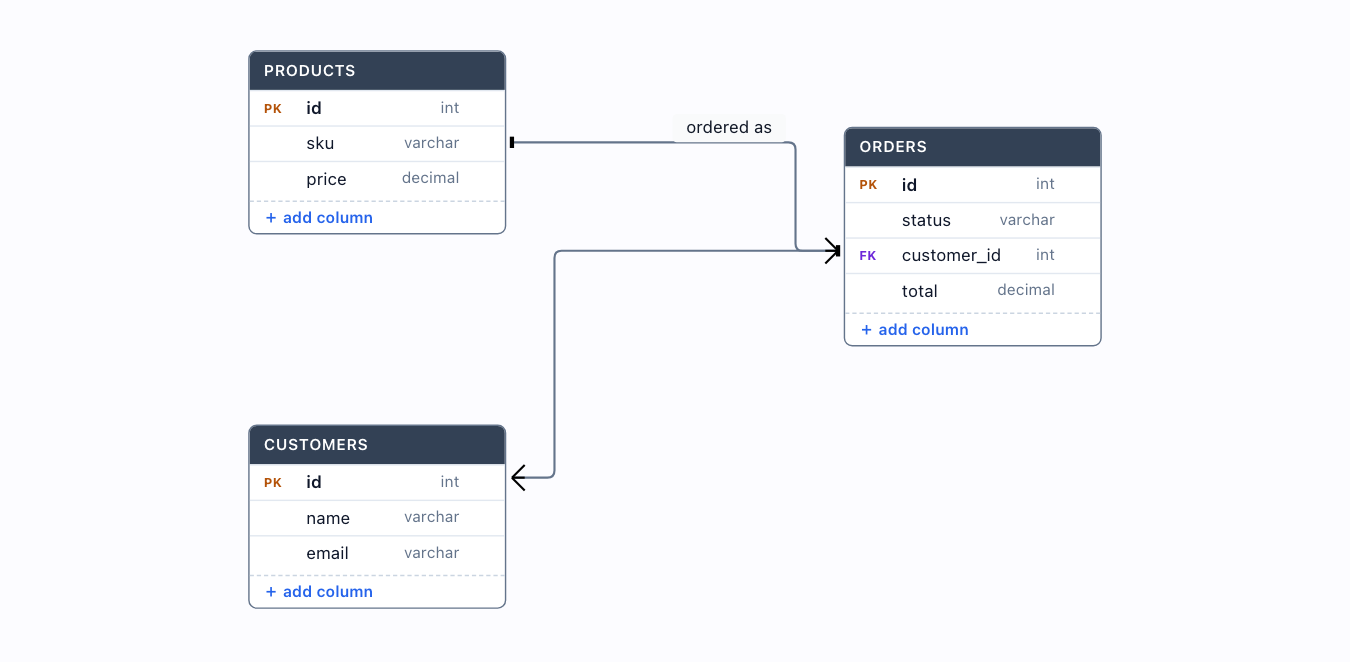
ERD editor (in-canvas editing)→
The erDiagram() kit with editable:true — rename tables & columns in place, add and delete columns, all as undoable edits. Field ports and FK→PK edges reconcile automatically, so an edge never comes unglued when the rows shift.
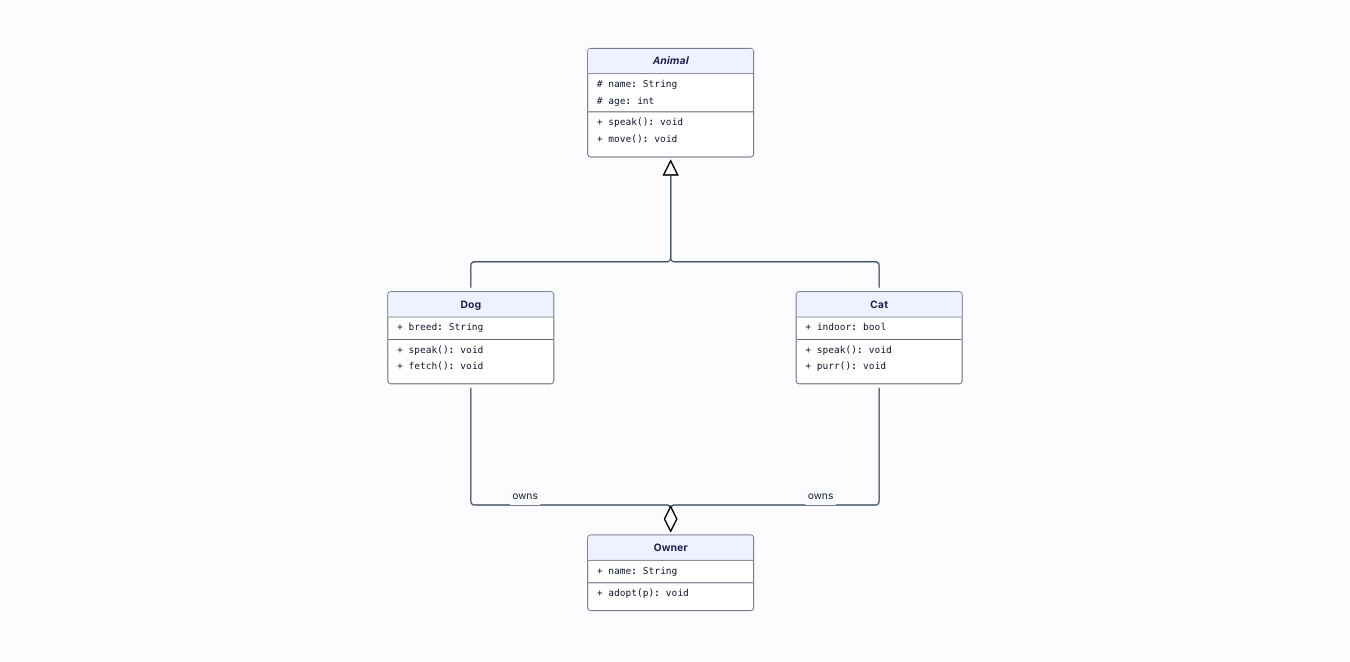
Class diagram (UML)→
A UML class diagram from PURE DATA via the reusable umlDiagram() kit: class boxes with name / attributes / methods compartments, hollow-triangle inheritance and hollow-diamond aggregation — look, selection and routing all from the kit.
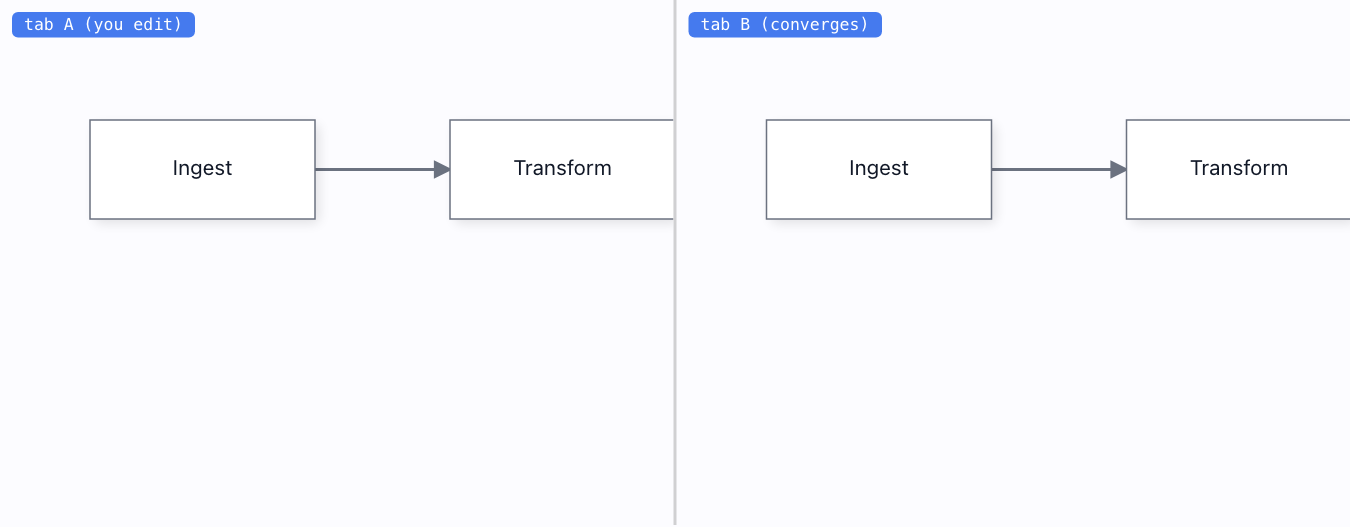
Two tabs, live→
Real cross-tab multiplayer over BroadcastChannel — no server. Edit one instance, the other converges through a per-property CRDT.
Edge routing→
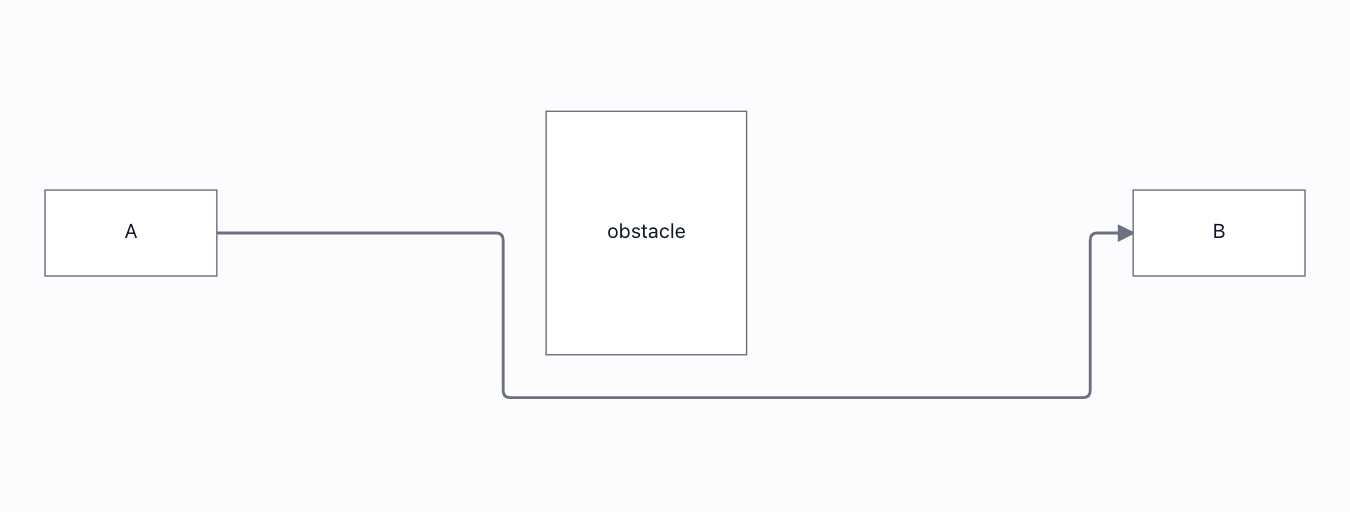
A Manhattan route that dodges an obstacle: asserted to be orthogonal AND to never cross the obstacle rectangle. Re-routes live when the wall moves or vanishes.
Turbo flow→
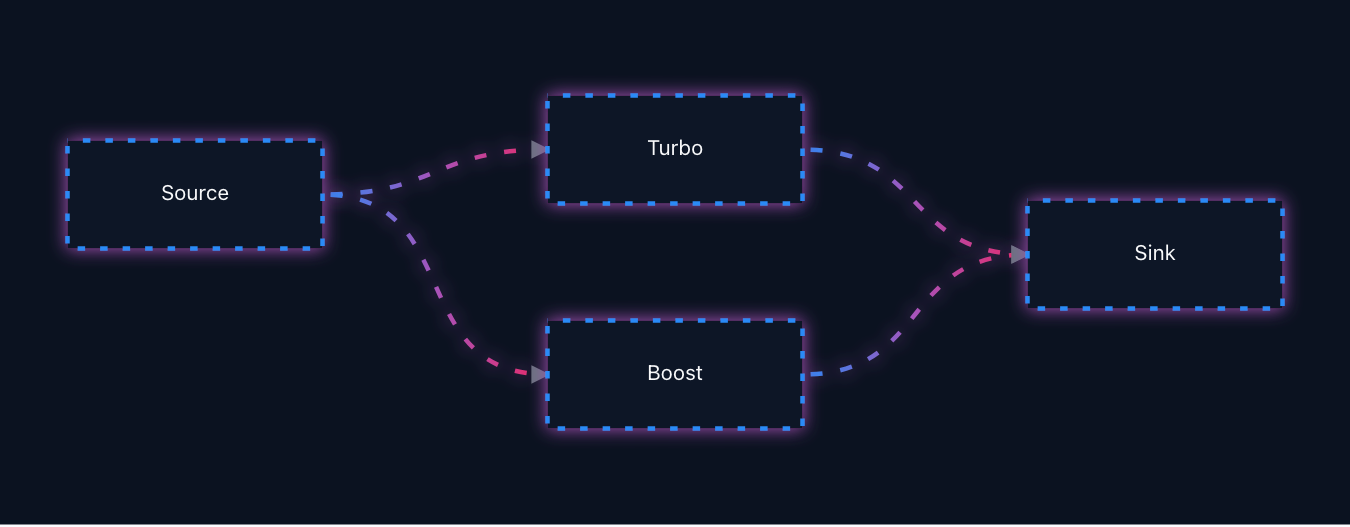
Glowing animated gradient edges and node borders, all through the public style API.
Execute flow (node statuses)→
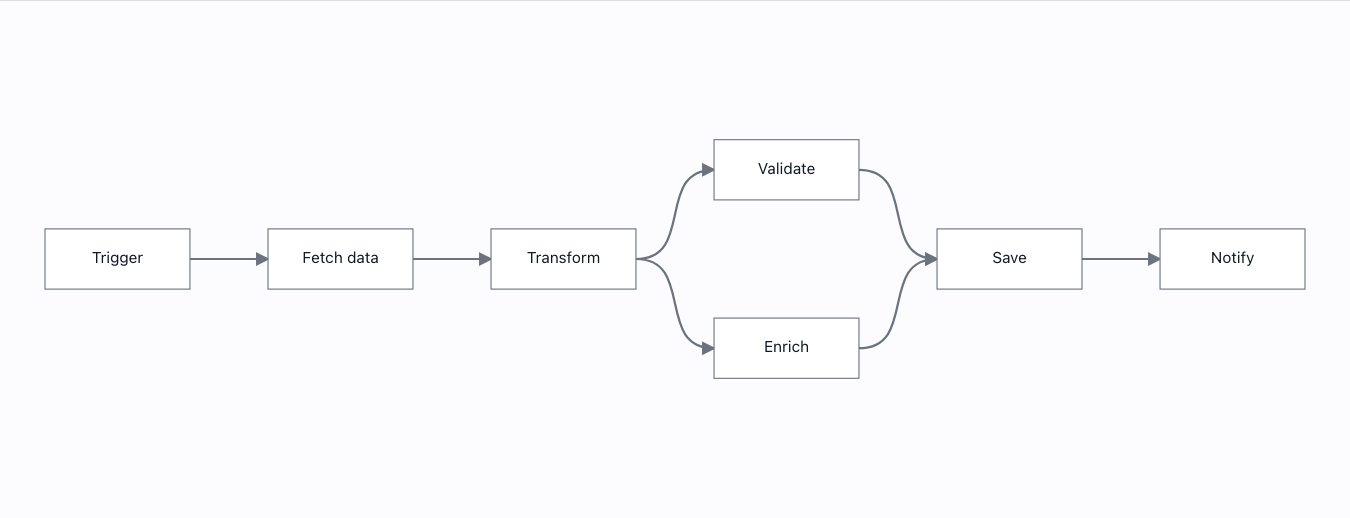
Run the workflow like n8n: nodes pulse while running, the active wire animates in your chosen style (marching ants / flow / pulse / dash flow, any speed, either direction), a failure halts the run, a warning does not, a live run can be paused, stepped while paused, and continued — and every status keeps a static affordance under reduced motion. All node.state.status + link style.animation machinery.
Swimlanes→
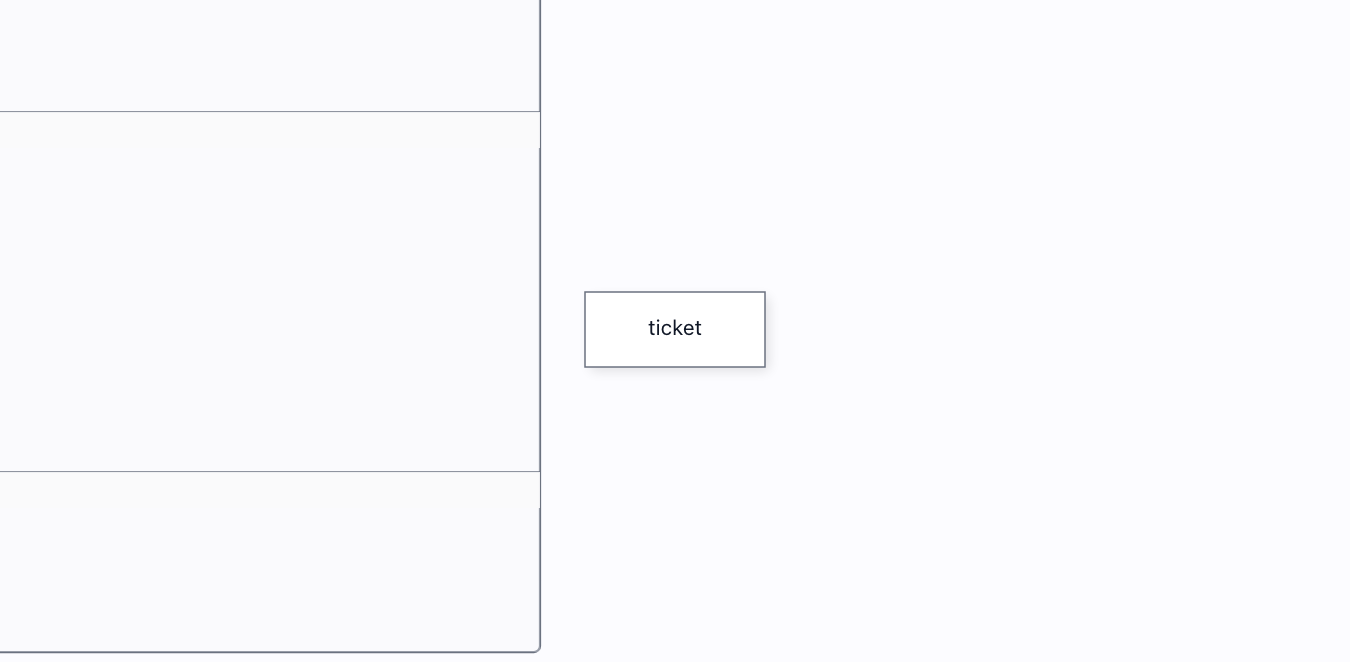
A pool of weighted lanes you can work in by hand: drag tickets between lanes, drop new ones in, and they never leave the pool. Grab a lane to move the whole pool.
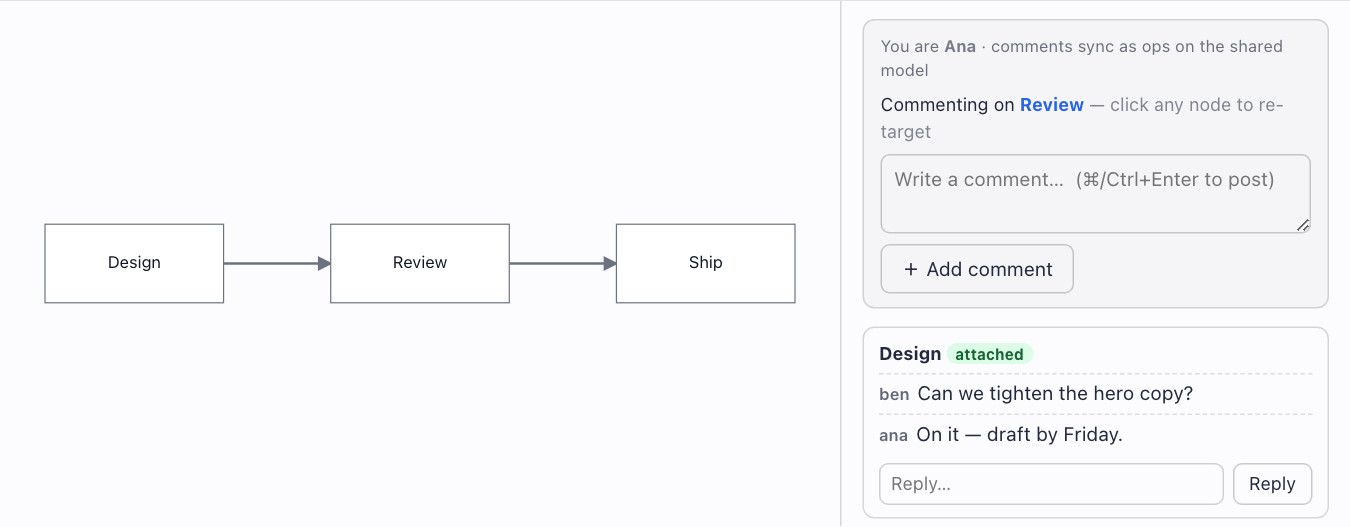
Threaded comments→
Write a comment on any node and reply in-thread — then delete the node and the thread is orphaned, not destroyed. Concurrent replies both survive (one register per message).
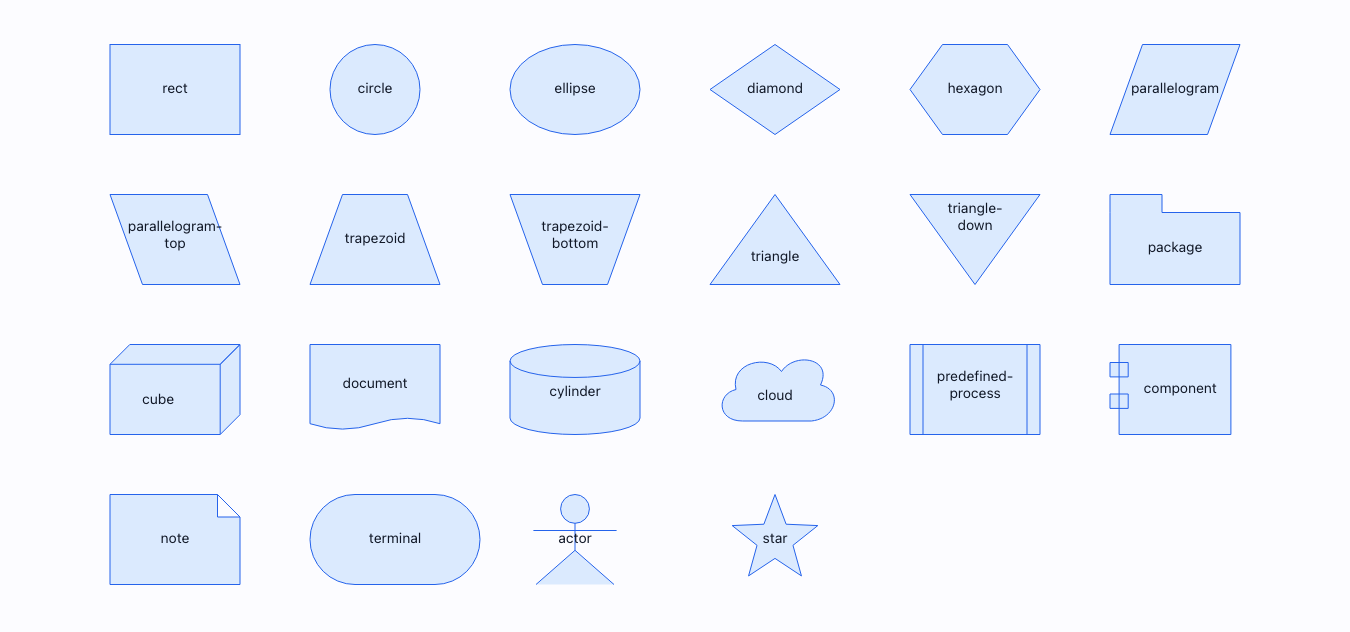
Shapes→
21 built-in figures, each a full ShapeDefinition — and registerPathShape() adds a custom silhouette whose links attach to its real edge — the full shape pack, MIT.
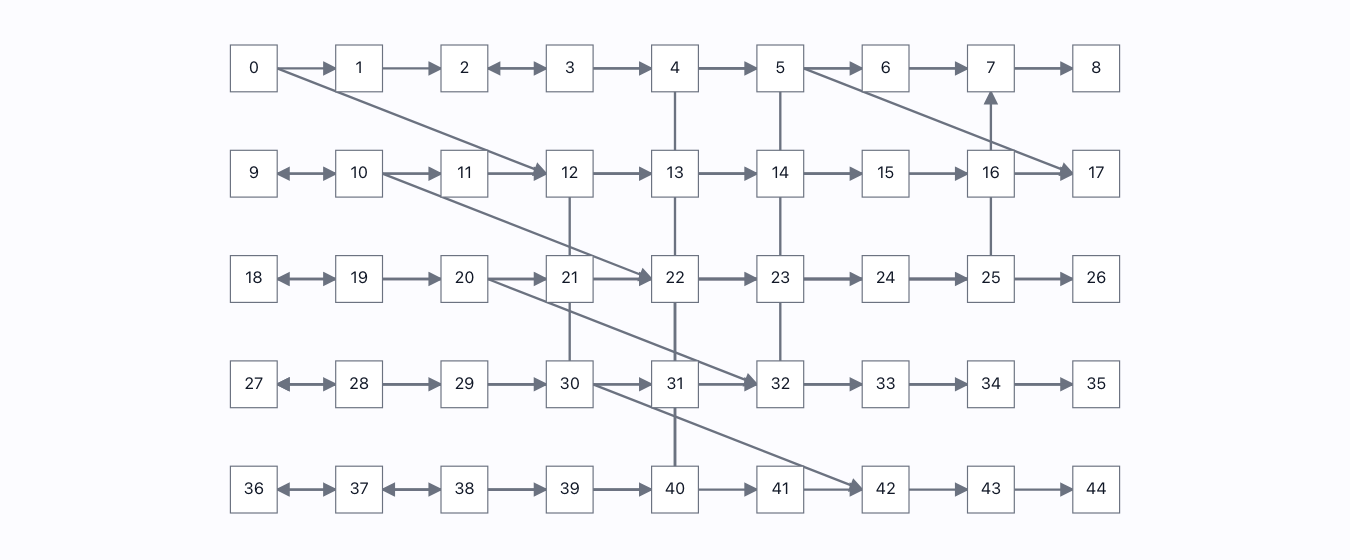
Off-thread layout→
Force layout in a REAL Worker via engine.setLayoutPort(): progress streams from the other thread, a cancel lands mid-run and keeps the partial result, and the main thread keeps ticking the whole time.
Nodes 18
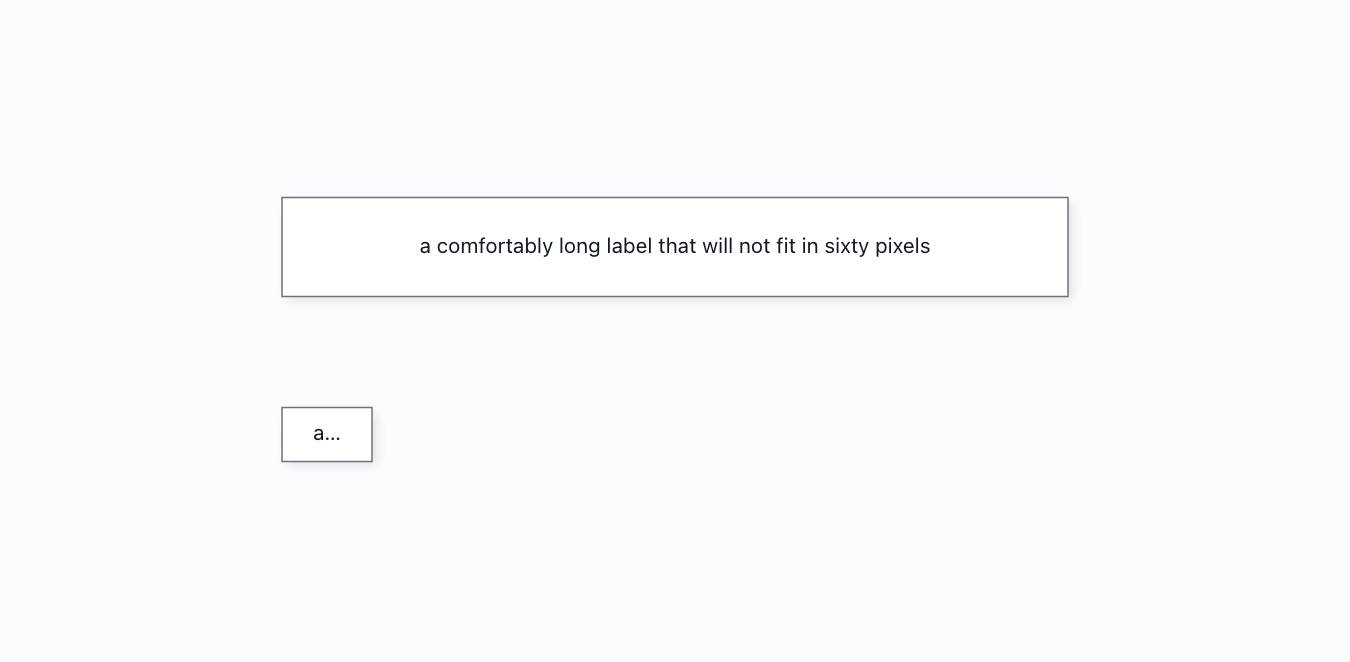
Auto-sizing→
Opt a node into content-aware sizing (metadata.sizing.auto) and it grows to fit its label on the very next frame — no manual measuring, and it re-fits when the text changes.
Connection limit→
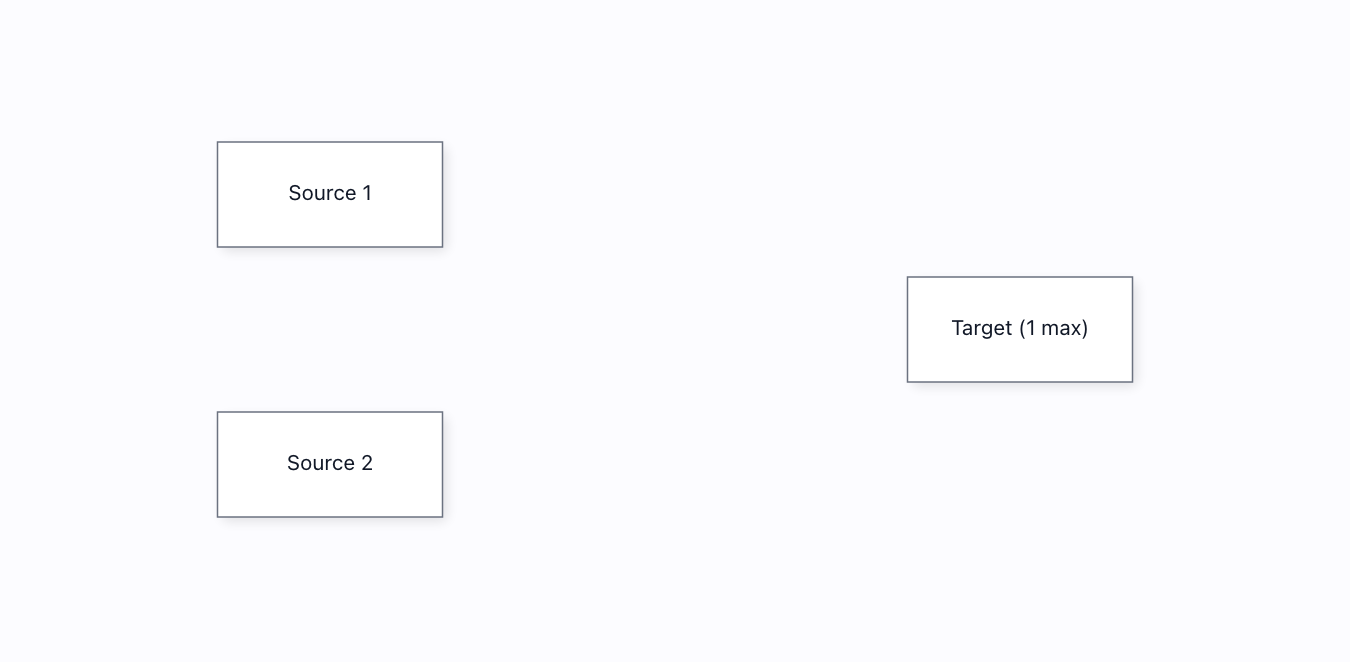
A port declares maxConnections:1 and REFUSES a second wire — vetoed inside the real drag, not by disabling the UI. Drawn with genuine pointer events; the refusal leaves the model untouched.
Custom nodes→
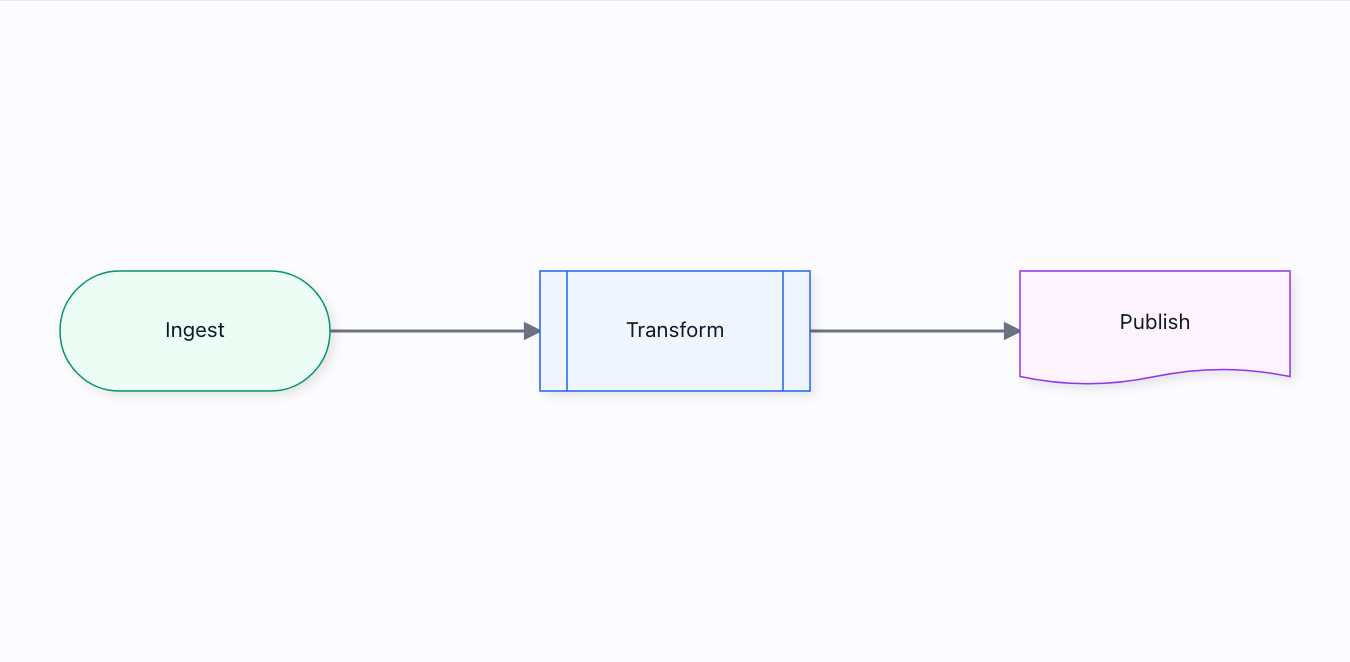
Arbitrary content inside a node — and the node still hit-tests, routes and serialises like any other.
Delete the middle node→
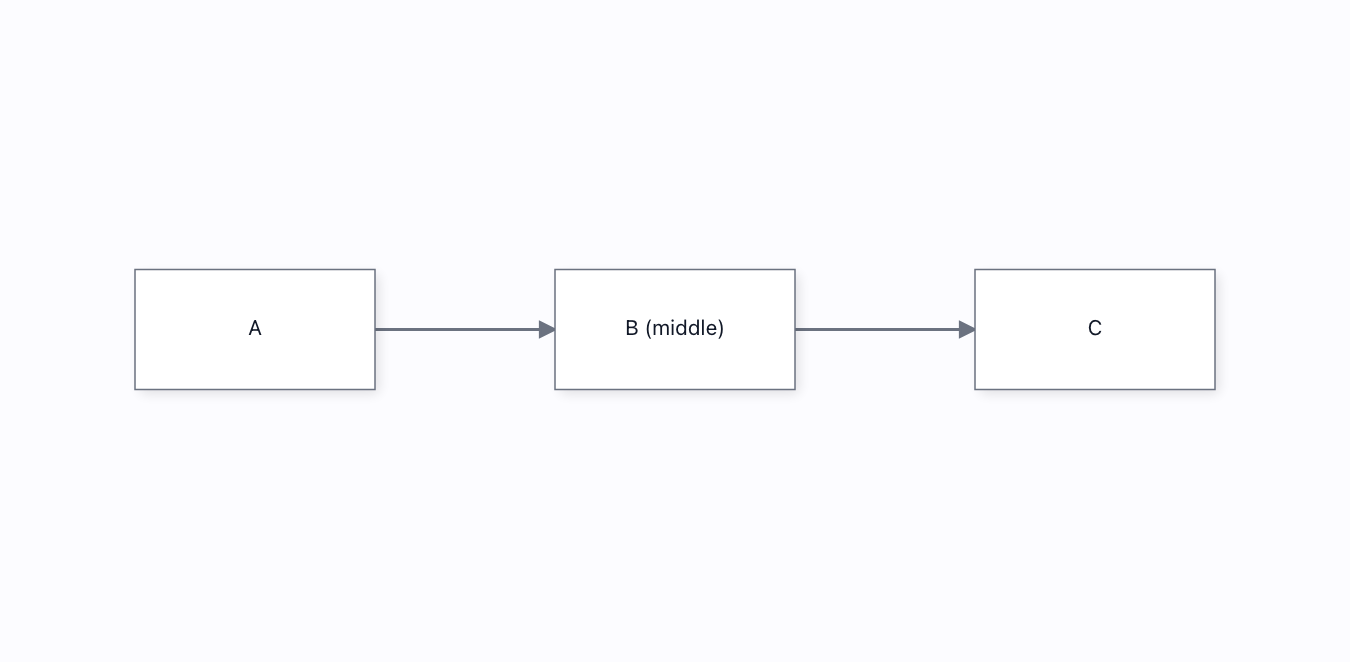
Delete B out of A→B→C and the chain HEALS: its two edges cascade away with it, and a fresh A→C wire bridges the gap. Built from getLinks() + the shipped link command, so the bridge is a real, undoable edge.
Drag handle→
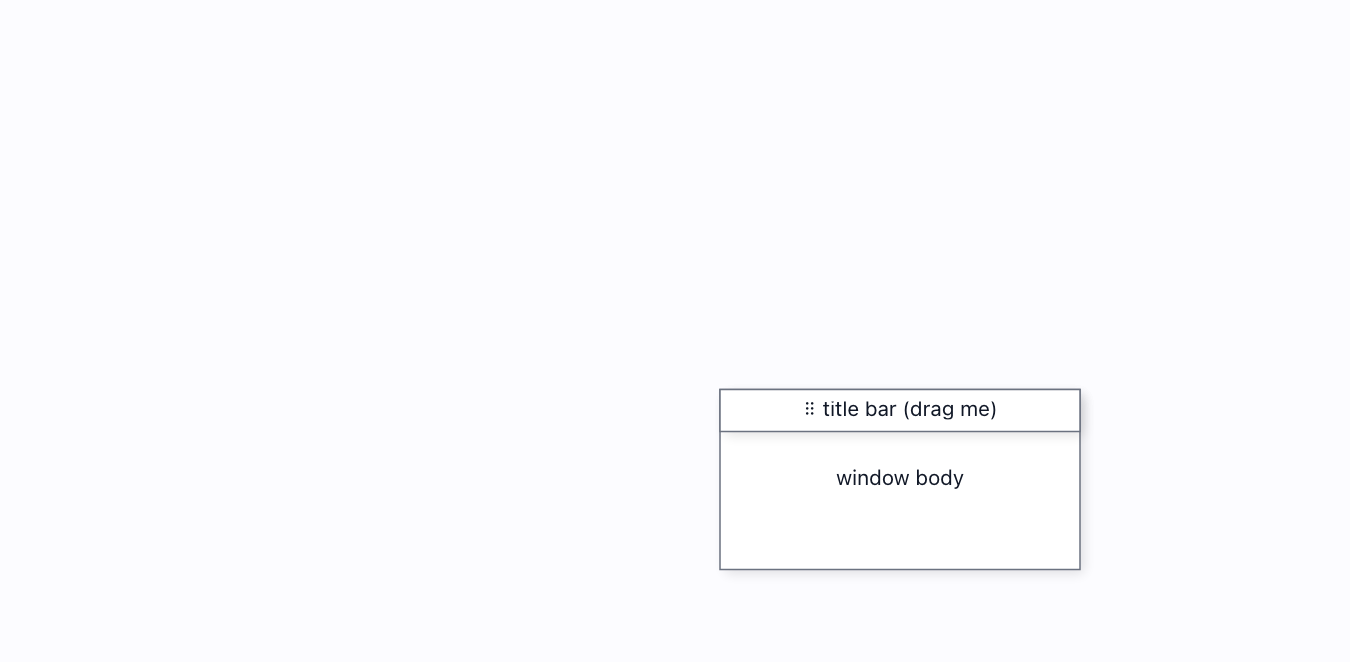
A designated grip drags its parent — and ONLY the grip: the body selects but no longer drags, and the handle is chrome (no ports, no wires). Press the title bar and the window moves through the real drag pipeline.
Easy connect→
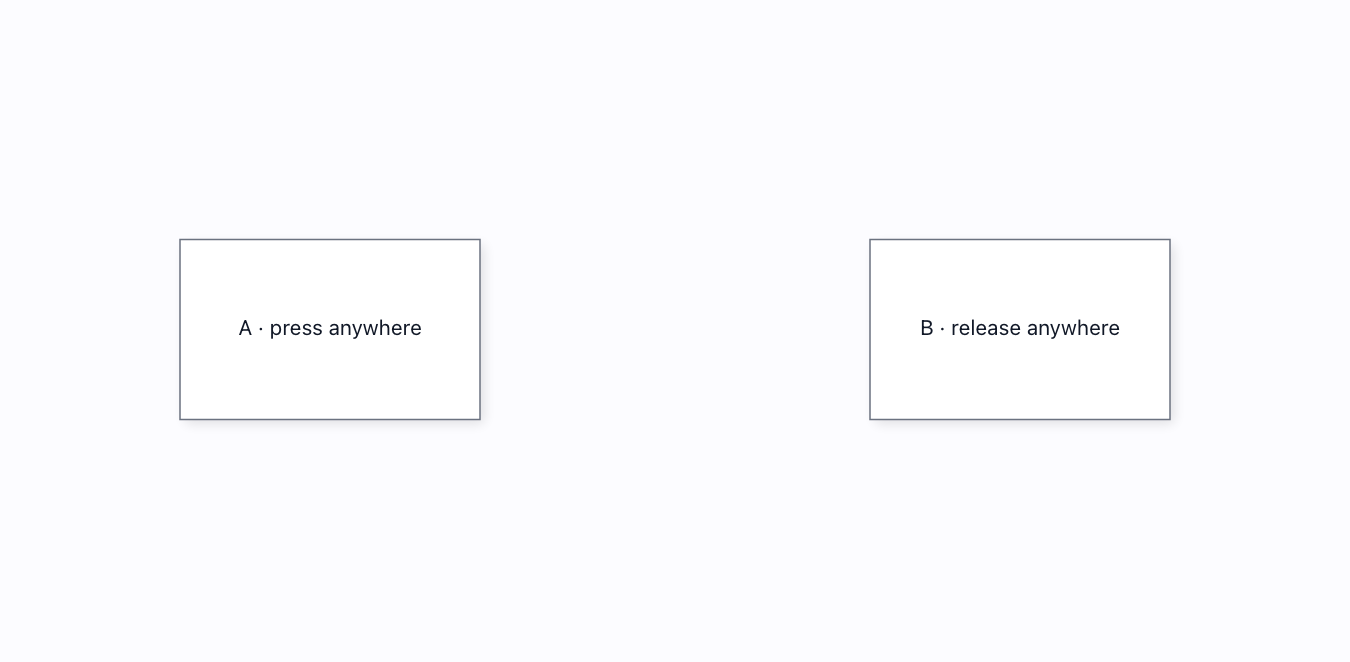
The whole node is a connection handle: press anywhere on one node, release anywhere on another, and they wire up — no need to hit a tiny port. Real pointer drag; a real link.
Edit label in place→
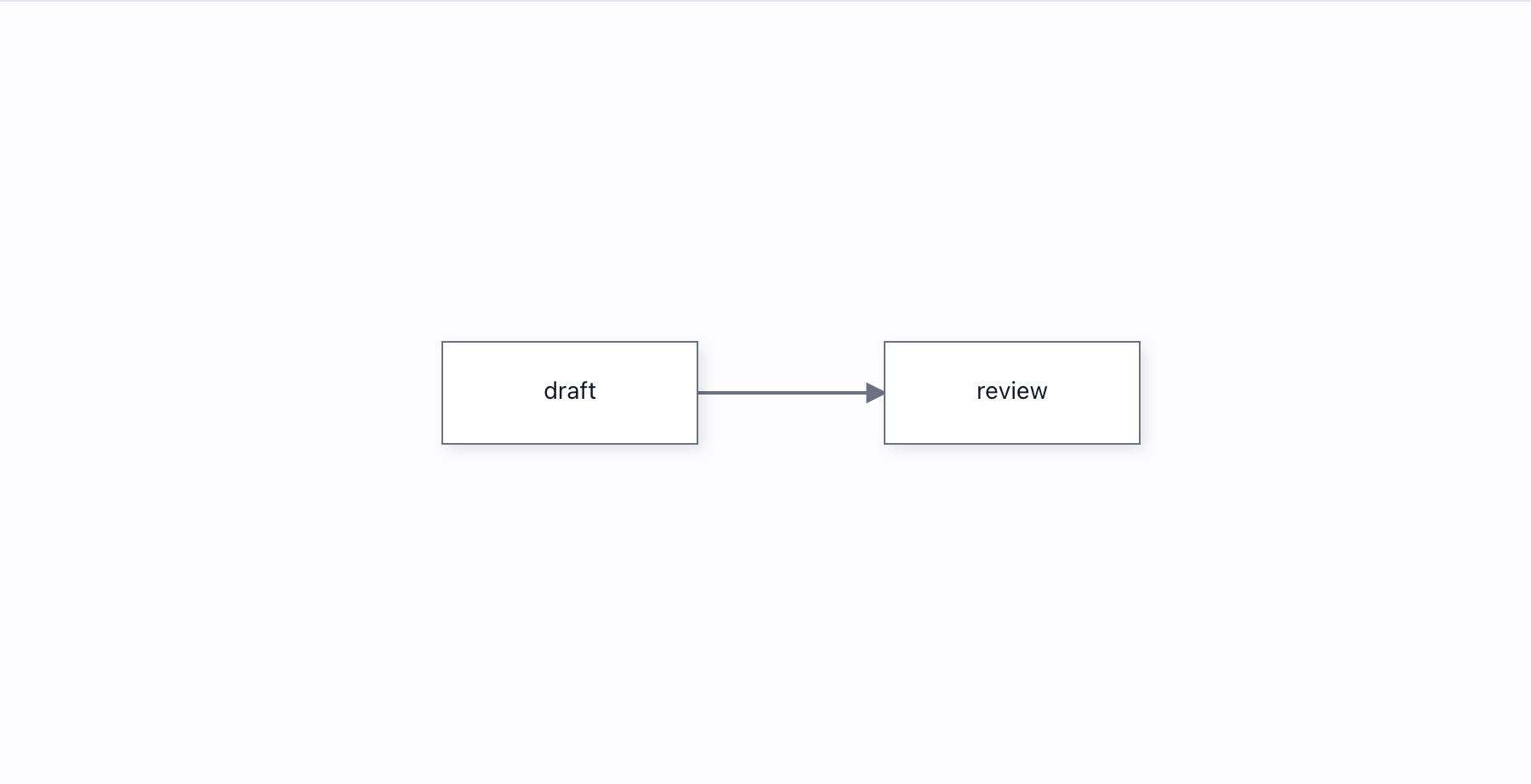
Double-click a node and type — the label edits in place, commits on Enter or blur as ONE undoable step, and Escape abandons the edit.
HTML nodes→
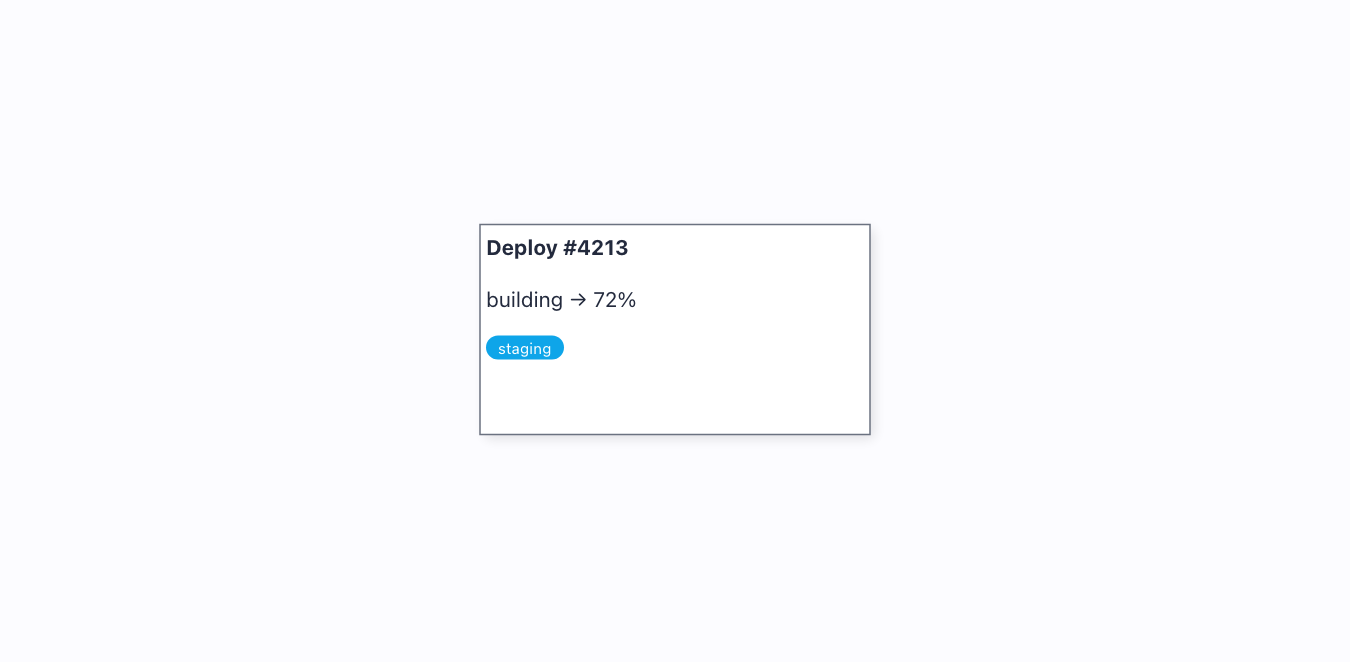
Rich HTML inside a node via SVG foreignObject — sanitised (never innerHTML), and because it lives inside the node’s transformed group it rotates, pans and moves with the node.
Intersections→
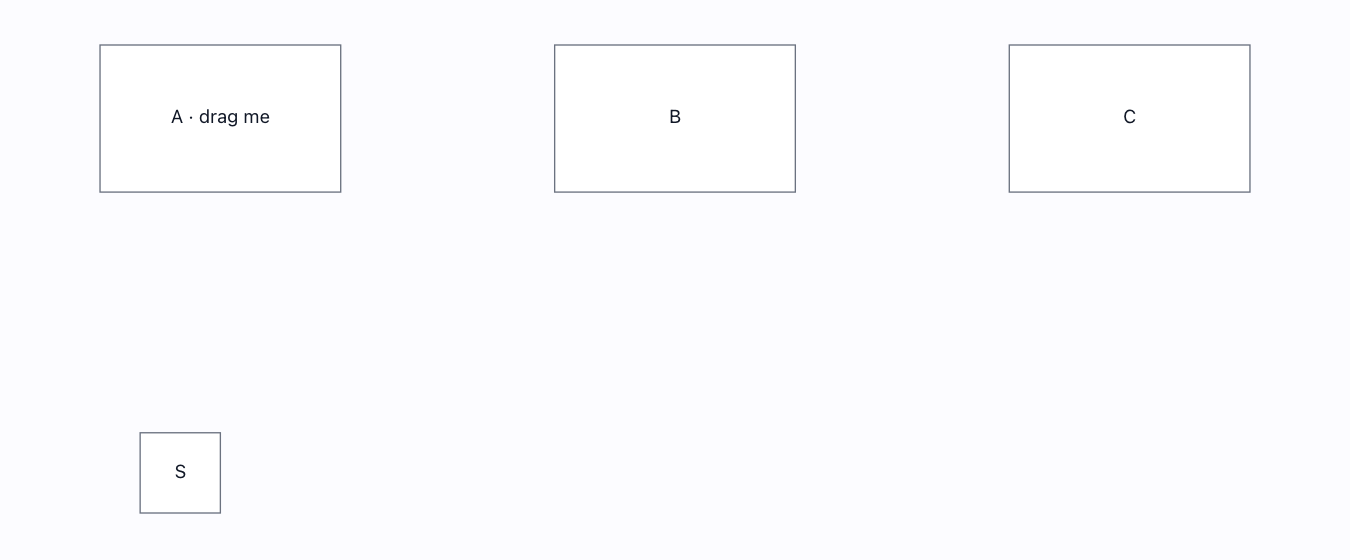
Drag a node and every node it overlaps lights up red, live — createDiagramApi(…).getIntersectingNodes on each move, with overlap vs full-containment (fully:true) both proven.
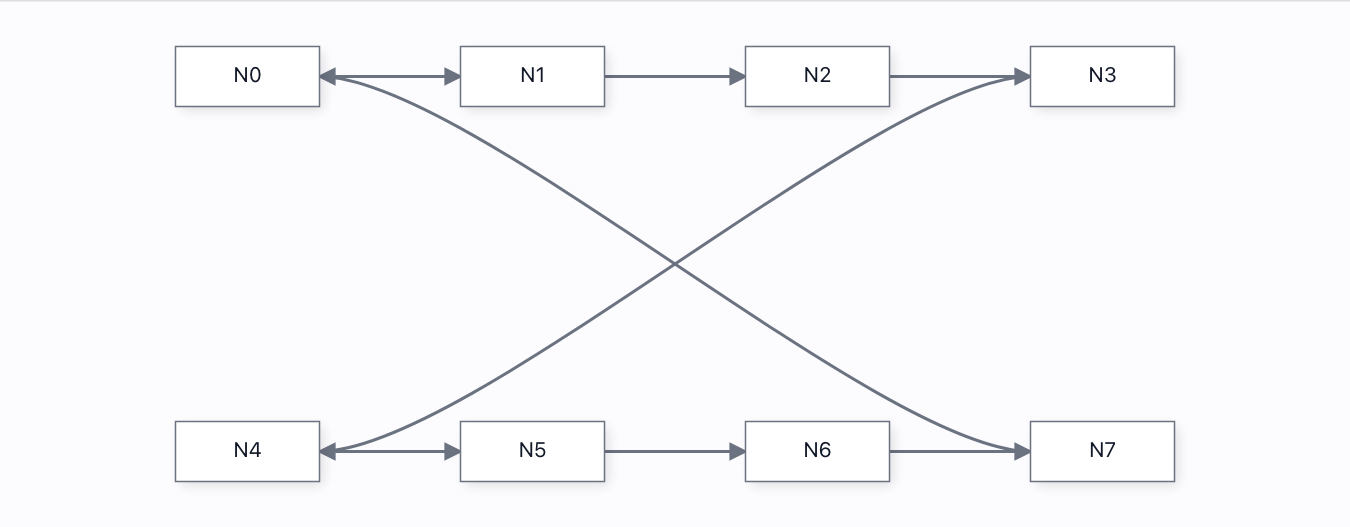
Node position animation→
Eight nodes tween between layouts — grid · ring · row — by writing node.position every frame on an ease-out curve (pure userland — no animation API needed). Proven by sampling a node mid-flight: it is between start and target, AHEAD of a linear curve, lands exactly on target, and both the node DOM and its edges follow.
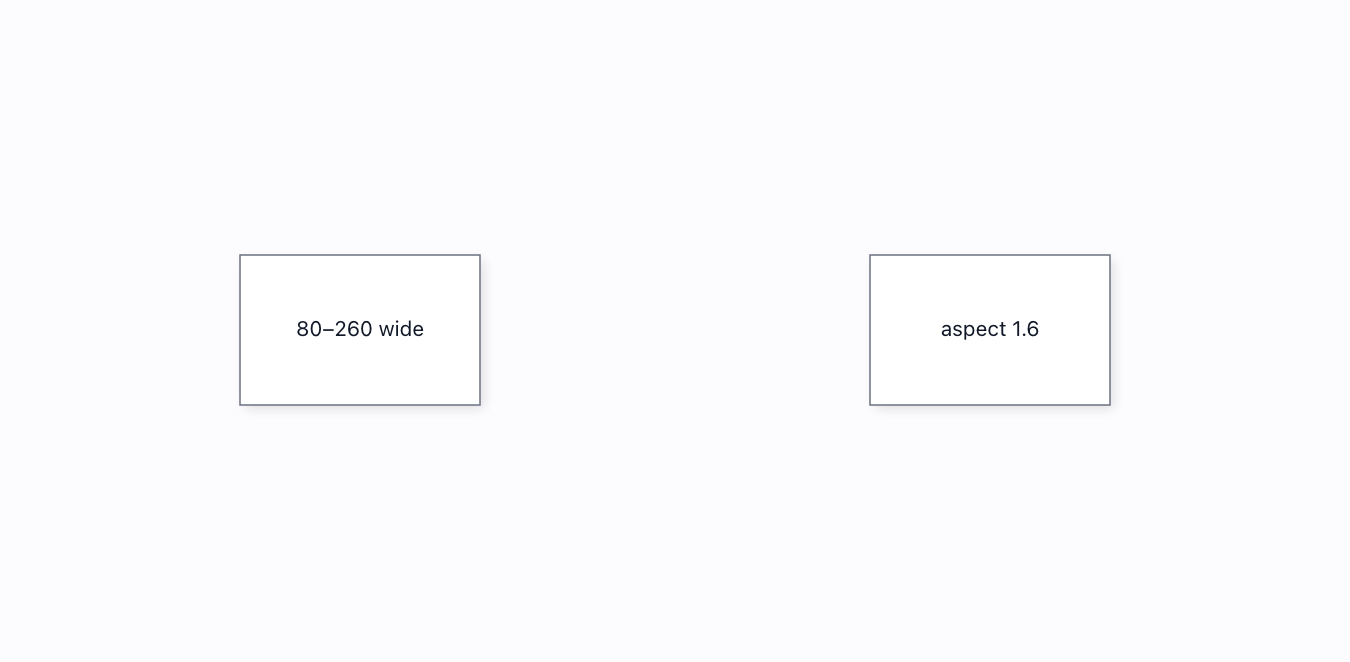
Node resize gesture→
Select a node and the renderer paints the full resizer chrome: four corner dots and four edge lines, each with its own resize cursor, driven by a REAL pointer drag through the default pipeline. Corners resize both axes and pin the opposite corner; an edge line is grabbable ANYWHERE along the border and moves just that edge; the port keeps its glyph (that press draws a wire); min/max/aspect clamp DURING the gesture; one release is one undo step.
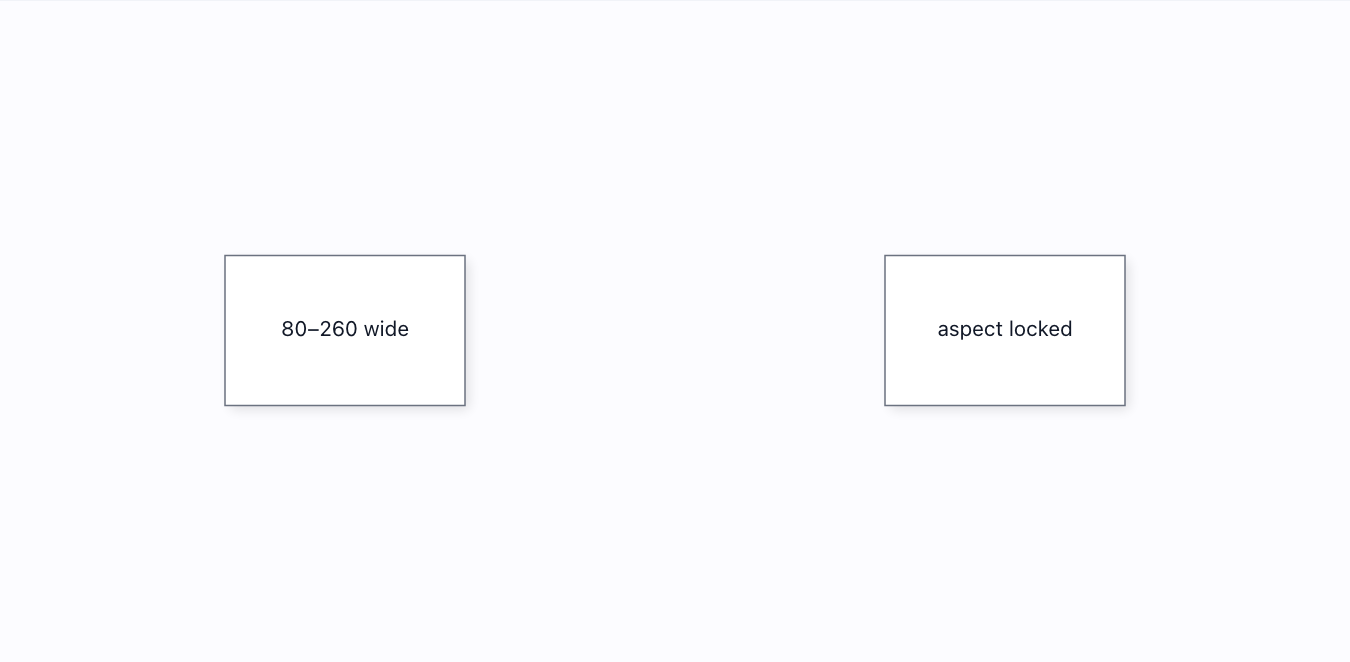
Node resizer→
Two resizers: SELECT a node for the built-in one — painted corner dots + edge lines, per-handle cursors, every handle live — or grab the bottom-right corner WITHOUT selecting for a custom control registered through the public registerTool seam. Both clamp to the node's declared min/max/aspect DURING the gesture.
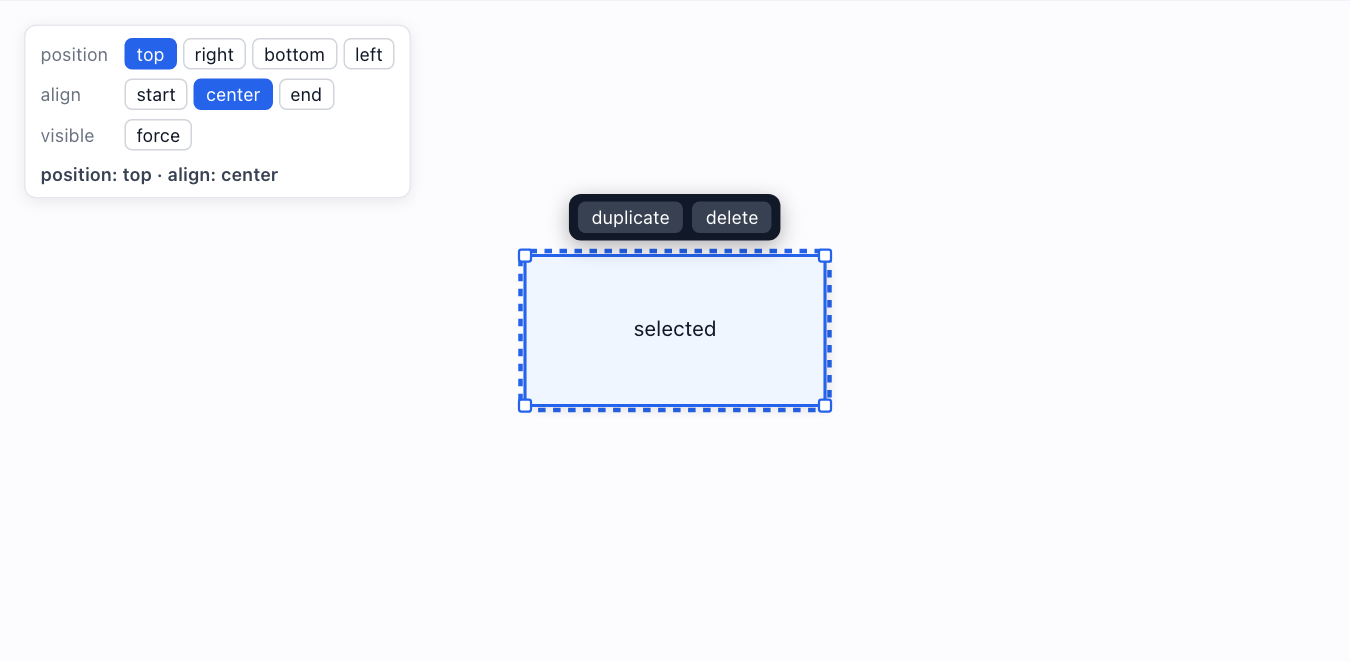
Node toolbar→
A floating toolbar pinned to a node — shown only while the node is selected (or forced visible), placeable on any side with an alignment, and held at a CONSTANT on-screen size so its buttons stay legible at any zoom. It rides the node through pans, zooms and drags; its buttons act on that node.
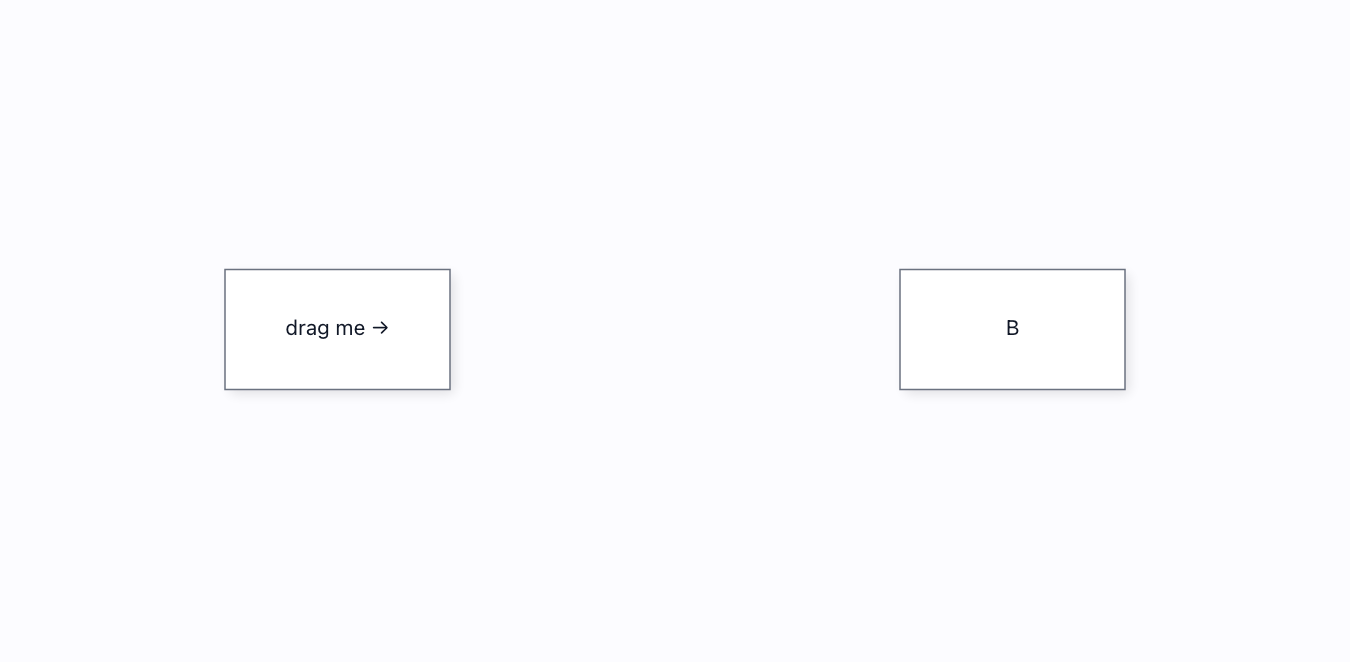
Proximity connect→
Drag a node near another and a dashed wire proposes itself LIVE, then commits on drop — SnapController.findProximityConnection driven from host glue on node:moved.
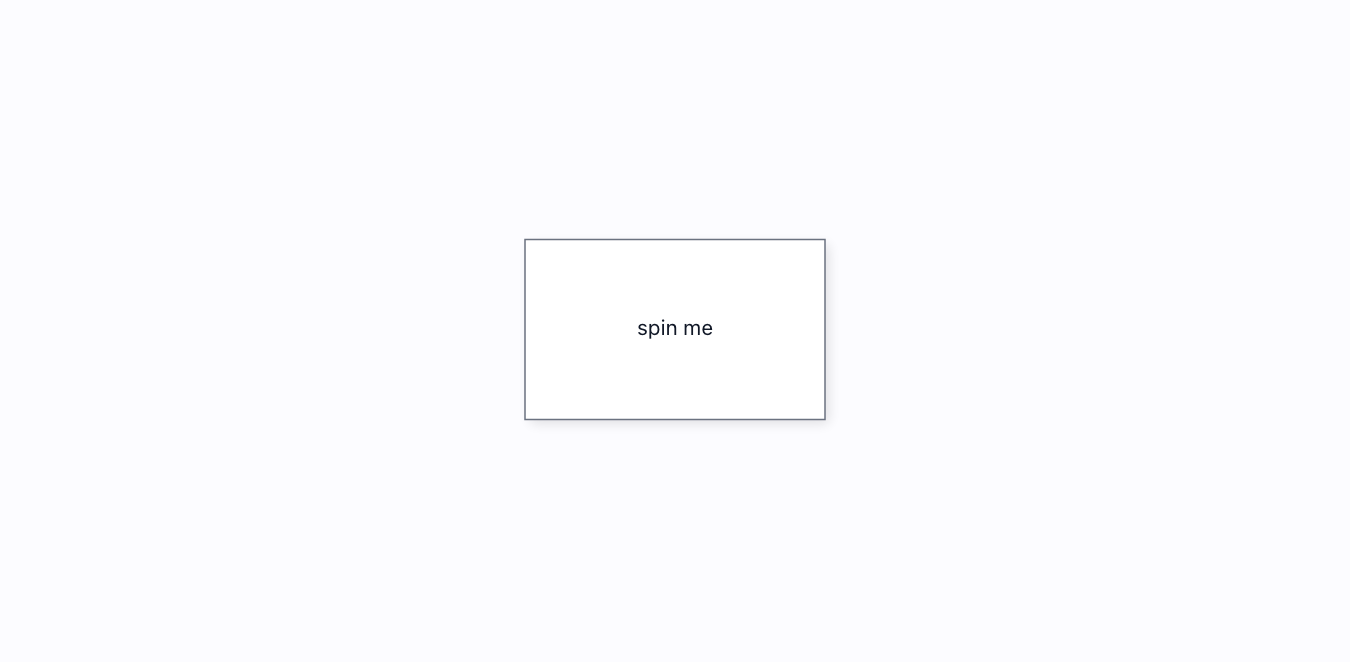
Rotatable node→
A node carries a rotation the renderer bakes into its SVG transform. Set it directly, or spin it with a real pointer drag through the public registerTool seam.
Shapes→
21 built-in figures, each a full ShapeDefinition — and registerPathShape() adds a custom silhouette whose links attach to its real edge — the full shape pack, MIT.

Stress test→
A 900-node mesh. Only the visible slice is ever in the DOM (viewport culling), a full-graph move repaints inside a frame budget, and one call lays ALL 900 out with a real engine — layered / elk / dagre / force / auto, each spreading the mesh in 2D. The strip prints the real layout time, so you can see which engine scales.
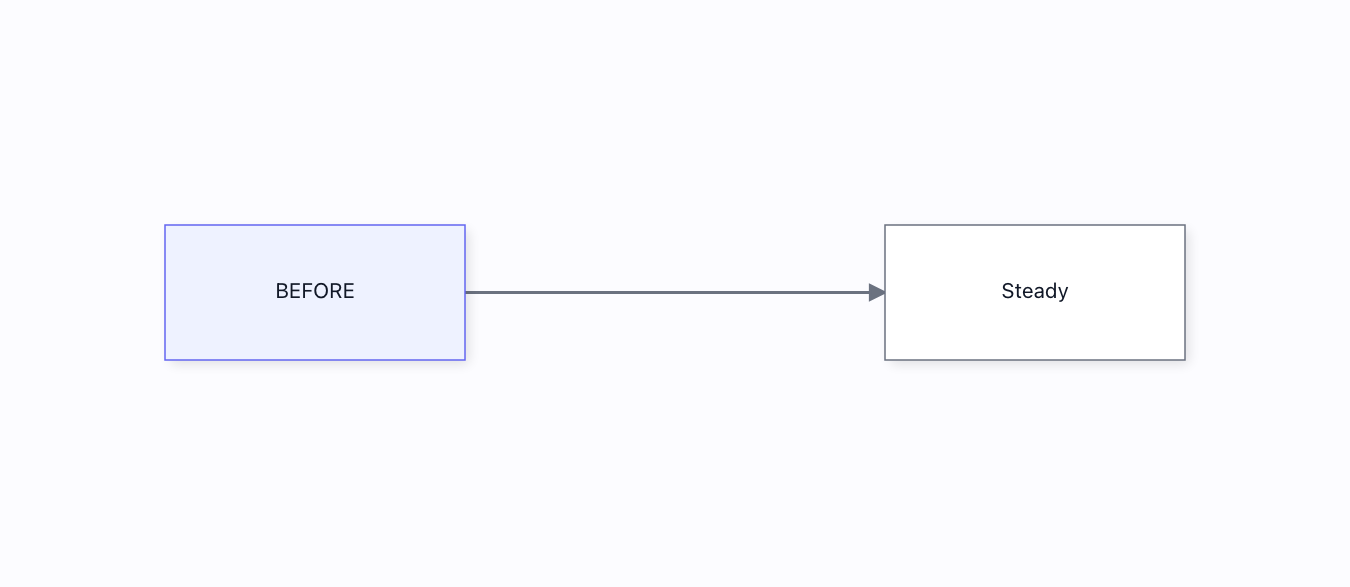
Updating nodes→
Edit a live node from OUTSIDE the canvas — type a label, pick a background, drag the width slider — and it re-renders on the spot. Each control calls a tracked setter (setMetadata, setSize) that bumps the mutation epoch; a raw field write would silently NOT repaint.
Edges 14
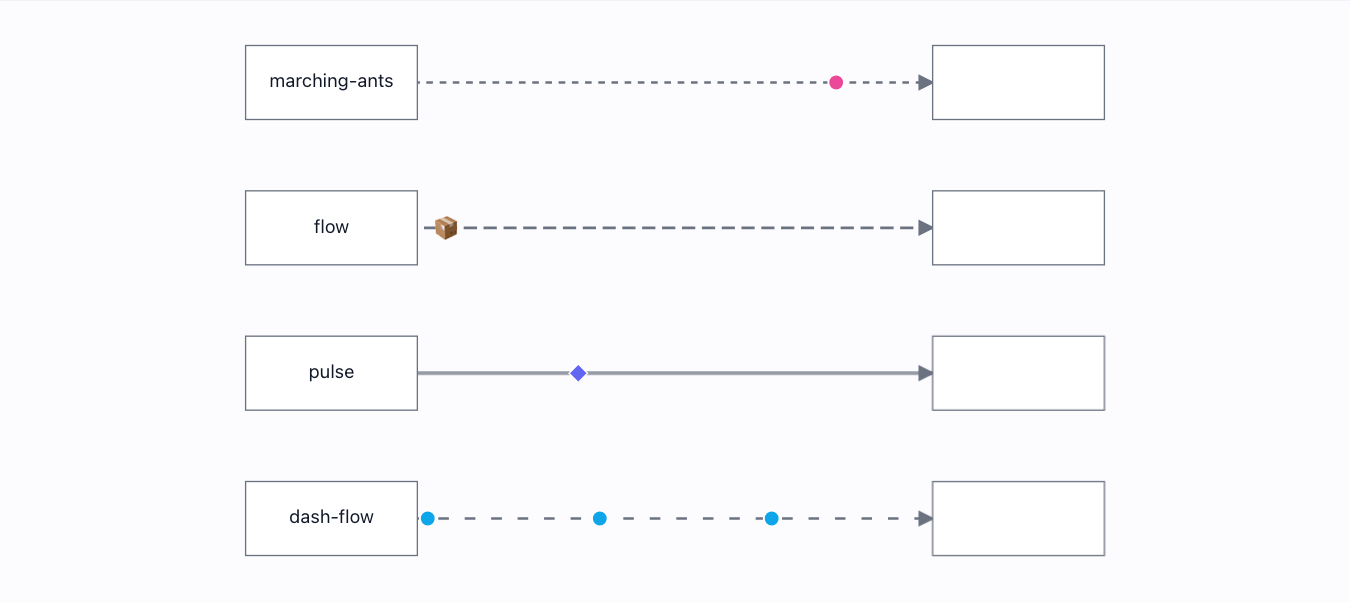
Animating edges→
Two ways to show a wire carrying data: the STROKE animates (four CSS styles) AND a SHAPE rides the wire — a circle, a package, a train of dots travelling the exact painted edge path via <animateMotion>. Asserted by the resolved animation-name, by the token tracking the path geometry, and by real per-frame motion.
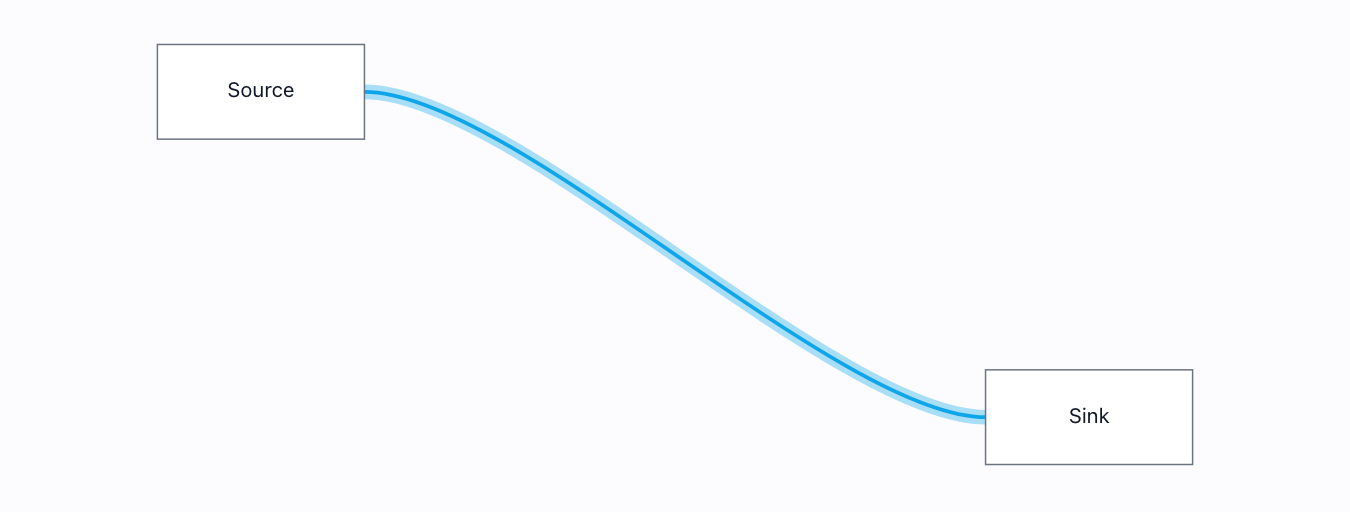
Custom edges→
An author-supplied edge template via registerLinkTemplate() — a two-rail pipe drawn from the routed polyline. Asserted to REPLACE the default edge, and to follow the route.
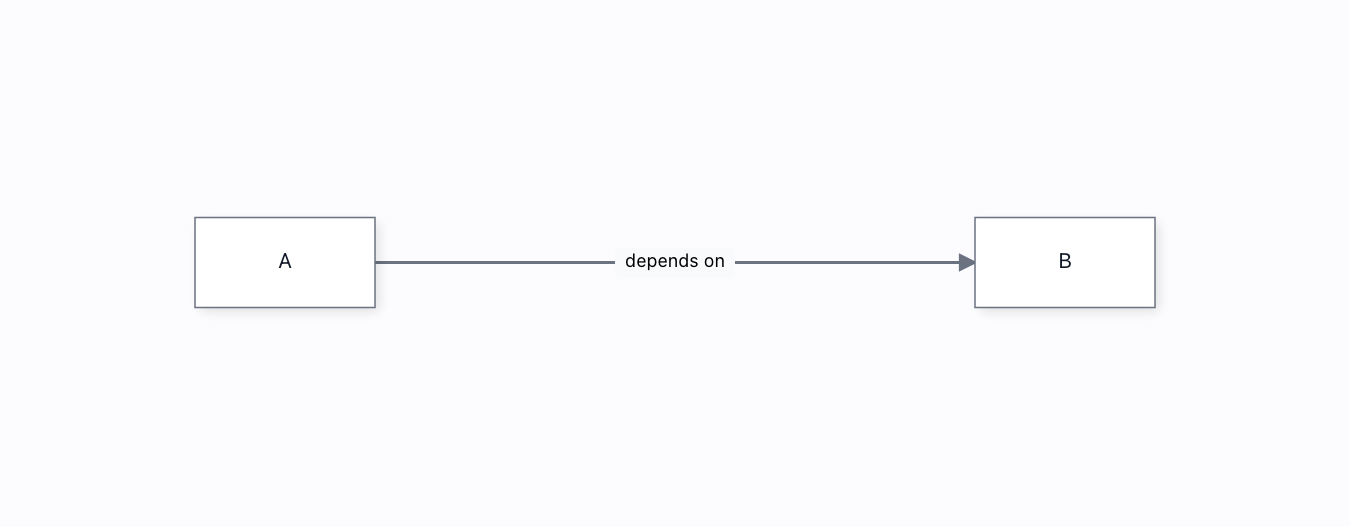
Edge labels→
A label anchored ON the edge — draggable with a real pointer, and re-anchored automatically when the edge re-routes.
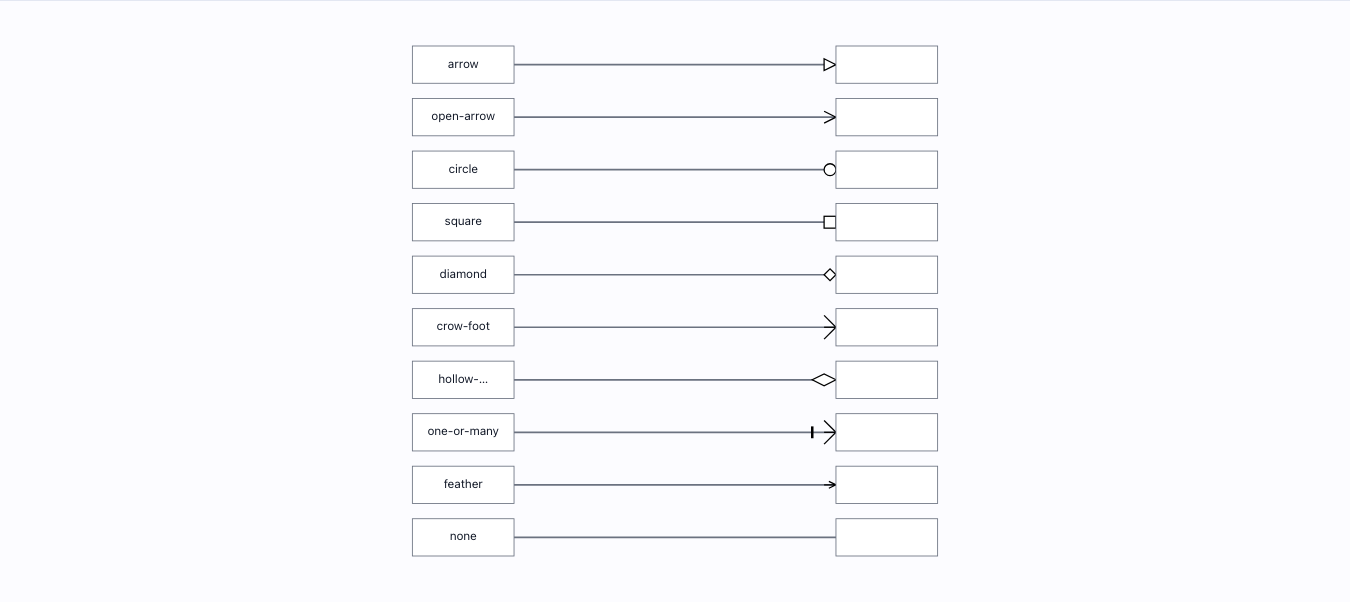
Edge markers→
Eight built-in arrowheads + a custom one via registerMarker() + explicit none — each asserted to render the exact head it asked for.
Edge routing→
A Manhattan route that dodges an obstacle: asserted to be orthogonal AND to never cross the obstacle rectangle. Re-routes live when the wall moves or vanishes.
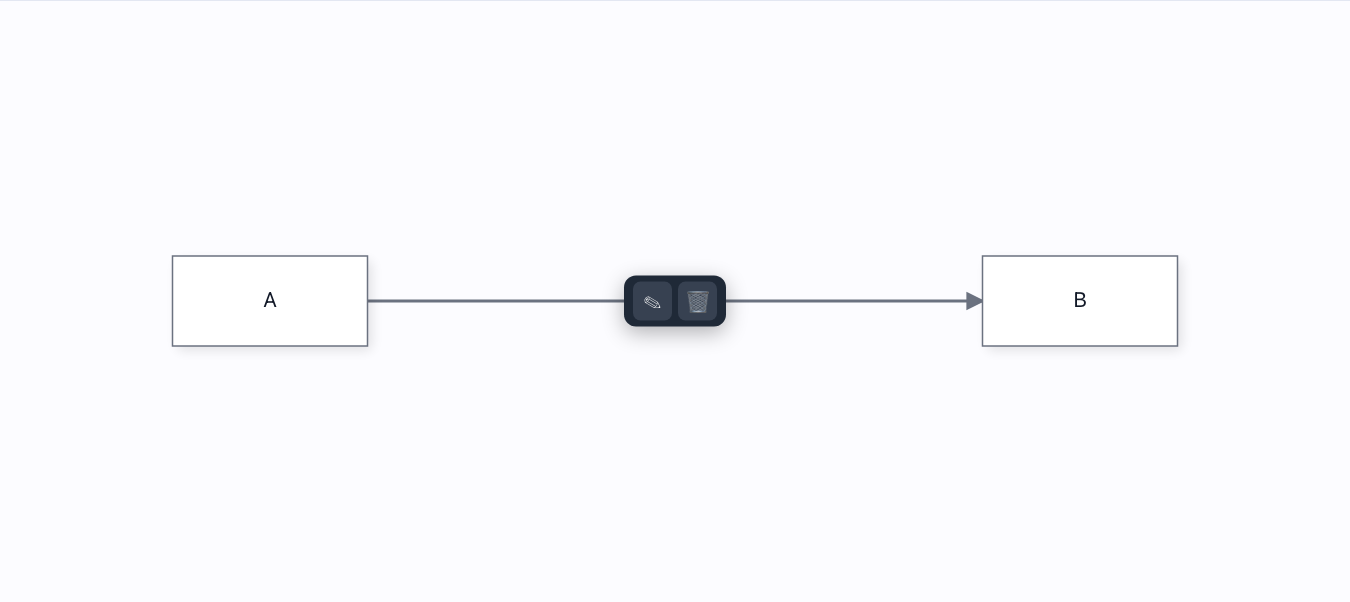
Edge toolbar→
A floating toolbar anchored to the edge via createViewportPortal() — sits at the path midpoint and re-anchors when the route moves.
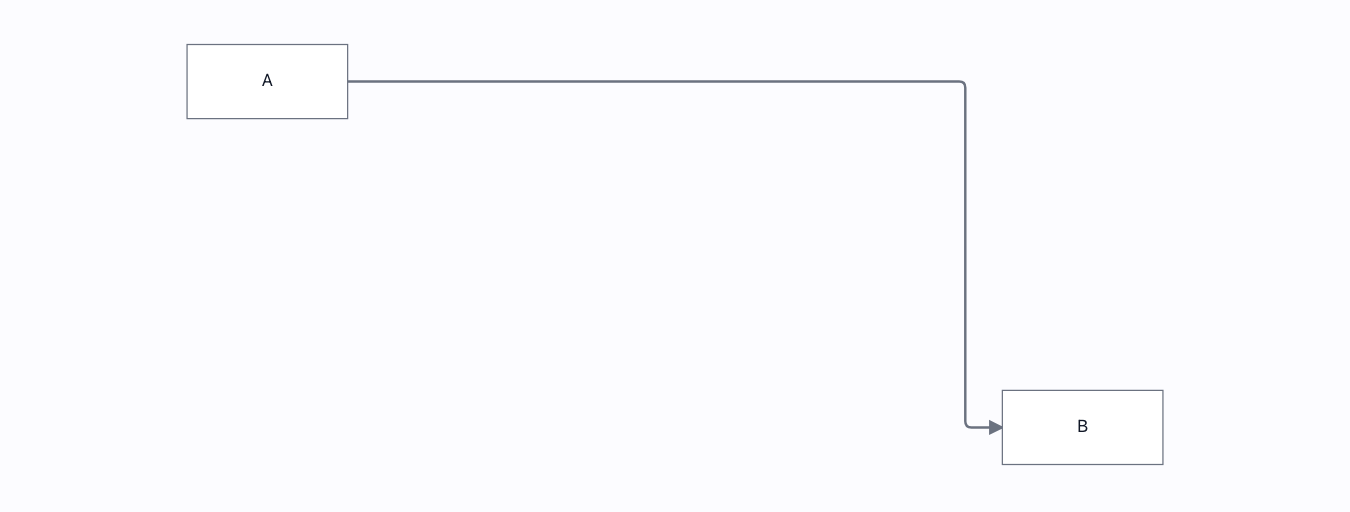
Edge types→
straight · step · smoothstep · bezier — one graph, four edge shapes, driven by EdgeSpec {router, connector}. The route geometry is asserted, not the pixels.
Editable edge→
Click an edge to drop a waypoint, then drag it — the route bends to follow. Driven with real pointer events, and every bend is undoable.
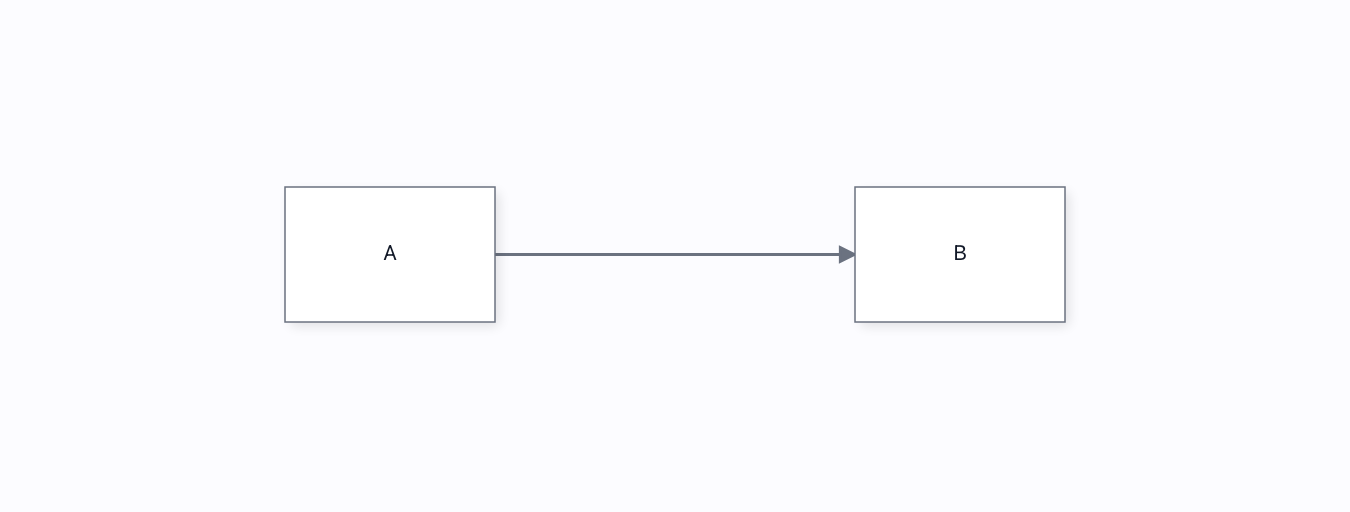
Floating edges→
Endpoints slide to the nearest point on each node's perimeter (draw.io strategy) — asserted by watching the attachment migrate to the side that faces the partner when a node moves.
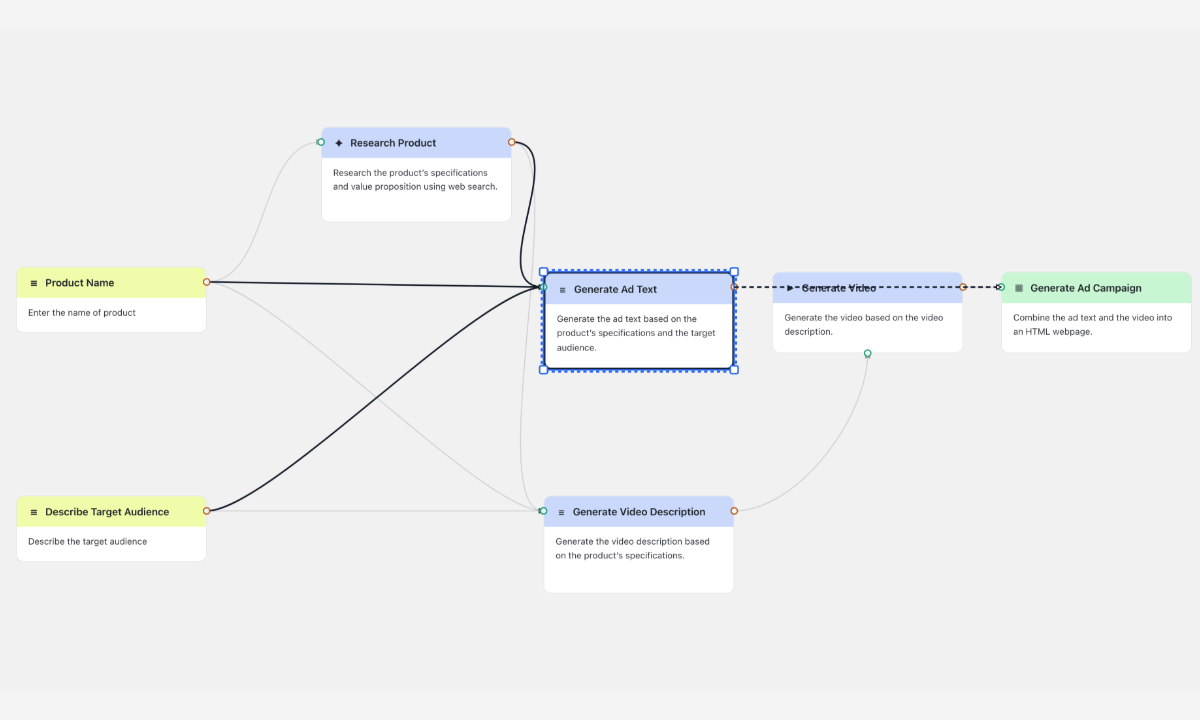
NewHighlight connected lines→
Select a node and its lines come forward in ink while the rest fade; a line crossing a card is lifted above it and dashed. One option, highlightConnected, and a trace mode that follows the whole path.
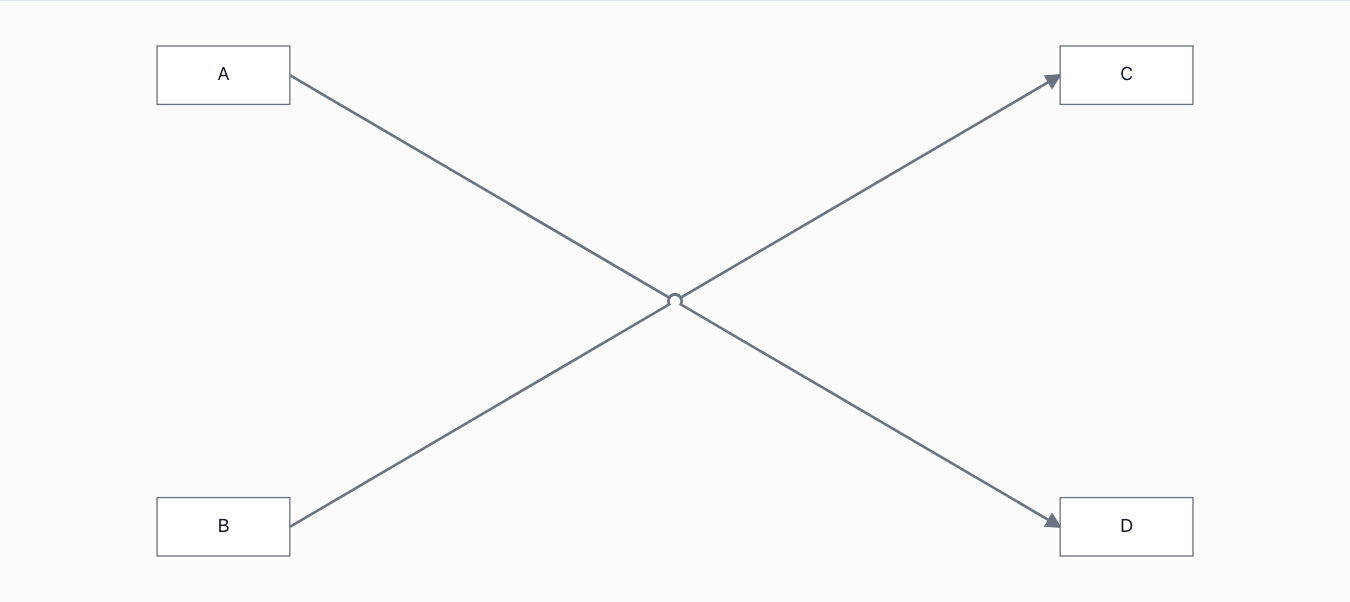
Jump-overs→
Crossing wires hop: the edge owning a crossing draws an arc over the other. Asserted by the arc command in the painted path.
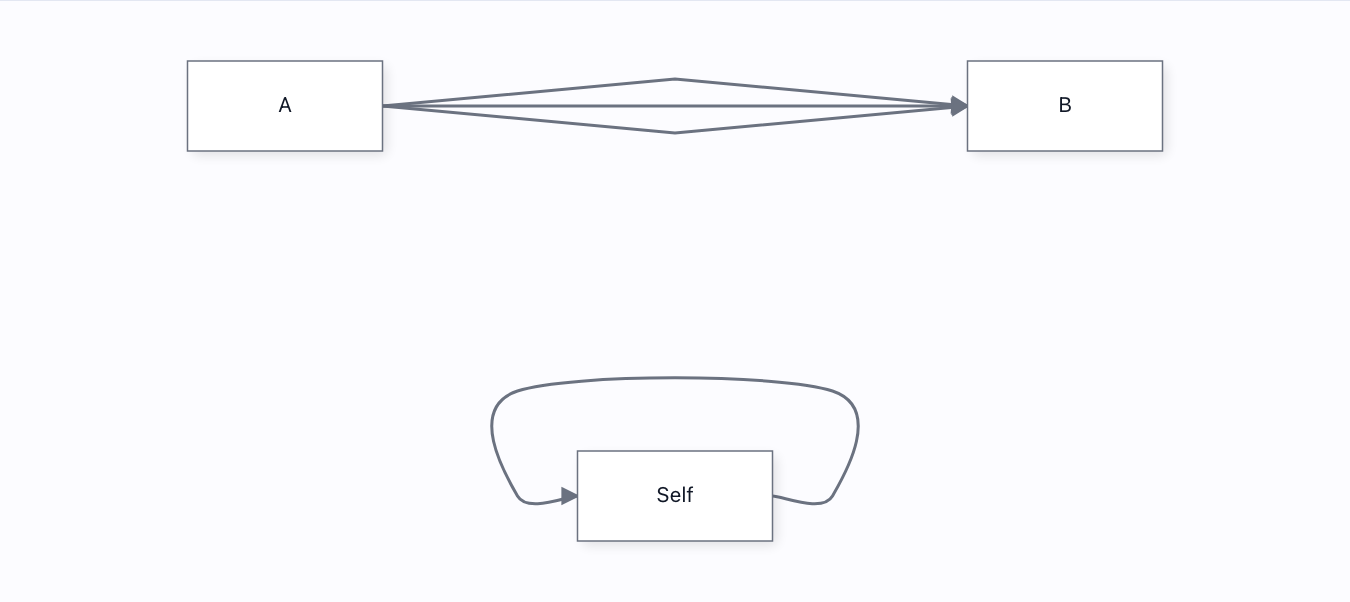
Parallel links & self-loops→
Three links between the same pair fan onto separate lanes; a self-link routes as a real loop OUTSIDE its node. Both asserted geometrically.
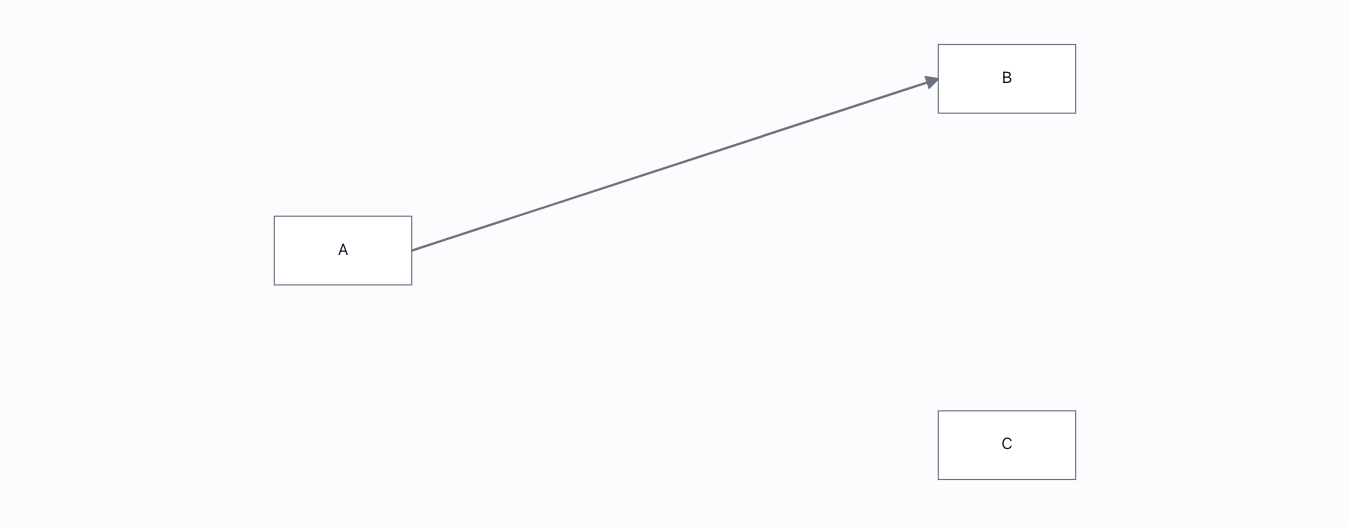
Reconnect edge→
Drag an edge endpoint onto a different node — driven with real pointer events. Asserts the model rewired (A→B becomes A→C) and a reconnect event fired.
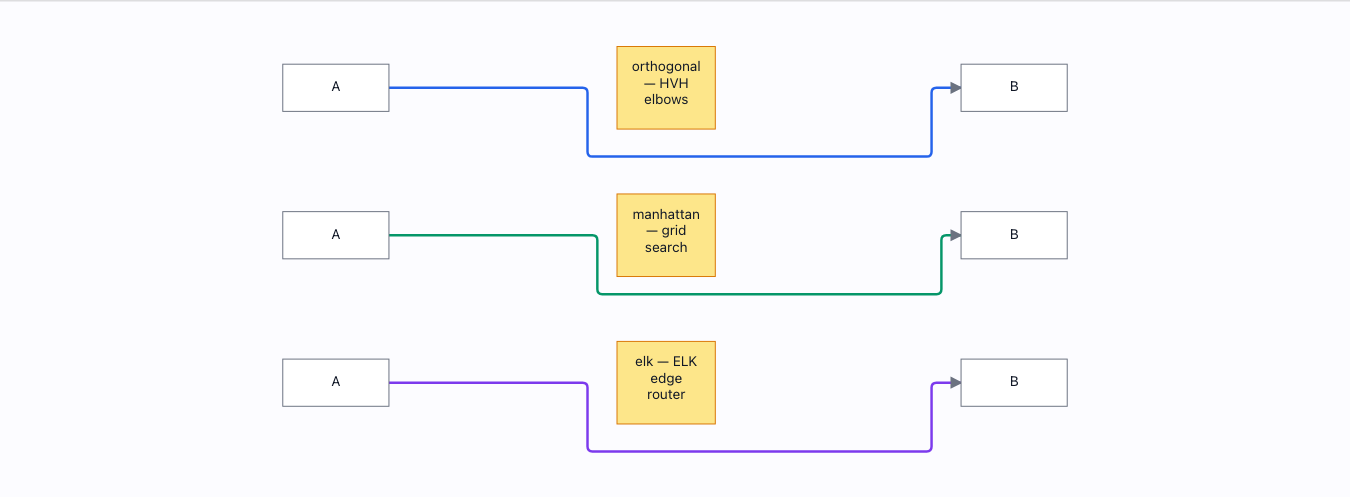
Routing algorithms→
One corridor, one wall, three routers chosen per-link via EdgeSpec.router — orthogonal, manhattan (grid) and elk (ELK edge router). Each is asserted to clear a wall that sits squarely on its straight line, and manhattan is asserted to take a geometrically different route from orthogonal — proof the per-link knob dispatches to genuinely separate solvers.
Ports & handles 6
Connection validation→
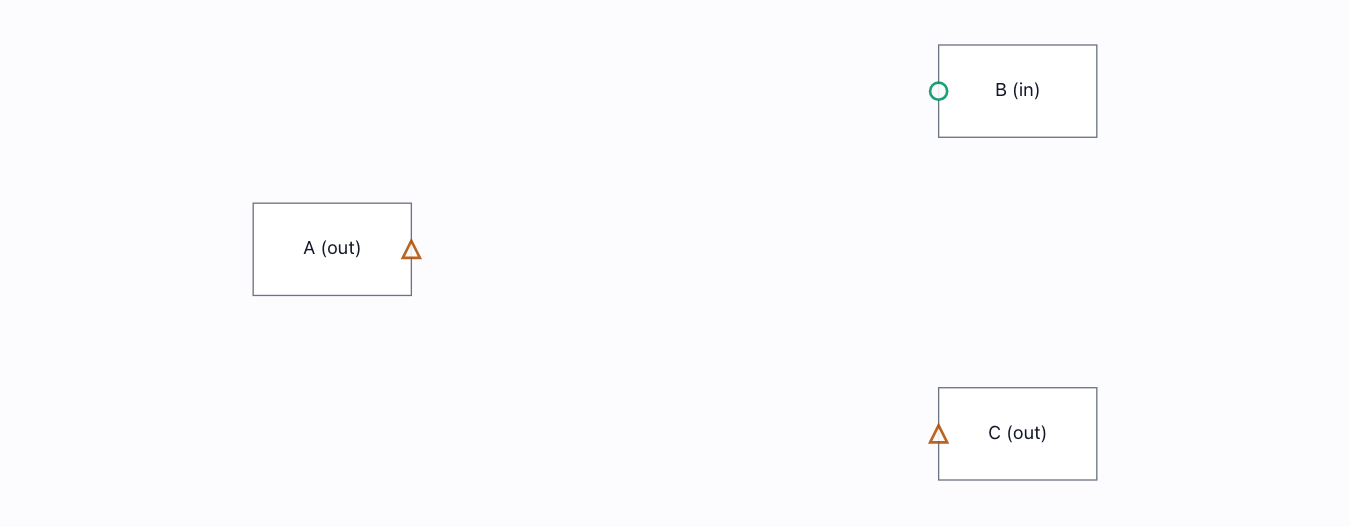
A registered validator vetoes an invalid connection before it is made — output→output is rejected (with a reason), output→input is allowed.
Magnet & highlight→
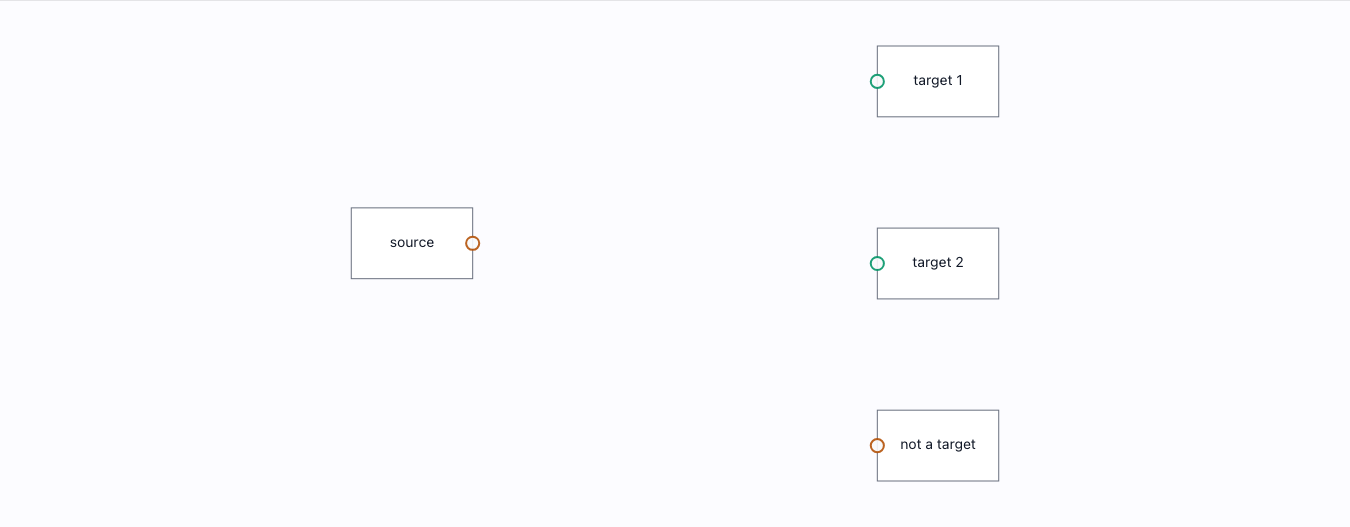
Valid targets highlight the instant a drag begins, and the drop snaps to the nearest port from 20px away. Both need the live connection-state manager.
Port groups & layouts→
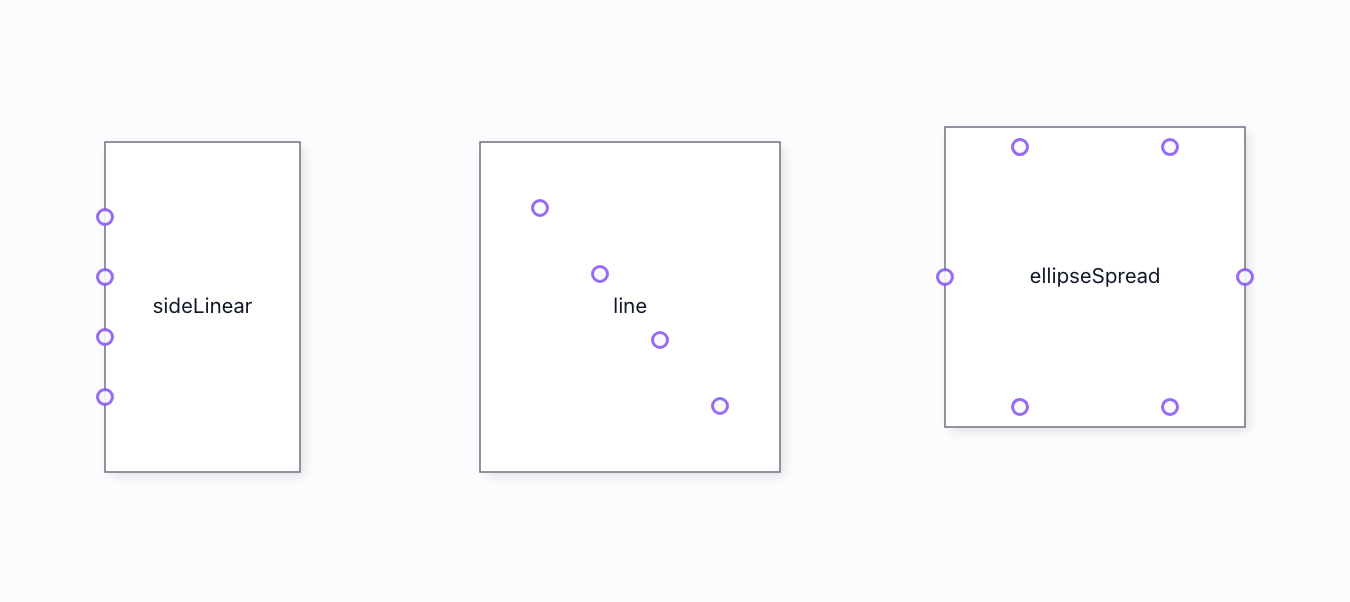
One group, one layout strategy, N ports: sideLinear column · line along a segment · ellipseSpread ring. Each arrangement asserted geometrically.
Port labels→
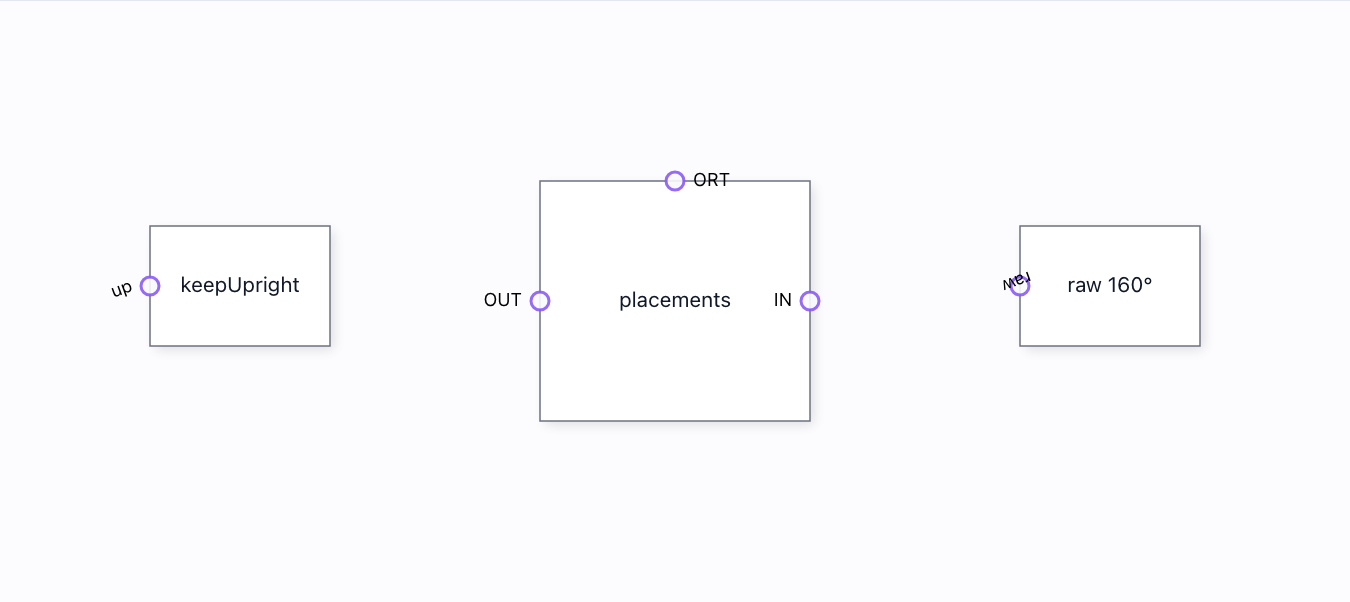
Labels placed inside / outside / orthogonal to the glyph, and a keep-upright flip that rescues an upside-down label. All asserted by geometry.
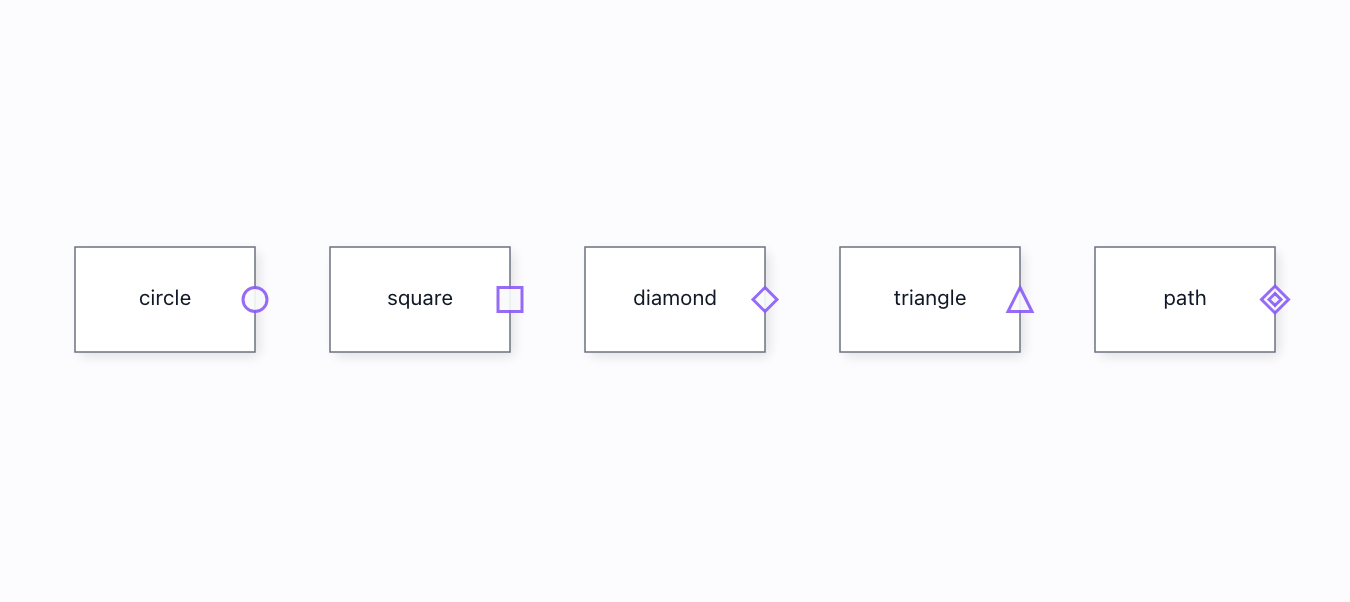
Port shapes→
circle · square · diamond · triangle · custom path — five ports, five different SVG primitives. Asserted by element type, not by "a port appeared".
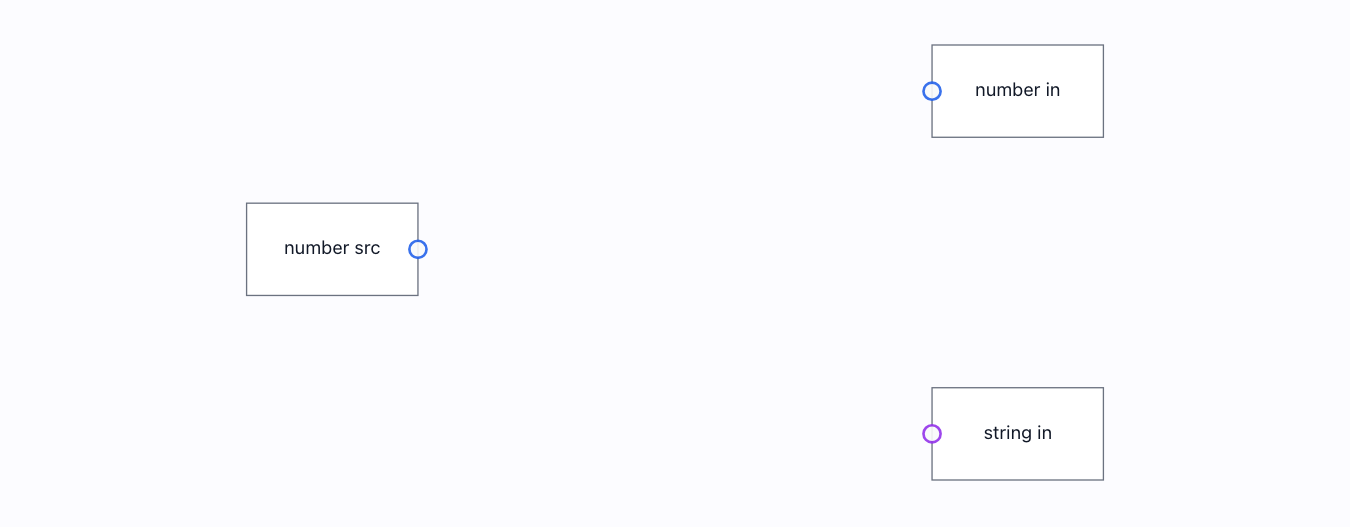
Typed ports→
Ports coloured by data type, refusing a mismatched connection — number→number is allowed, number→string is rejected before it is made.
Interaction 25
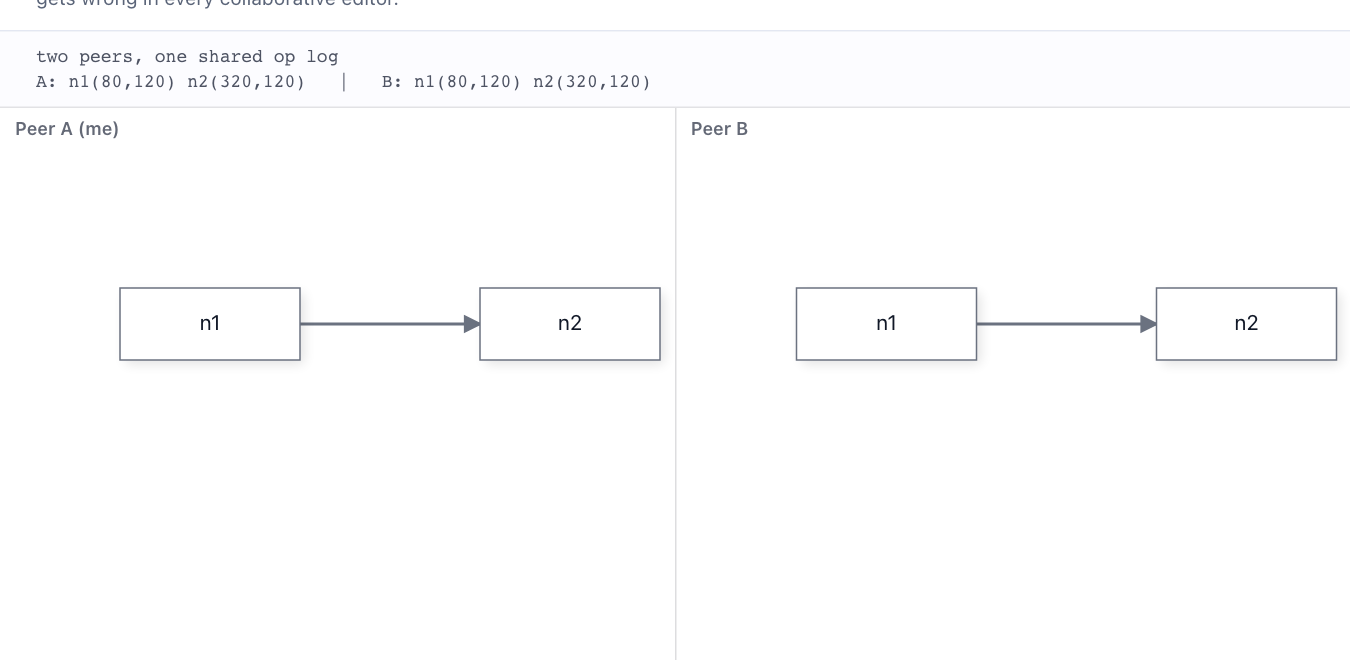
Collaboration-aware undo→
Two peers share an op log. ⌘Z on peer A undoes A's OWN last move, not the move peer B made afterwards — the thing single-buffer undo gets wrong in every collaborative editor.
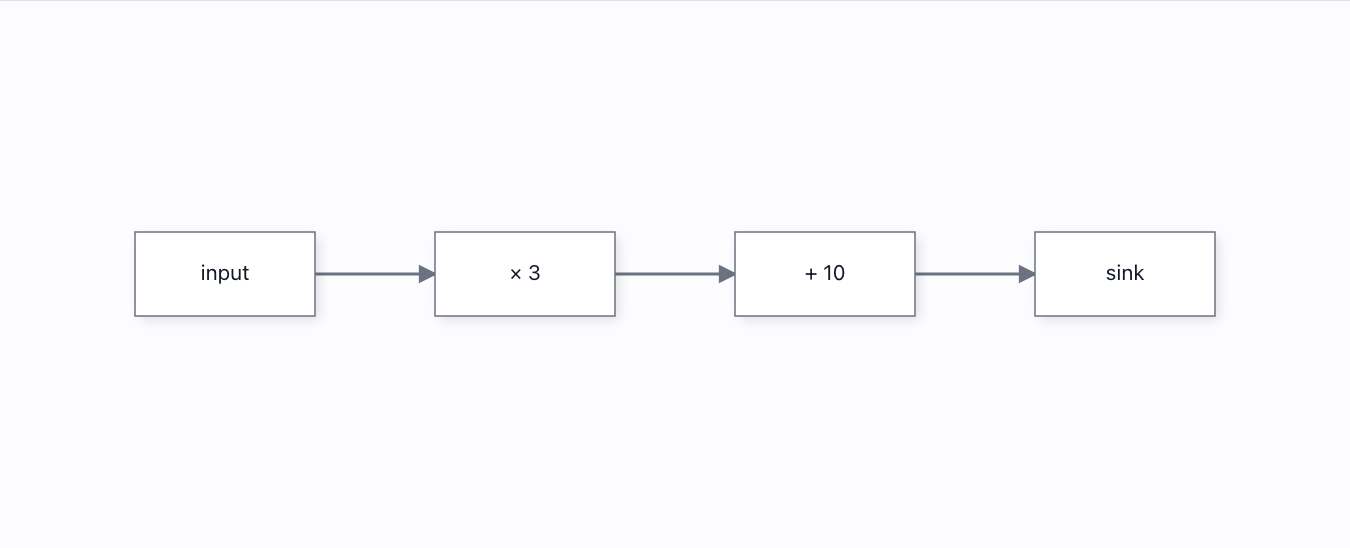
Computing flows→
Type a value into the source and it flows: every downstream node recomputes LIVE along the real link topology. Drop a wire and the result recomputes the instant it lands; cut a wire and the flow stops past the cut. Grafloria owns the graph and fires the change events; the app owns the arithmetic.
Connection events→
A live log of the connection lifecycle the engine fires as you drag a wire — start, per-move update, port enter/leave, then complete or cancel. The stream splits the "end" into complete (valid) vs cancel (abandoned/refused), so hosts can react to each outcome differently.
Connection validation→
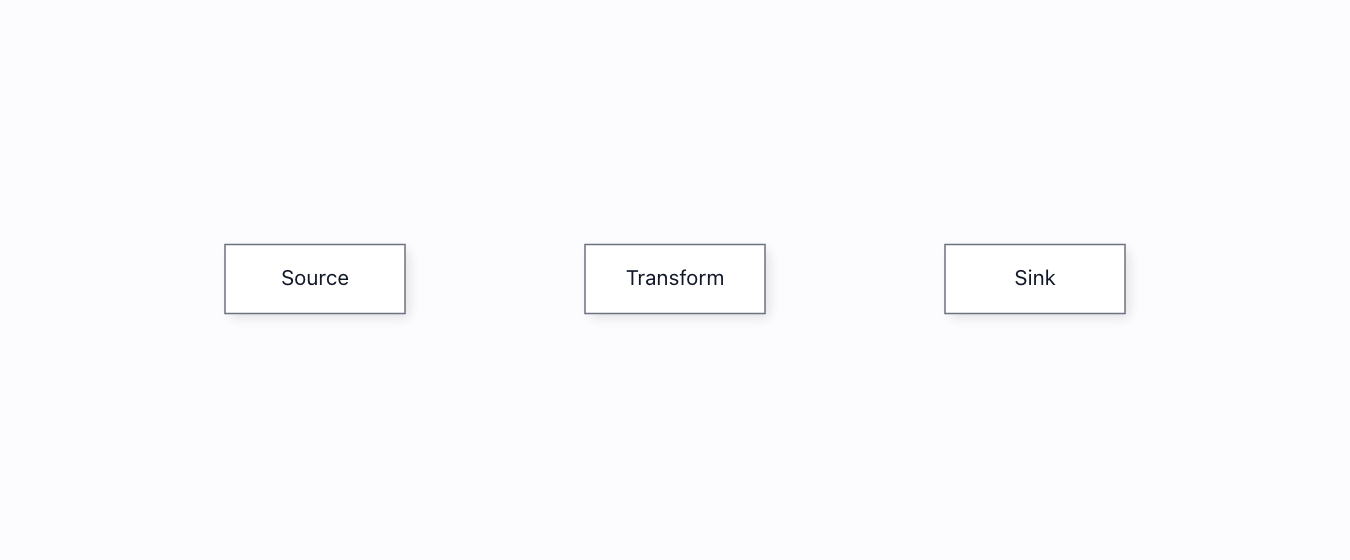
A registered validator refuses an illegal connection (nothing flows OUT of a Sink). Driven through the real connect pipeline: the rejected drag creates no link; the legal one does.
Context menu→
Right-click a node for Rename / Duplicate / Delete — driven by a real contextmenu event, and every item actually mutates the model it names.
Contextual zoom (LOD)→
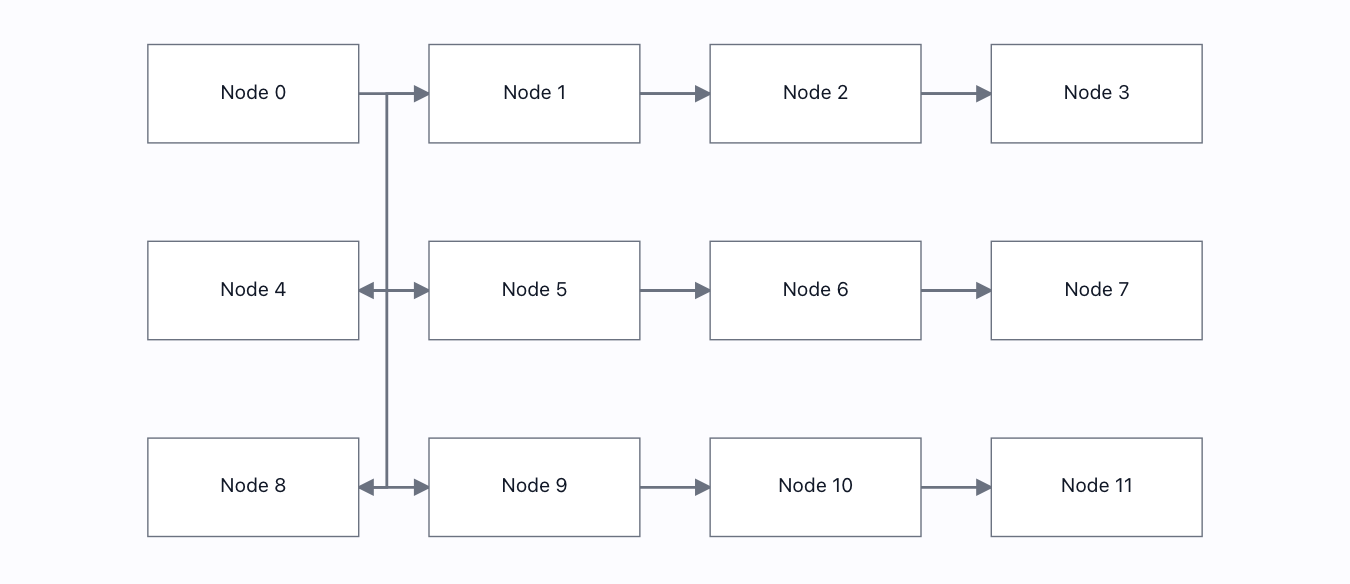
The detail tier follows the zoom: high → medium → sketch → low. Both the reported tier and the amount of text in the DOM drop as you zoom out — the tiers are genuinely different renders, not one picture with 17 names.

Copy / paste→
Copy a node, paste it twice — two independent copies, each with its own id and position, and mutating one touches neither the other nor the original.

Drag & drop→
Drag a node type from a palette and drop it on the canvas. It is created at the drop point in WORLD space, and a second drop makes a second, independent node.
Drag is undoable→
Drag a node, press Ctrl+Z — it returns to where the drag began. The drag now commits one undoable step.
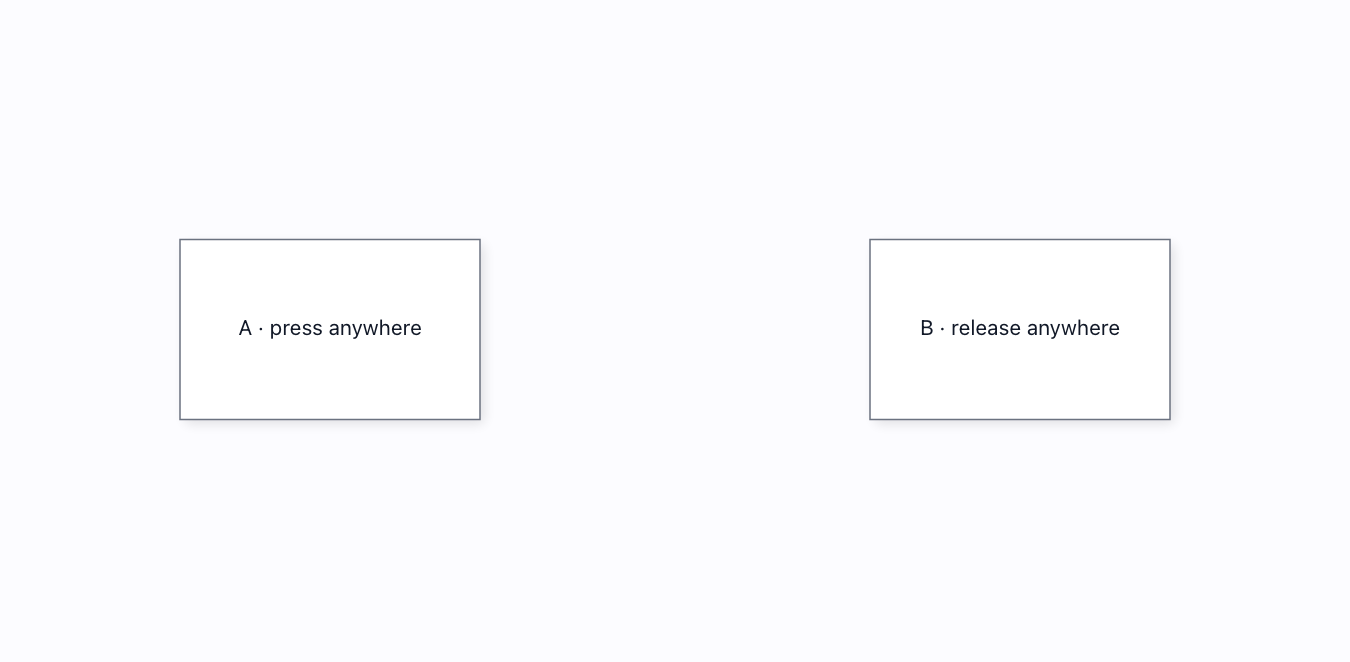
Easy connect (body)→
Press anywhere on a node and release anywhere on another — they wire up, no aiming at a 6px port. Built into the engine drag path; the page only sets enableEasyConnect.
Execute flow (node statuses)→
Run the workflow like n8n: nodes pulse while running, the active wire animates in your chosen style (marching ants / flow / pulse / dash flow, any speed, either direction), a failure halts the run, a warning does not, a live run can be paused, stepped while paused, and continued — and every status keeps a static affordance under reduced motion. All node.state.status + link style.animation machinery.
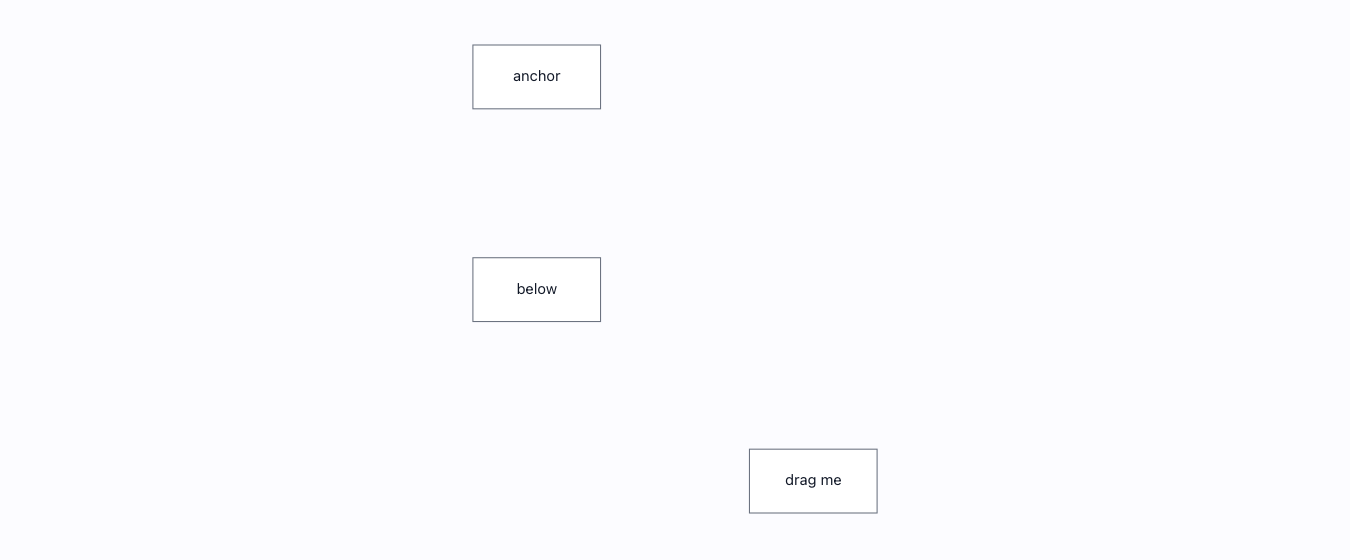
Helper lines (snaplines)→
Drag a node near another's left edge and it snaps into alignment with a guide; a genuine near-miss beyond the threshold does not. Equal-spacing guides appear when three nodes line up evenly.
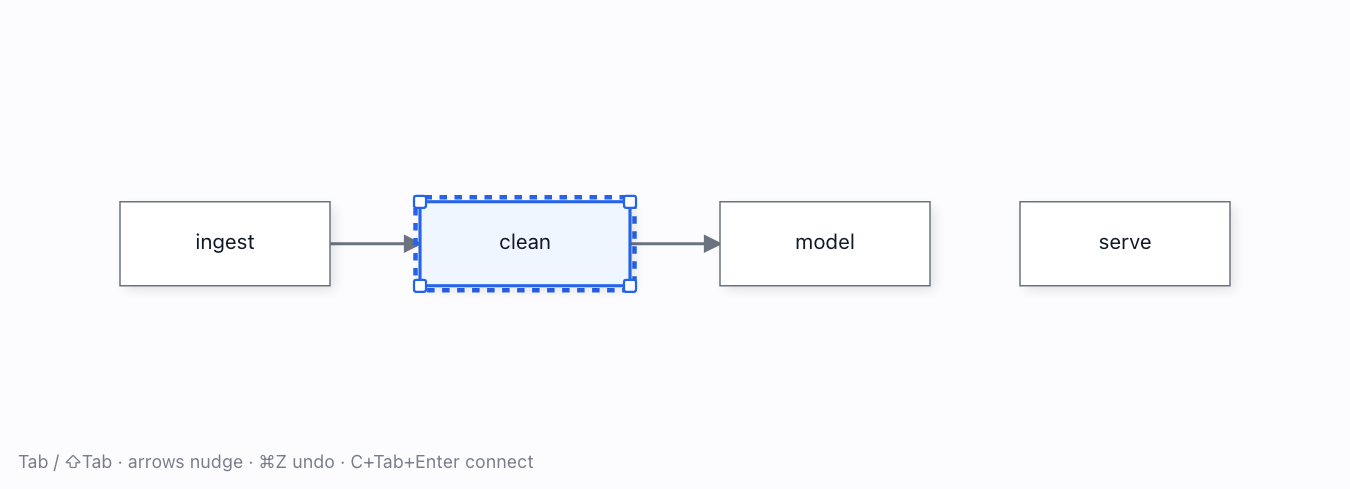
Keyboard & screen-reader a11y→
Everything by keyboard: Tab moves a focus ring, arrows nudge (and ⌘Z undoes to the exact pixel), C+Tab+Enter connects, and a live-region outline mirror narrates the whole graph to a screen reader.
NewManyChat-style chatbot builder→
A ManyChat-style chatbot builder: message cards whose every button owns its own connection dot, orange and red branches for "on reply" and "no reply", a step editor that re-measures the card as you type, and a Preview that runs the bot along the lines you drew.
NewMarketing automation studio→
A top-down marketing automation builder: a trigger with removable criteria chips, a spine of steps, Branches whose paths fan out under chips, a computed layout that re-flows with a short animation on every edit, a "+" on every line and at the end of every path, a property panel with a hint under each field, undo for everything, Save / Load, and a Test flow in which a token walks a sample contact through the automation while delays fast-forward.
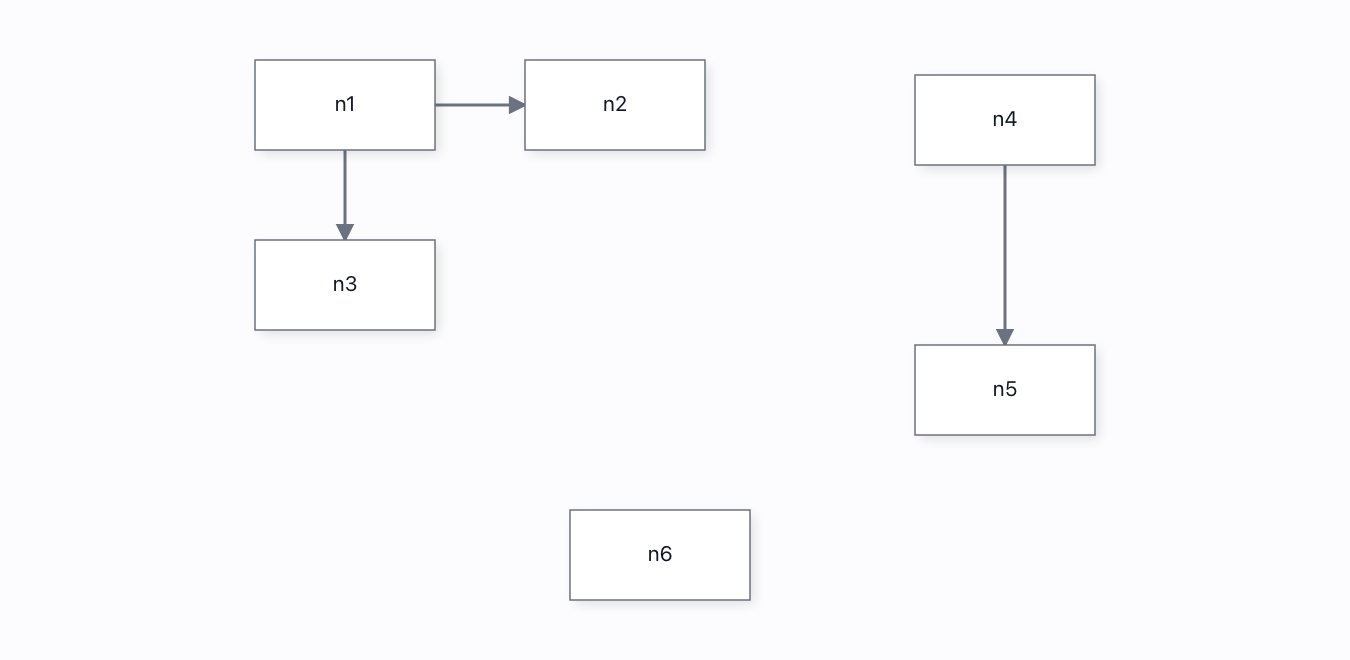
Marquee selection→
Drag a rubber-band box over empty canvas and every node it fully encloses is selected — the marquee tool the binder leaves to the host, assembled from the public registerTool + viewport + selection seams. Shift adds to the selection.
n8n workflow builder→
An n8n workflow you can actually RUN: press ▶ Test workflow and execution walks the graph from the Trigger — the running node spins, finished nodes get green checks, wires grow "n items" pills, the AI Agent's sub-nodes flash while it thinks, and the If node routes items down ONE branch by a real condition. Pause / step / continue a live run, read the execution log, and double-click any node for n8n's Node Details View: input items | an editable Parameters form + Settings tab | output items, plus "Execute step" to run up to that node. Connect-by-drag, a node palette, and the two wire families still apply.
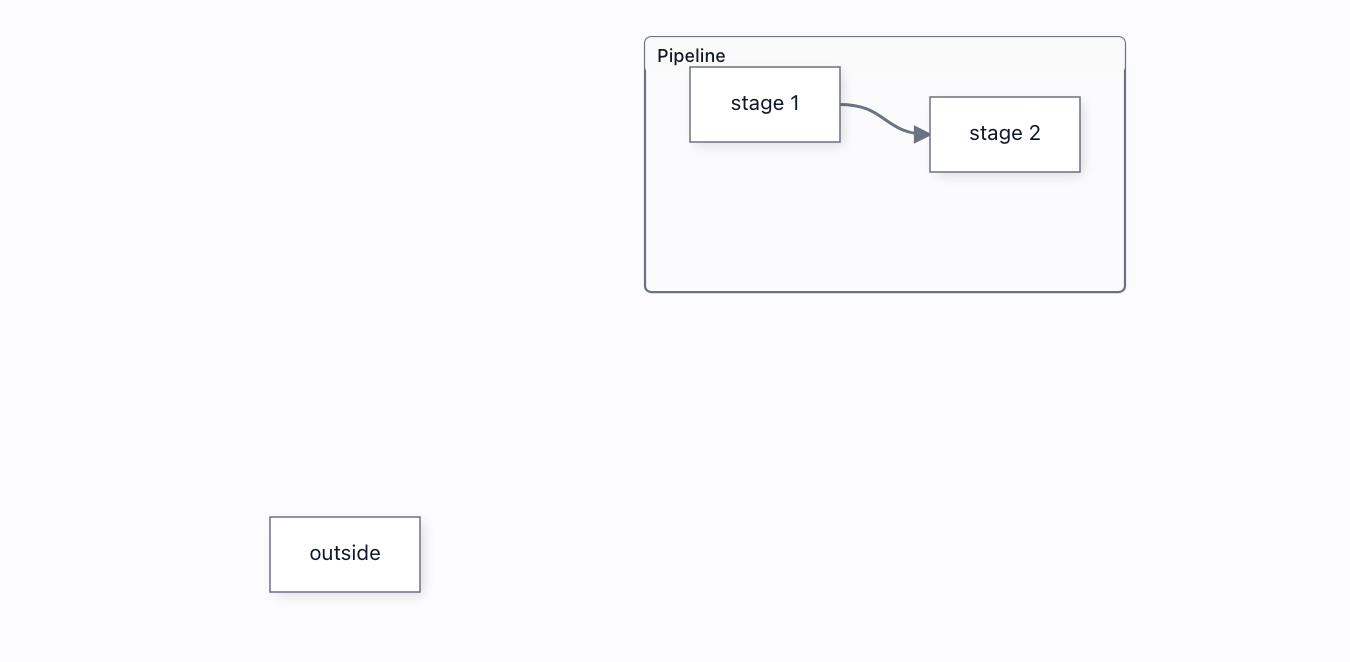
Parent move→
Drag a subflow container by its frame and the whole graph inside it moves with it — members and frame together, as one undoable step. Nothing wires this host-side; the engine does it.
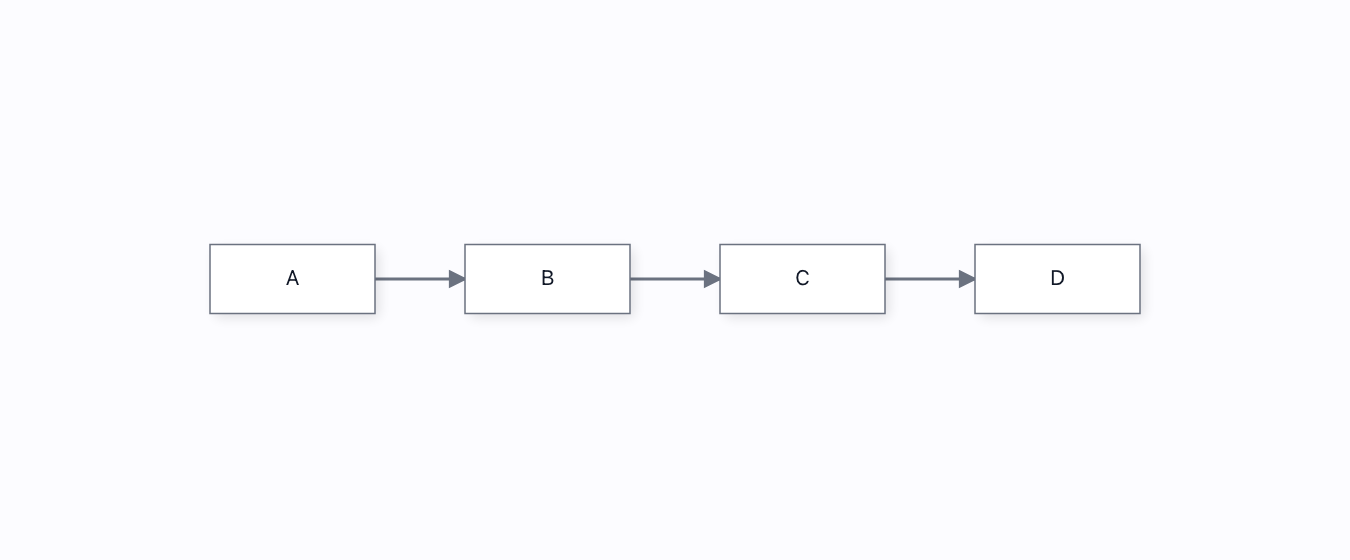
Preventing cycles→
A DAG that stays acyclic: a connection whose target can already reach its source is refused, so a→b→c→d can never be closed into a loop. Driven through the real connect pipeline.
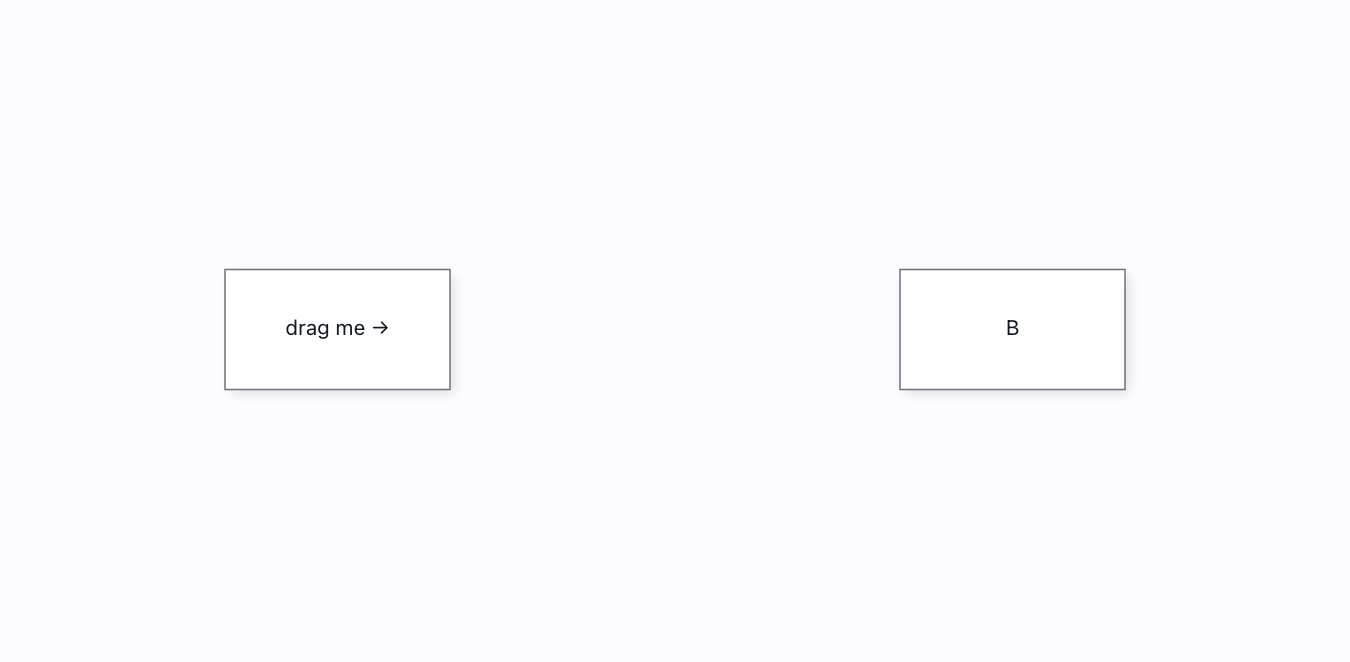
Proximity connect (live)→
Drag a node next to another and the wire proposes AND commits itself — driven by the engine’s own drag path, not host glue. The page only sets enableProximityConnect.
NewRobot cell programmer→
Program a multi-use robot arm on a timeline docked along the bottom, and watch it work in 3D. Open the Library and drag commands into place (Pick, Place, Insert into, Close lid, Stamp…), set each one in a Fieldia popup, and wrap steps in a Repeat loop whose way back runs port to port. Press Run: the six-axis cobot in the centre reaches, grips, inserts, presses and stamps while its A1–A6 joint angles count, the cards light up in turn, and a map of the cell from above and a run log follow along. Simple mode is one line for one arm; Advanced puts two arms, a conveyor and a vision camera in lanes on a time ruler, where a dashed line makes one step wait for another. The program is checked as you edit: a Place with an empty gripper or a seventh box for a six-slot pallet is flagged on its card, and Run says what to fix.
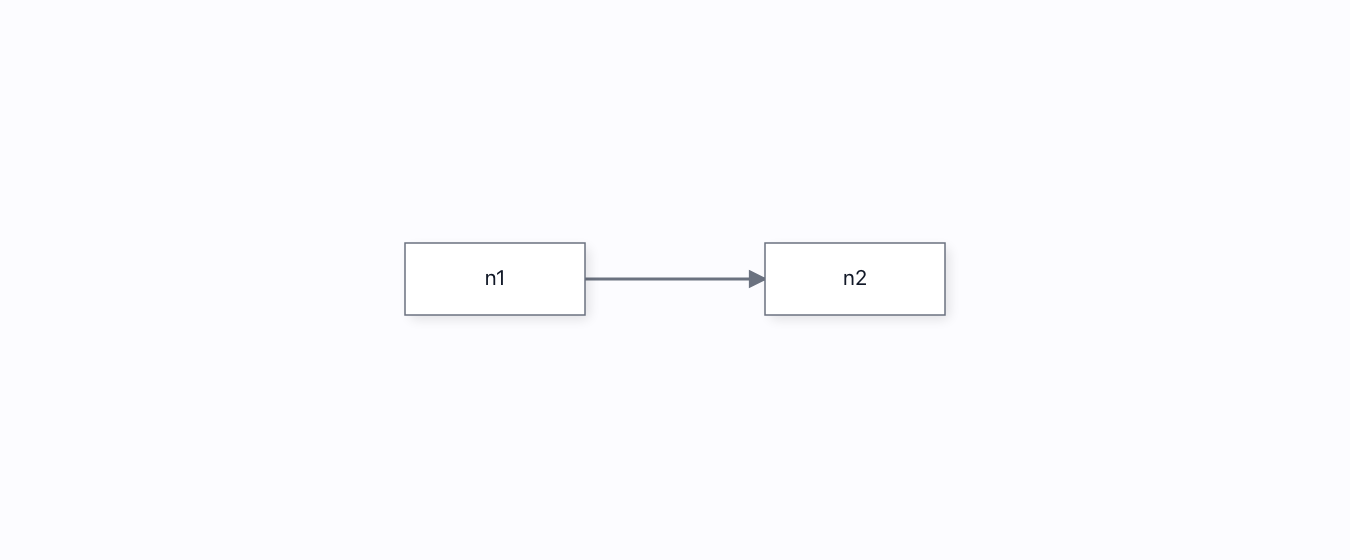
Save & restore→
Save a document as a snapshot + op-log tail, then restore it into a fresh peer that RESUMES its Lamport clock — its next edit stamps after everything saved, so a reloaded collaborator rejoins without clobbering history.

Touch device→
Pan, pinch-zoom, tap-to-select and one-finger node drag — all from real touch PointerEvents through the same pipeline a phone uses. touch-action:none is what keeps the browser from eating the gesture.
NewWorkflow automation builder→
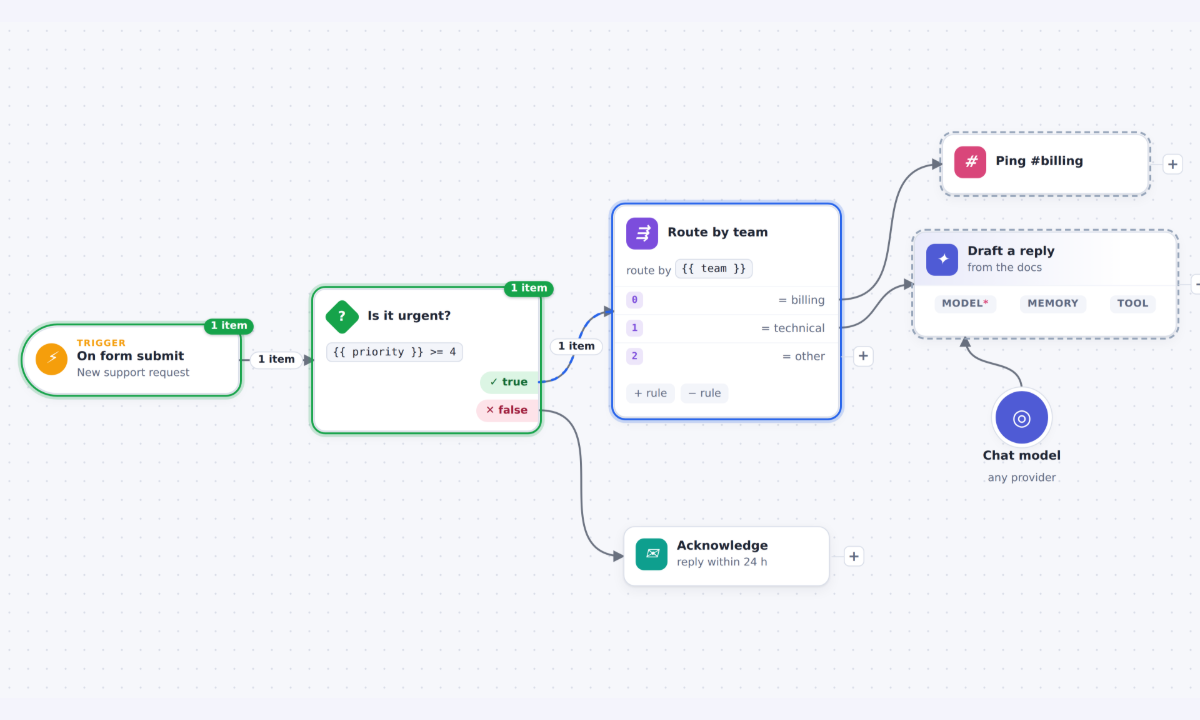
A deployment-automation builder: a GitLab push runs through a Condition and a health-check Switch to Kubernetes, Datadog, PagerDuty, Jira, ServiceNow and Slack steps. Add steps with the "+" on any output (the flow re-arranges itself), edit each step in the side panel, group a sub-flow in a sticky note, undo anything, save and load, and press Test workflow to watch the run take the branch its rules decide.
NewWorkflow editor kit→
A workflow editor built only on Grafloria's public APIs. Steps are data-driven templates whose rows anchor their ports; a Switch's outputs follow its rules in one undo step; “+” on free outputs and on links asks the page for the next step; insertion makes room downstream; Tidy lays the flow out in port order; a run streams over the flow without touching the document; read-only is one switch; and a refused connection says why.
Layout 9
Auto layout→
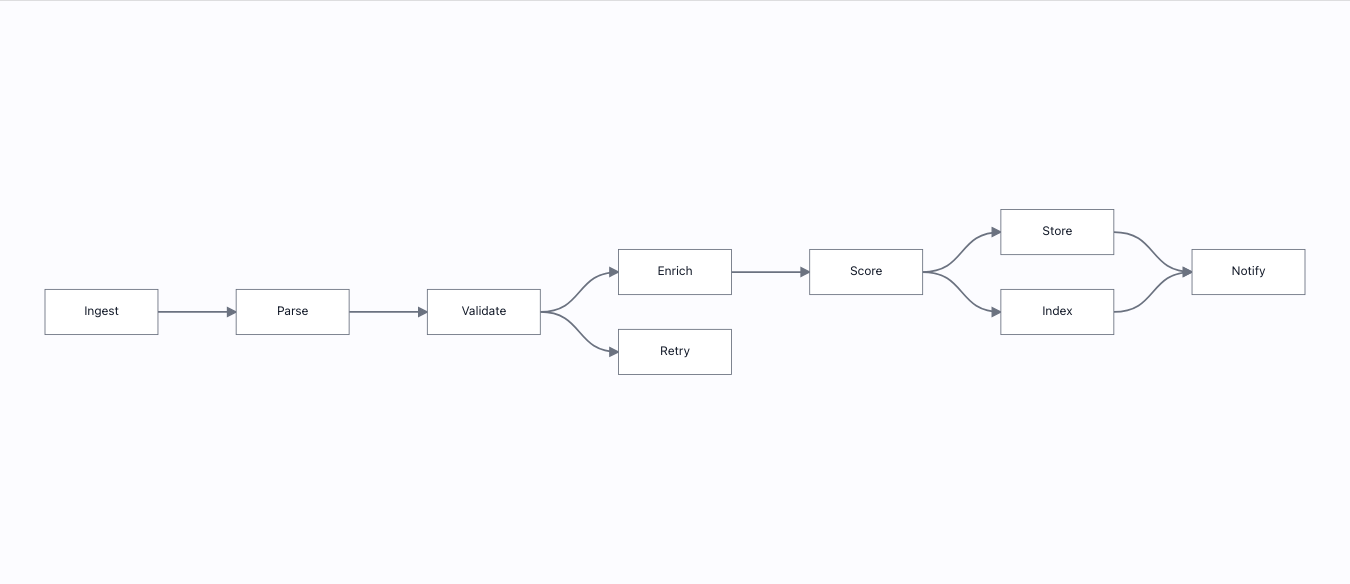
One graph, six engines, one call: engine.layout(name). All nine nodes start stacked at (0,0) — if layout were a no-op you would see it.
Dagre tree→
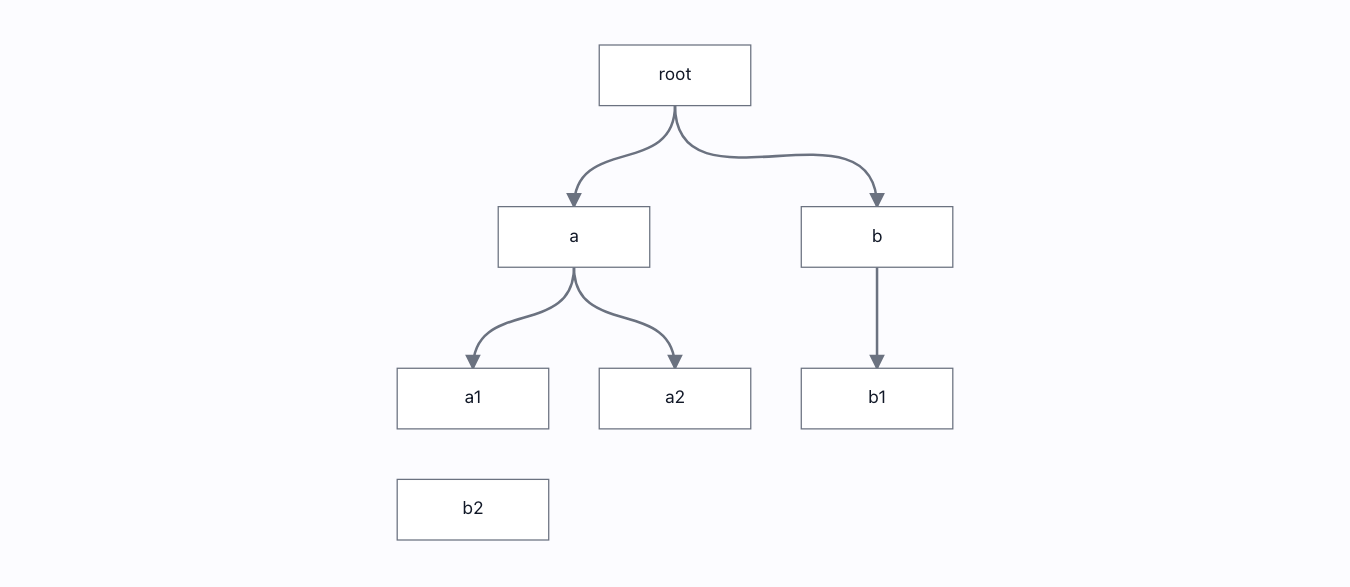
Hierarchical top-down layout via engine.layout("dagre"). Seven nodes start stacked at (0,0); after one call the tree is layered and no two boxes touch.
Dynamic layouting→
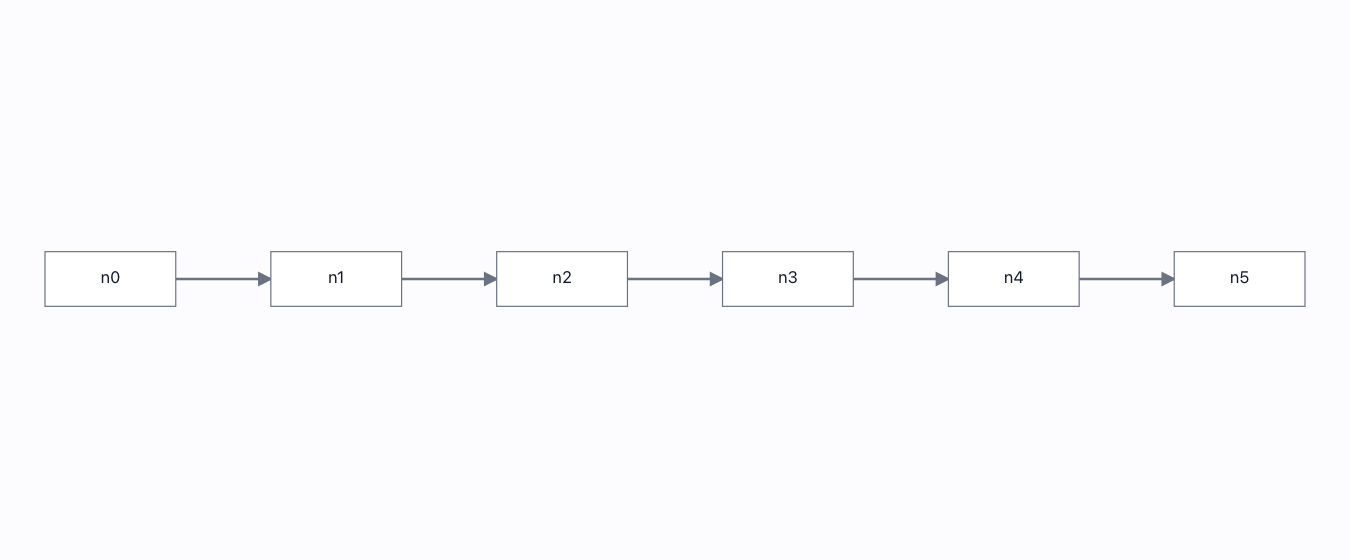
Mental-map-preserving incremental layout: add a node and the rest barely move. The page measures total movement two ways and asserts the incremental pass is a fraction of a from-scratch relayout.
ELK tree→
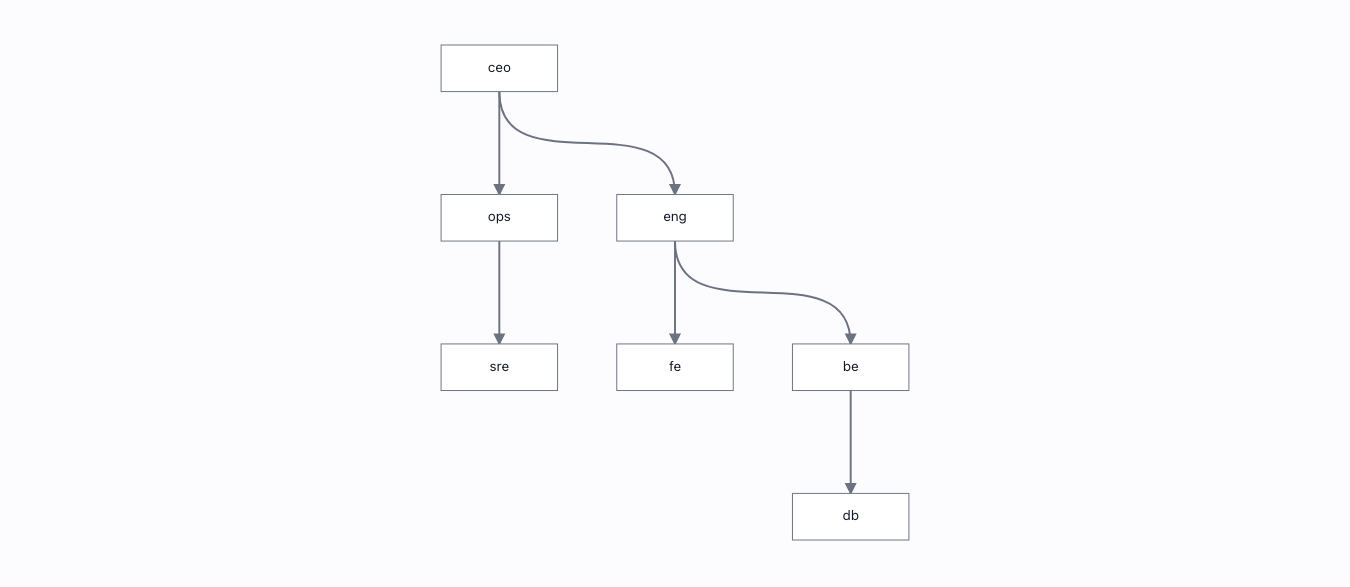
The layered ELK engine on the same tree the dagre page uses — and the two pictures are provably different, so neither is a secret alias of the other.
Expand / collapse→
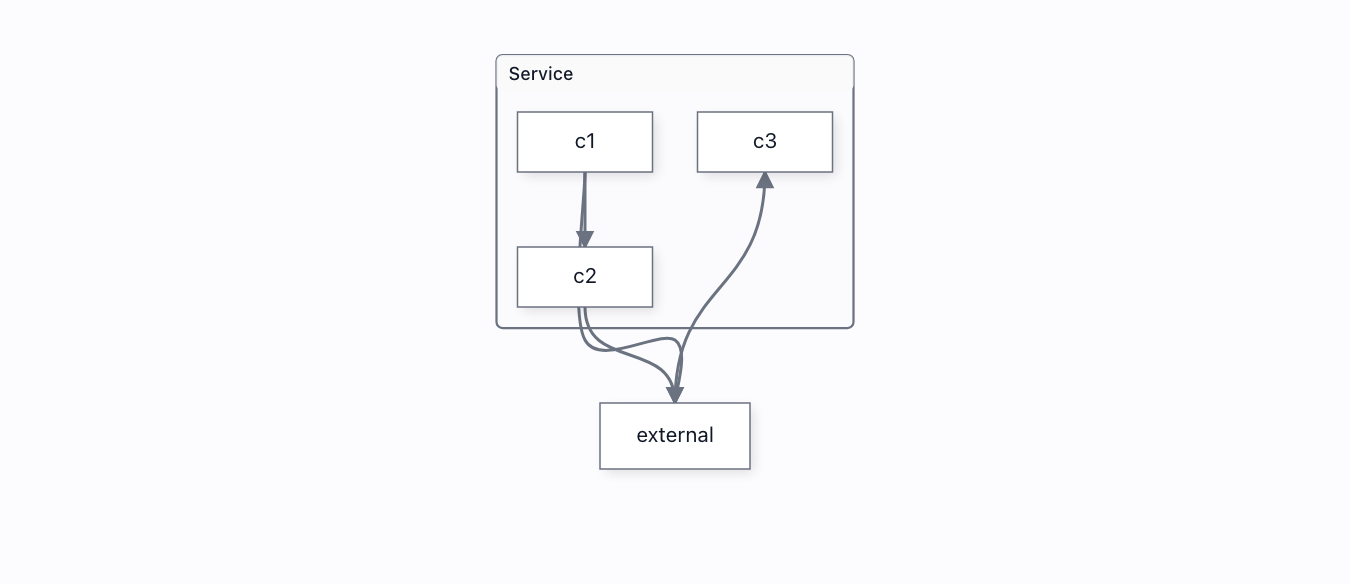
Collapse a container to a placeholder — members hide, boundary edges aggregate onto a proxy — then expand it back to the exact pixel it held. Lossless, and driven through the real GroupCollapseService.
Force layout→
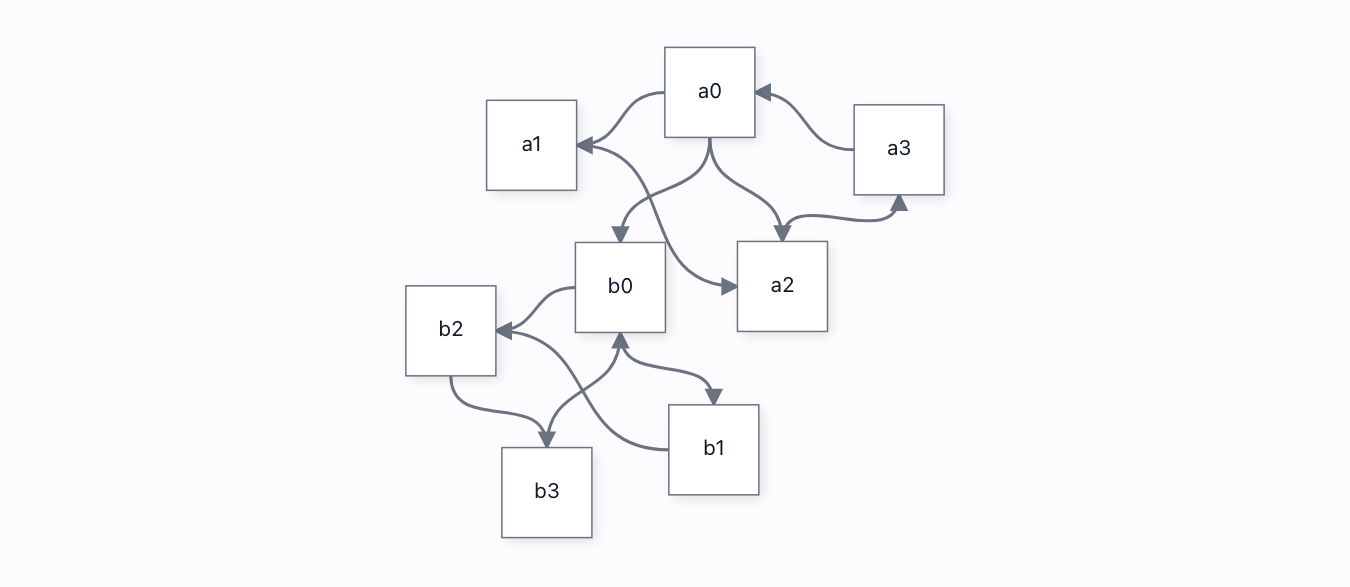
Force-directed placement, and the seed is REAL: same seed → byte-identical picture (three adapters here once drew from Math.random()); different seed → different picture; connected nodes end up closer than the average pair.
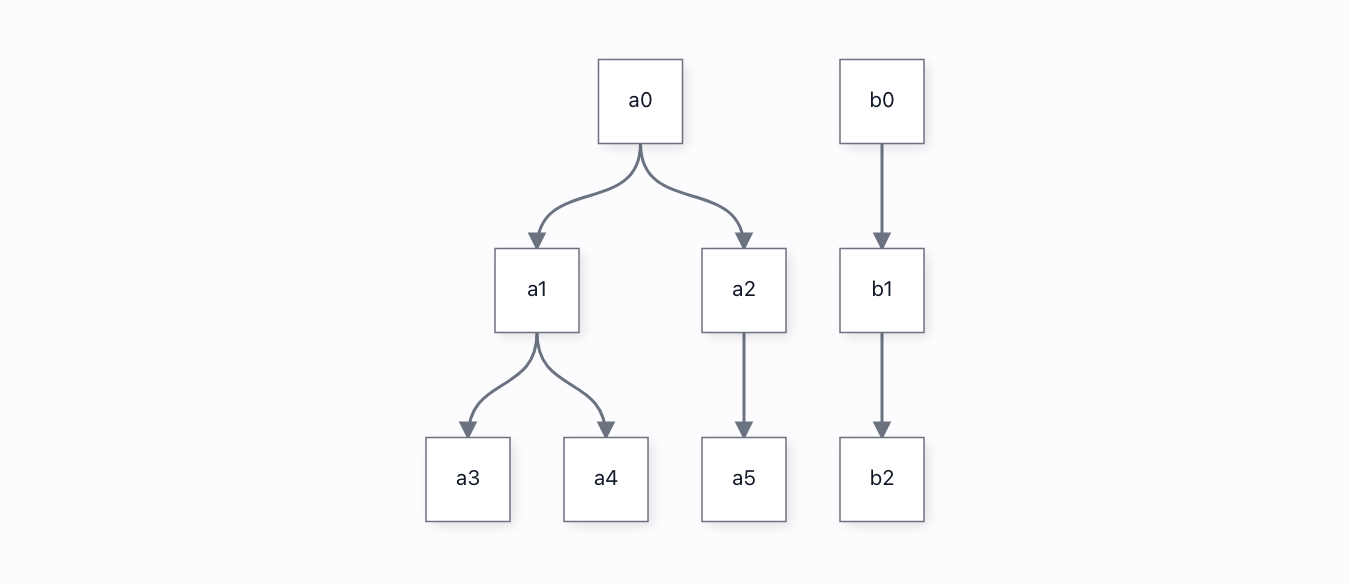
Layout portfolio→
Five engines — tree, radial, circular, grid, force — over one graph, each a genuinely different picture, none overlapping. And a disconnected component is PACKED beside the rest, not laid on top of it.
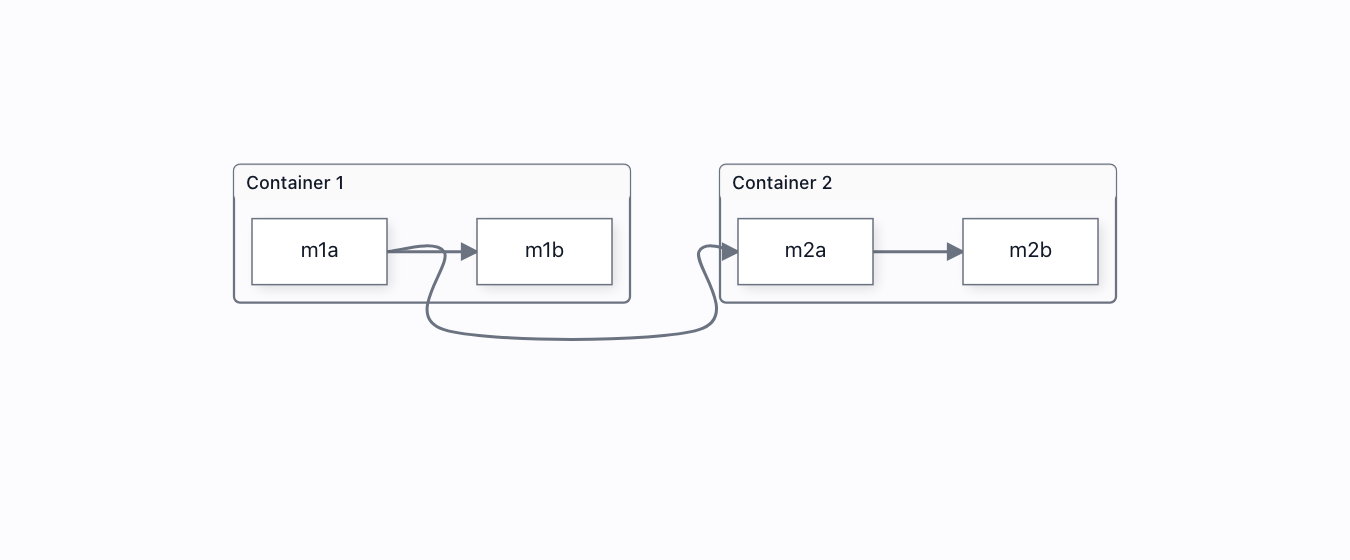
Nested containers→
Compound layout with cross-boundary edges induced at the LCA. Reverse the one edge that crosses the two containers and their order flips — proof the cross edge actually reaches the root instead of being silently dropped.
Off-thread layout→
Force layout in a REAL Worker via engine.setLayoutPort(): progress streams from the other thread, a cancel lands mid-run and keeps the partial result, and the main thread keeps ticking the whole time.
Grouping & subflows 8
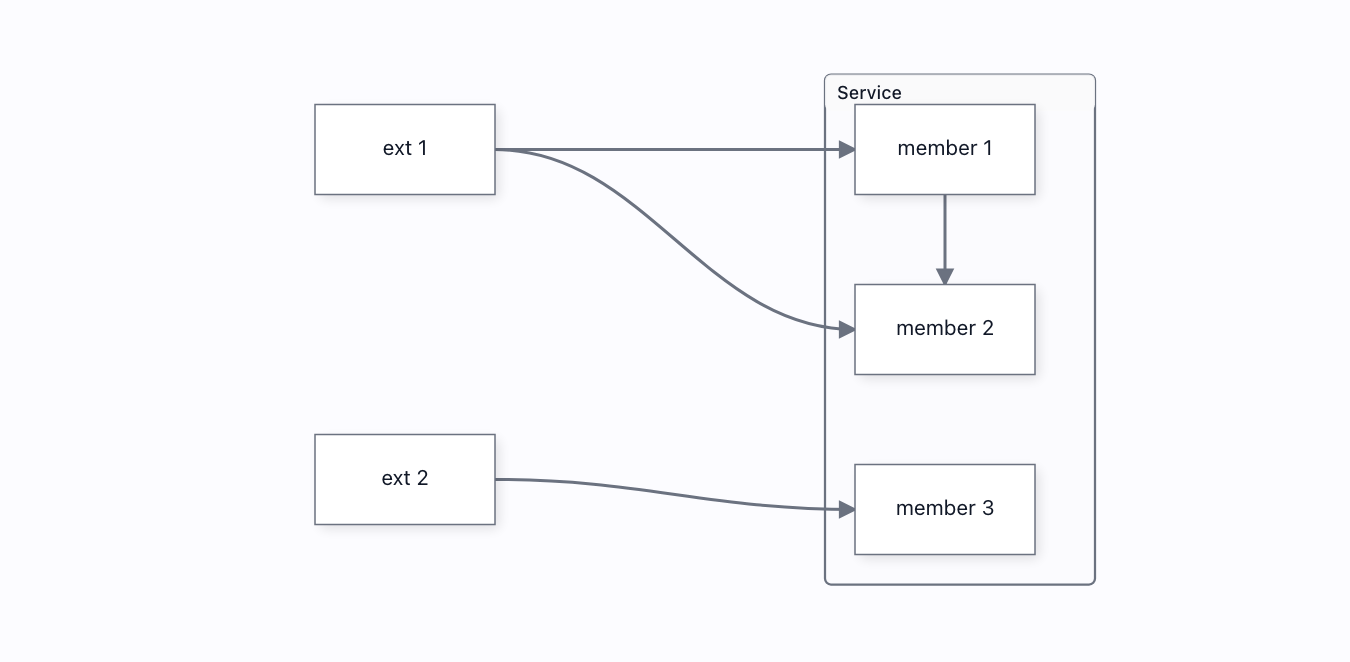
Collapse & expand→
Really collapse a group: its members hide, and the several links that crossed its boundary are replaced by ONE aggregated proxy link to the collapsed placeholder. Expand restores every one.
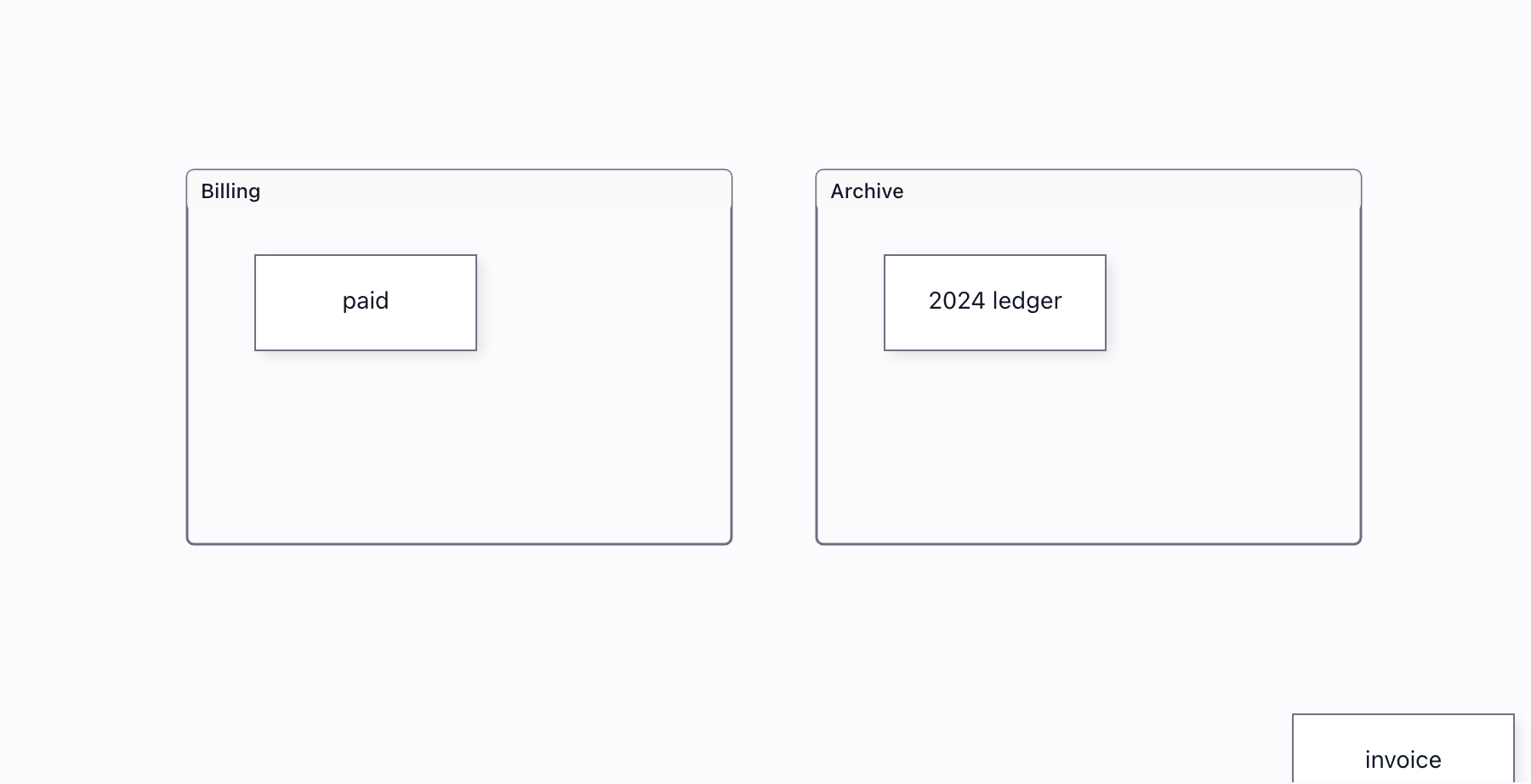
Drop to contain→
Drag a shape into a container and it JOINS it — membership follows the drop, so the shape then moves with its container. Drop it back outside and it unembeds.
Group frames→
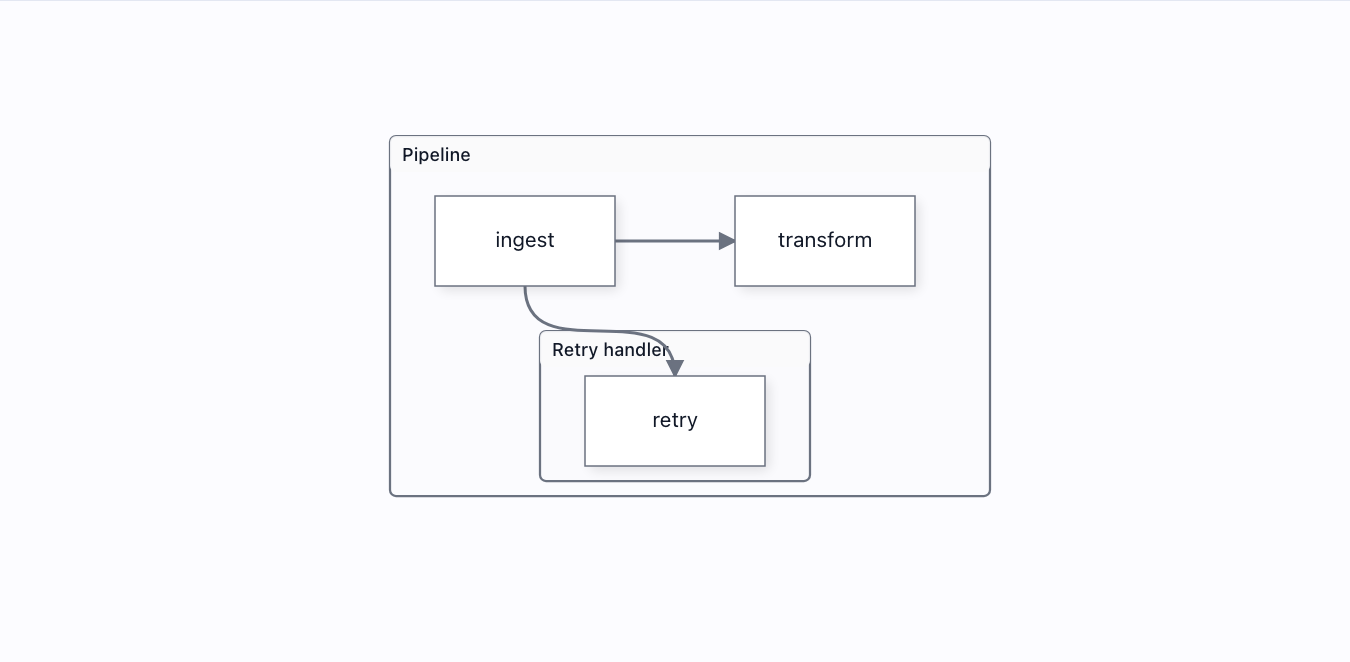
Groups now draw a visible, labelled, themed frame — nested containers included. Was model-only since Wave 7.
Parent & child→
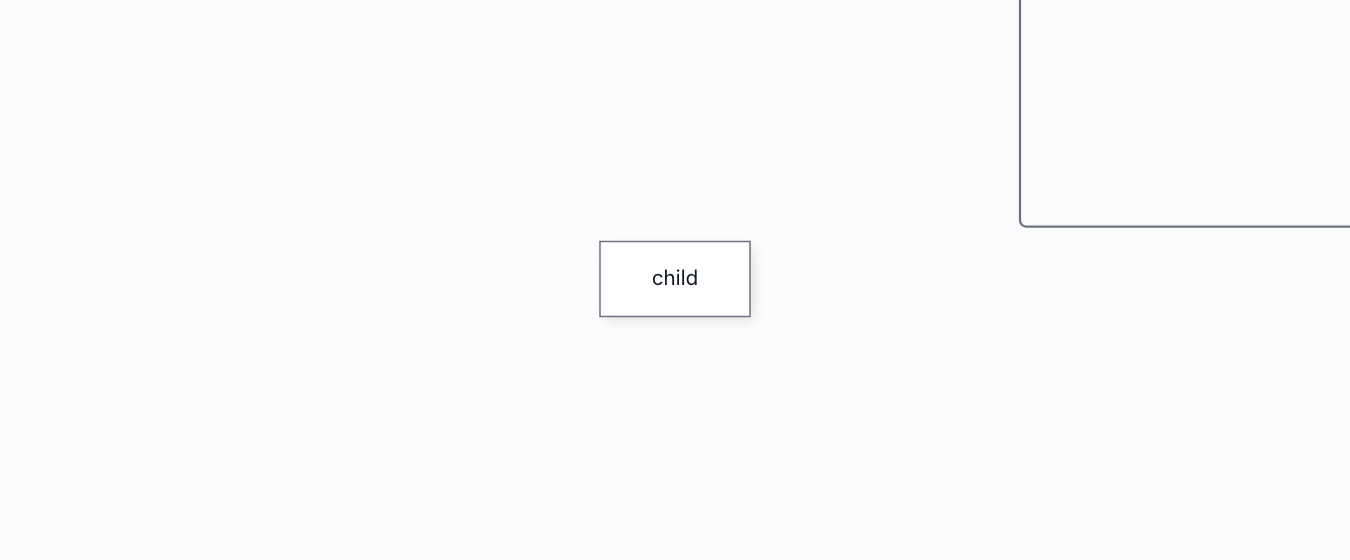
Drop the child into the container to attach it. While attached, an out-of-bounds drag is reeled back to the container’s extent on release, and dragging the frame carries the child along. Detach, and the very same drag sticks — membership is the binding.
Selection grouping→
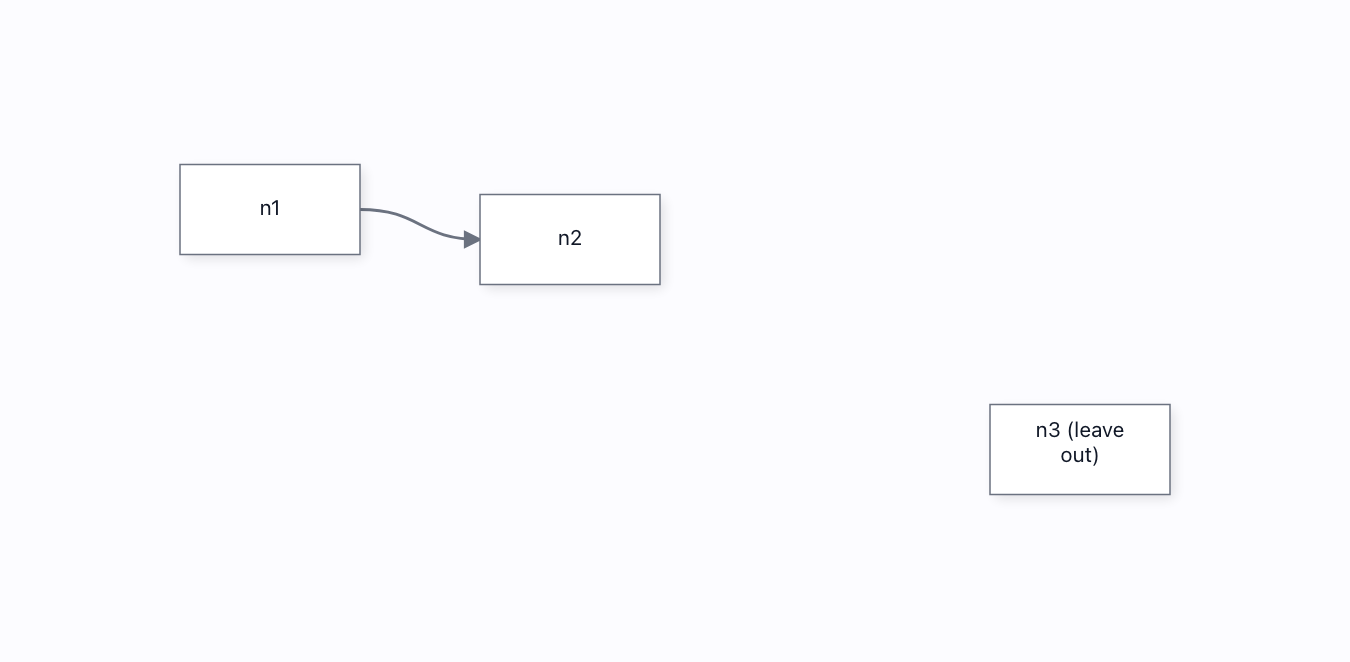
Marquee/ctrl-click a set of nodes, then bundle exactly that selection into a container — the group holds what you picked and nothing you did not.
Sub-flow→
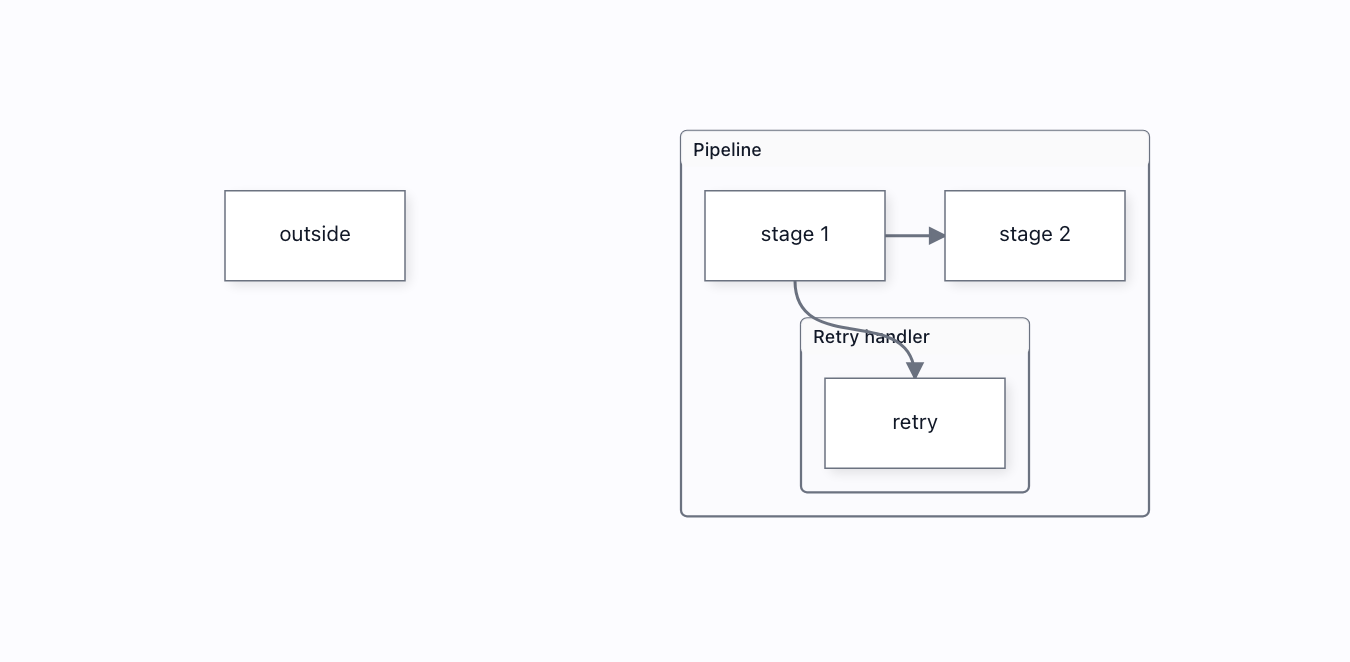
A container that holds a nested graph: nodes become members, the frame fits itself around them, and a sub-group nests inside — a real parent/child group hierarchy.
NewSwimlane flow→
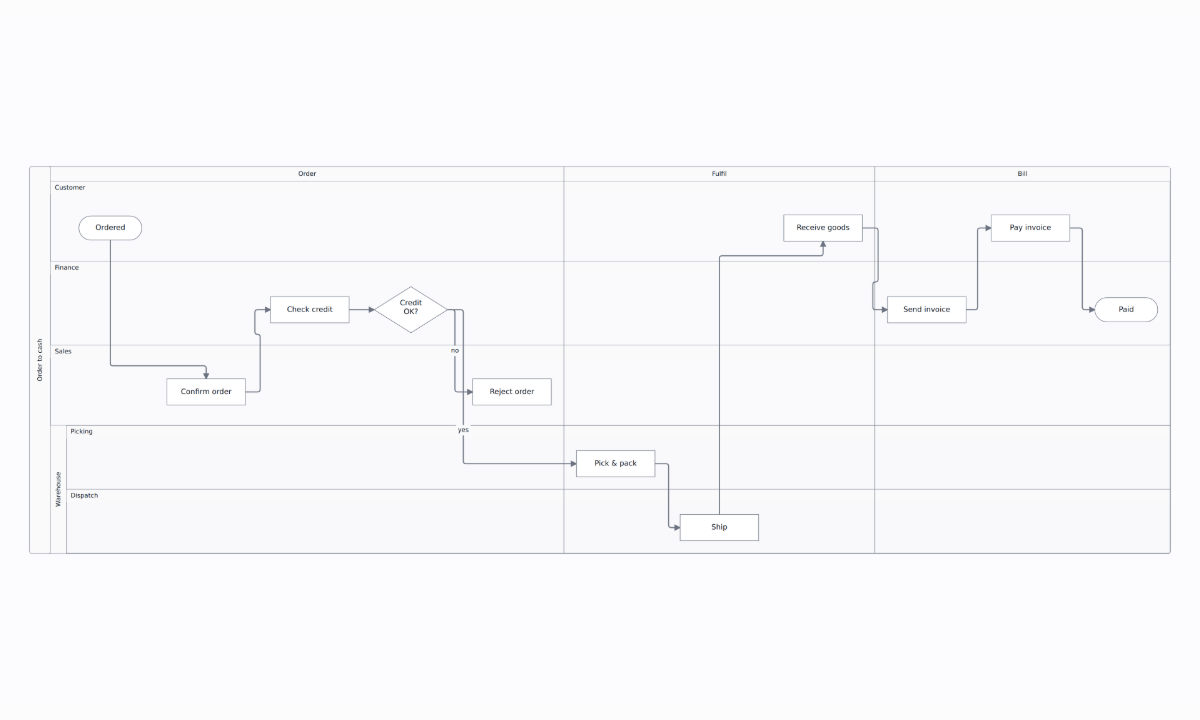
An order-to-cash process across four lanes: every step sits in the lane of whoever does it, and the connections cross lanes. Move a step to another lane, resize a lane by its border, reorder lanes by their titles, fold a lane to a band, lay the pool out: every edit is one undo step.
Swimlanes→
A pool of weighted lanes you can work in by hand: drag tickets between lanes, drop new ones in, and they never leave the pool. Grab a lane to move the whole pool.
Dashboards 6
Dashboard builder→
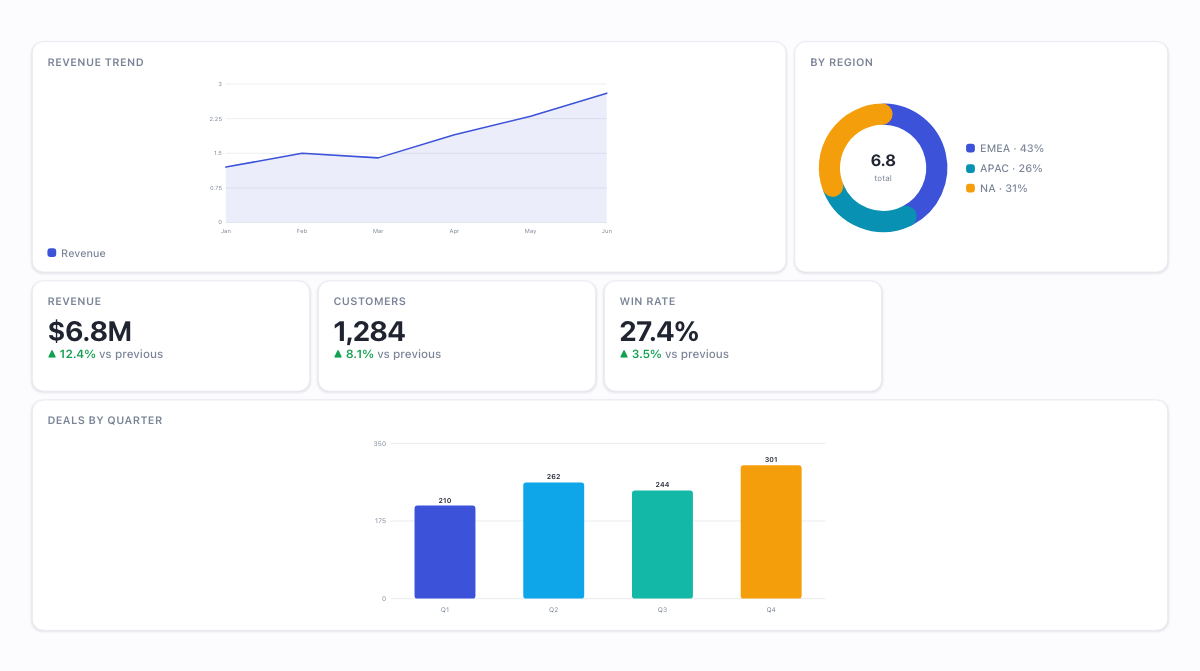
A dashboard-builder app authored with the kit's DATA-FIRST API: `dashboard({ views: [{ widgets: [{ id, kind, span, rows, data }] }] })` — three tabbed views declared as plain data, no groups/nodes/cells assembled by hand, and every chart drawn by the kit's built-in renderers (kpi / line / bar / donut / funnel / table) from this page's own dataset. render() wires the rest: ONE flat 12-column PACK grid per view, so drag a tile and neighbours slide out of the way live around a truthful placeholder; resize from the corner and only that tile changes; pinned tiles refuse the mover; Esc restores; palette drag-in and drag-out-to-remove; fit/grow sizing — every gesture ONE undoable BatchCommand, from the @grafloria/element front door.
Dashboard containers→
CONTAINMENT declared as data: a widget carrying `widgets` in `dashboard()` mounts as a section — a locked slab in the board with its own pack grid inside. Drag a tile across the boundary and the other grid adopts it live, in either direction; one undo restores the whole gesture, both grids at once. Resize a KPI taller than the section and the SECTION grows a row in the board (the escalation ratchet). toJSON() reports the nesting from live membership — a tile you dragged in serialises under the section, and the snapshot rebuilds through dashboard() unchanged. The hand-built version of this construct lives in dashboard/grid-options.html; this page is the same thing as one field in the data.
Dashboard grid options→
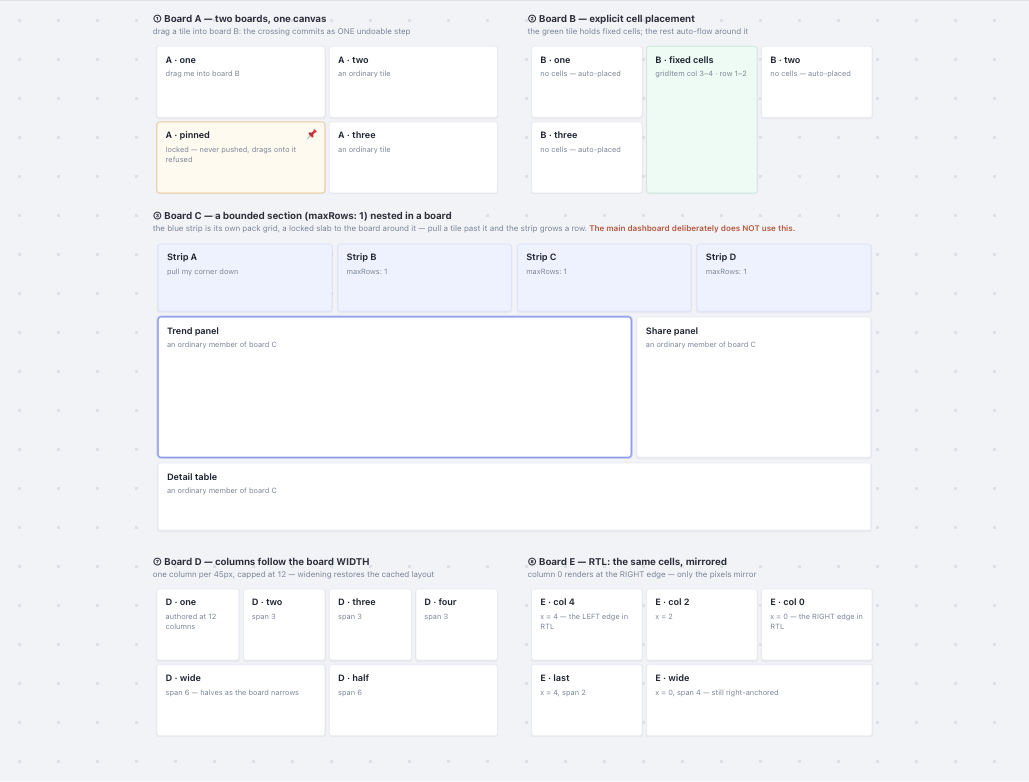
The dashboard kit's ADVANCED grid constructs, one labelled board each — cross-container drag between two boards, a bounded section (maxRows: 1) nested inside a board with height escalation, a pinned tile that refuses the mover, explicit cell placement with auto-flow around it, float and fit/grow toggles, palette drag-in and drag-out-to-remove. The flagship Dashboard builder deliberately uses NONE of these: it is one flat 12-column grid so its behaviour is predictable. This page is the options menu. LAYERS: `dashboard({ views })` declares a whole board as data and wires all of this for you (dashboard/dashboard-builder.html) — this page is the layer beneath it, `bindDashboardGrid` driven directly, because that is where these options live.
NewFluid dashboard→
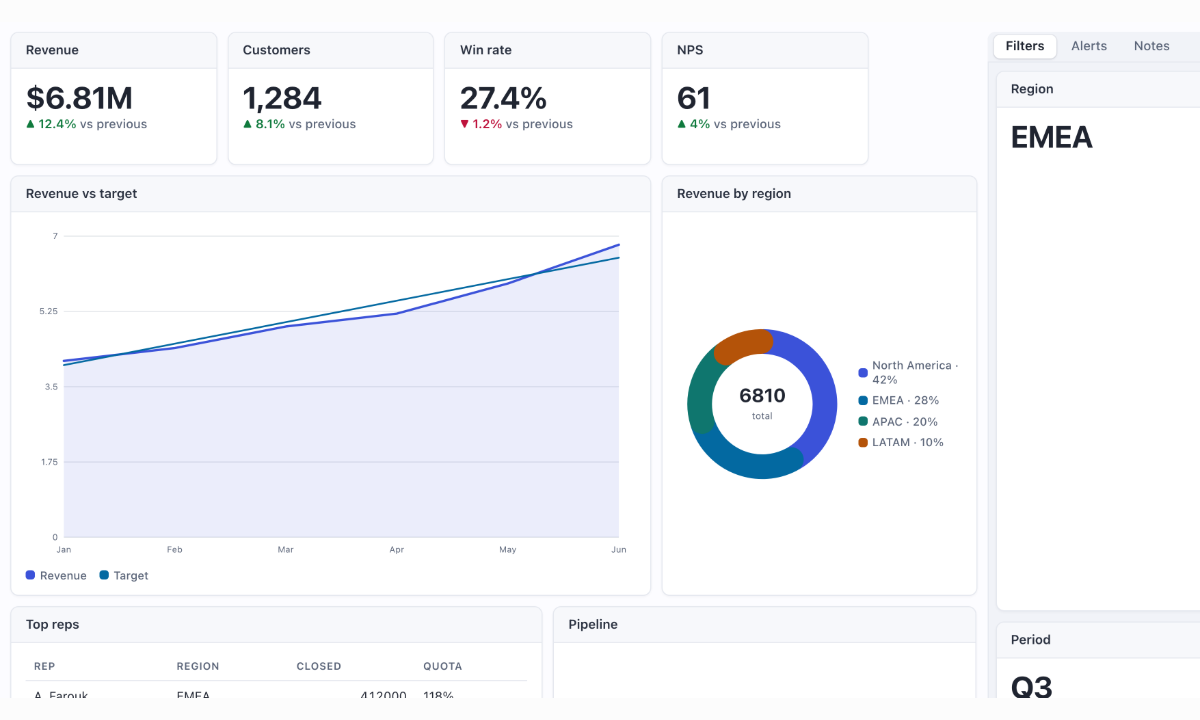
The DEFAULT mode of `dashboard()`: no width authored, so the board is 100% of its container at zoom 1 — laid out at real CSS pixels, the way gridstack and react-grid-layout lay out, never a picture the camera scales. Rows keep their height (GROW, the fluid default): drag or resize one tile and no other tile changes size; the board extends downward and the wheel scrolls it. Shrink the container ("Narrow container") and the board follows; the type stays 30 px. Switch to FIT and the board keeps its height instead — FIT MEANS BOUNDED: rows squeeze so everything stays on one screen, the row floor is a capacity, and "+ Add a row" is REFUSED, visibly, when there is no room; nothing is ever painted past the board's edge. `mode: 'fixed'` (or an explicit width) keeps the framed-world behaviour for a dashboard embedded inside a larger diagram — see dashboard/dashboard-builder.html. "Drag" picks the handle: anywhere on the card; BY CAPTION (`dragHandle: true`, the DevExpress caption drag — the caption strip is the only grip, so a table body scrolls and a legend clicks instead of starting a move); or BY GRIP (`{ grip: true, position, placement }` — a painted grip, left / center / right, INSIDE the header band or OUTSIDE as a tab above the card like the DevExpress item bar; it shows on the SELECTED widget only — click a widget to select it, click the board to clear). `handle.setDragHandle()` switches it live. The OPERATIONS row is a SECTION (a widget carrying `widgets`) with a CAPTION painted by the kit (0.4.22): a 44 px band with a subtitle, an ⓘ and two action buttons, reserved above its children; a press on the band selects the section, an action fires `onCaptionAction`, "Caption" switches it live through `handle.setCaption()` — a tab above the frame, centred and uppercase with its own fill, on hover only, or none.
NewKanban board→
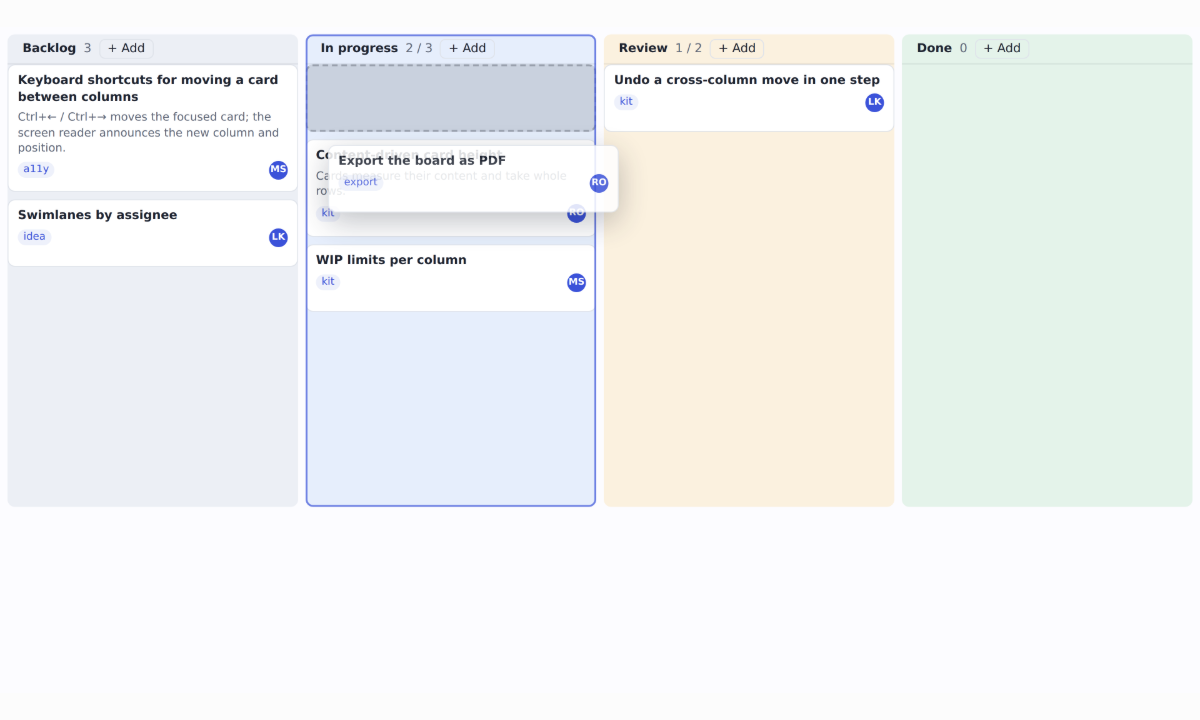
A Kanban board built from dashboard() data: each column is a one-column section with gravity, so cards stack, a gap closes when a card leaves, and a card dropped between two others pushes them down. A card dragged into another column is adopted live, and one undo puts the whole move back. Cards are autoHeight — as tall as their text, re-measured when the width changes — and canDrop keeps cards inside columns and refuses a column at its WIP limit, saying why. From the keyboard, Ctrl+← and Ctrl+→ move a card to the next column, where a full column stops it and says why, and Ctrl+↑ and Ctrl+↓ move it within its column.
NewKanban studio→
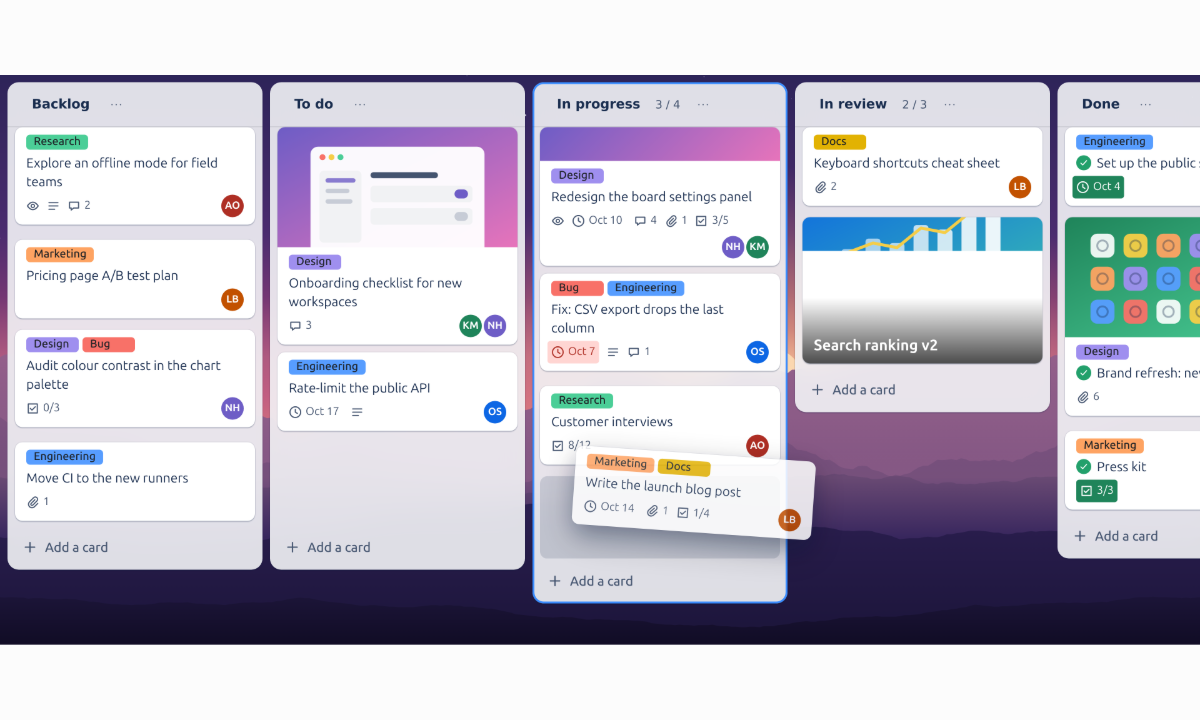
A full team board built from dashboard() options. Lists are sections that only trade places (movable: 'row'), keep their cards in order (stack), carry a frosted tint (background) and an "Add a card" footer; new lists come from addWidget. Cards are autoHeight widgets with covers, labels, due dates, checklists and people; canDrop holds the work-in-progress limits. Click a card for the full editor — description, checklist, attachments, comments, cover, move, copy, archive — and it resizes as you go.
Styling & theming 7
Dark mode→
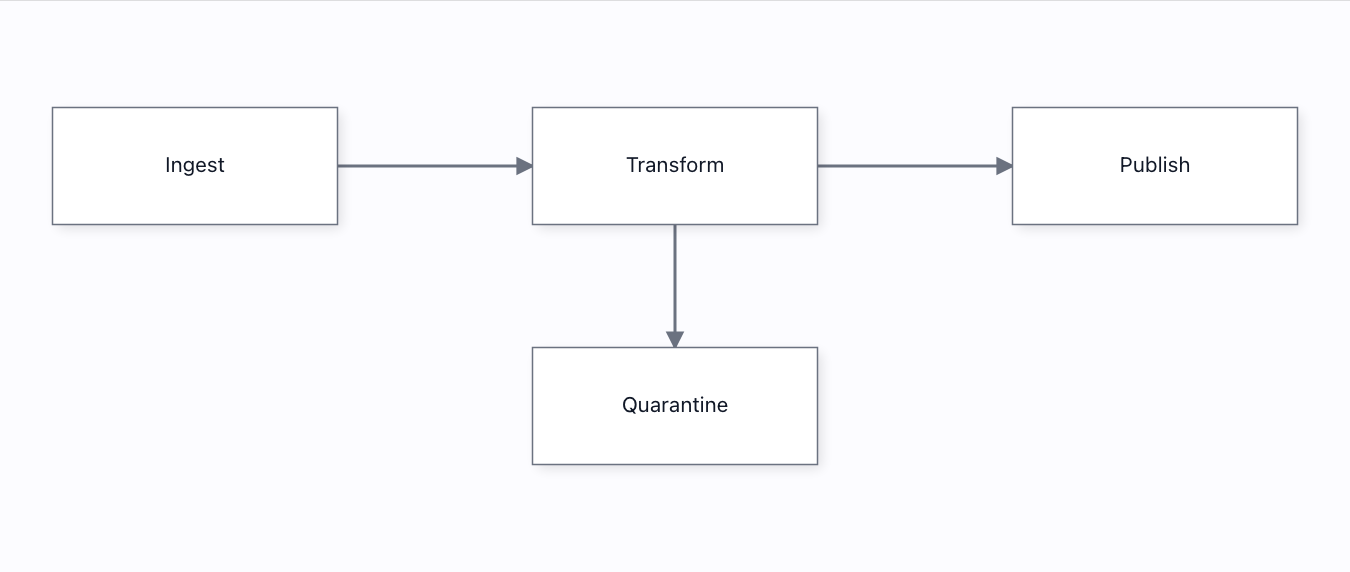
Light, dark — and system, where an OS accessibility preference upgrades us to high-contrast instead of flashing light at the user.
Instance-scoped CSS variables→
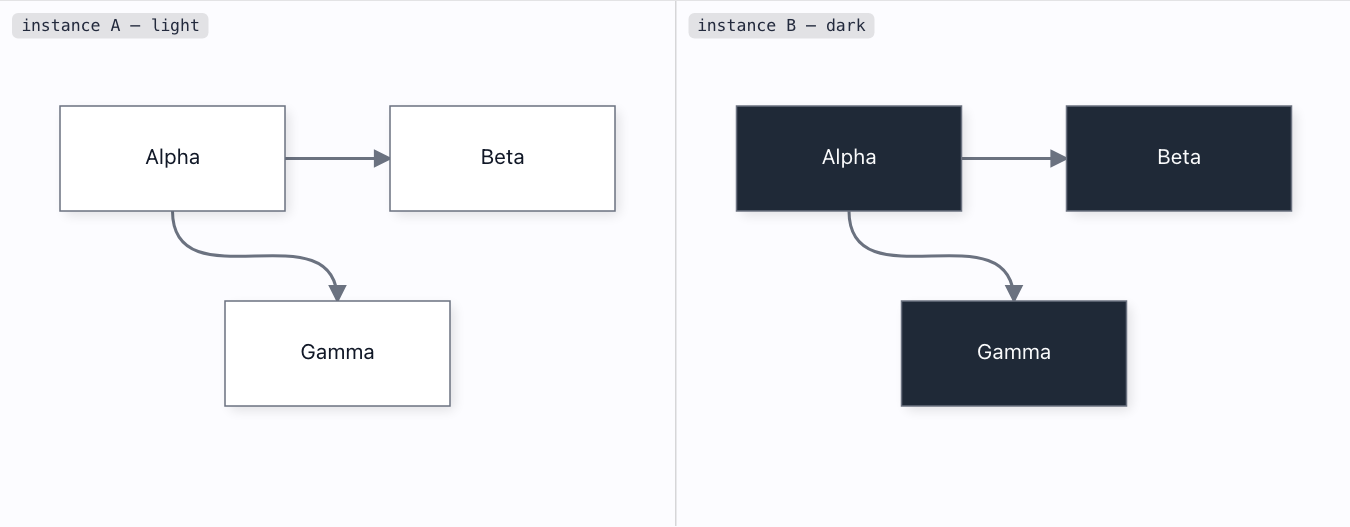
Two diagrams with different themes on ONE page do not clobber each other — each writes only its own [data-grafloria-instance]-scoped variable block.
Named style classes→
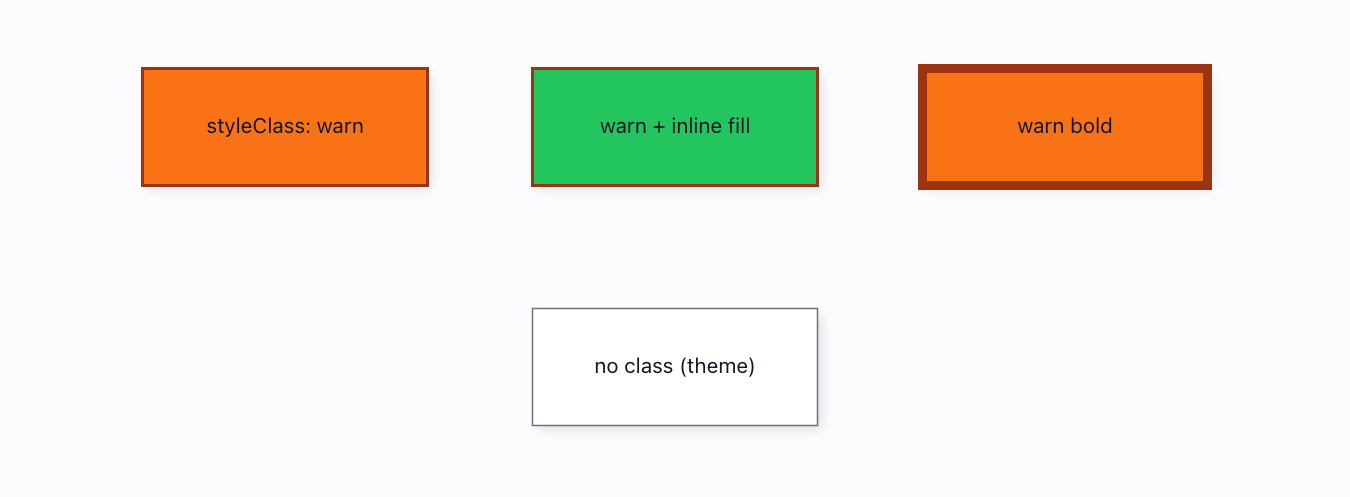
defineStyle() + style.styleClass — one deterministic cascade: theme < type-default < named-class < element-inline < state.
Paint servers→
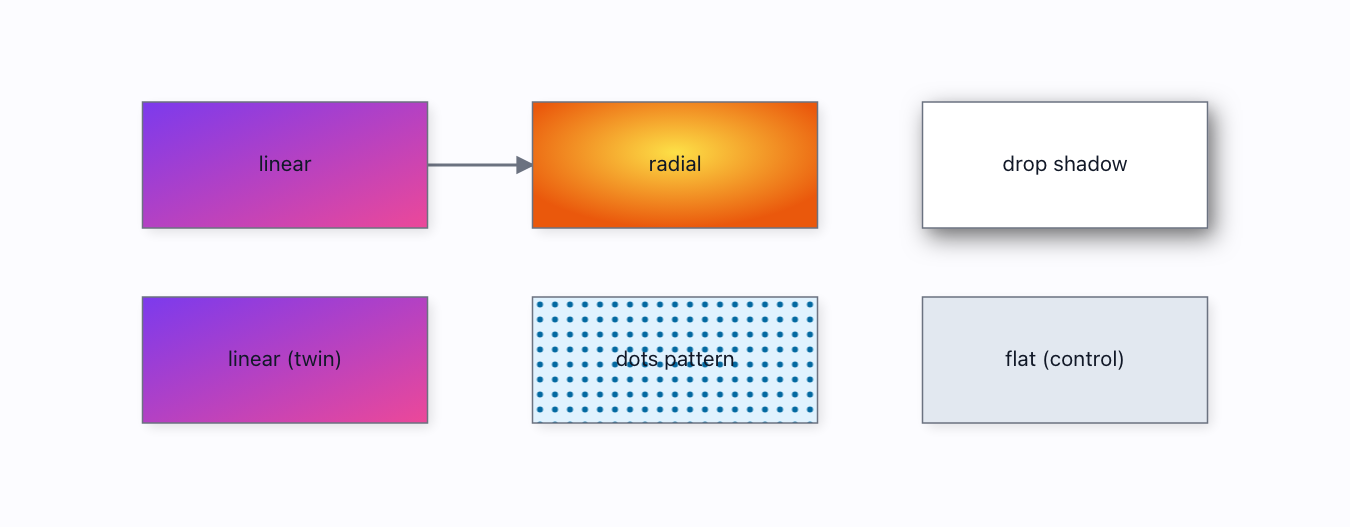
Gradient & pattern fills and drop-shadow filters — each a real, deduped <defs> paint server referenced by url(#…), not a flattened approximation.
Theme-bound properties→
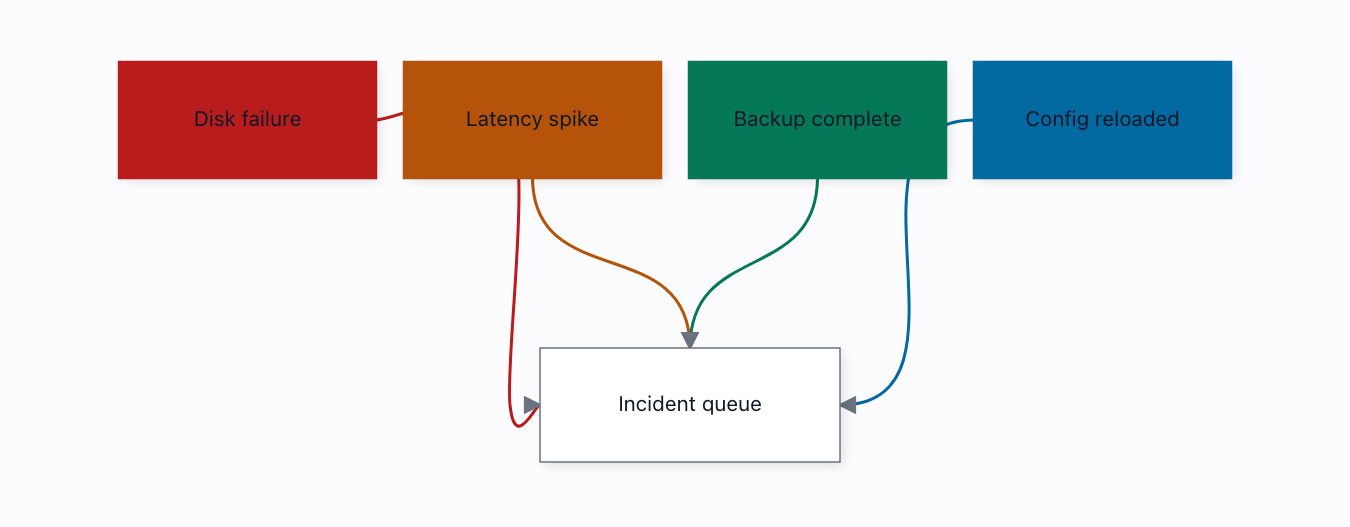
themeRef('category.critical') — a theme swap recolours the CALLER's semantic colours, not just the chrome. The one dimension where GoJS clearly led us.
Themes & design tokens→
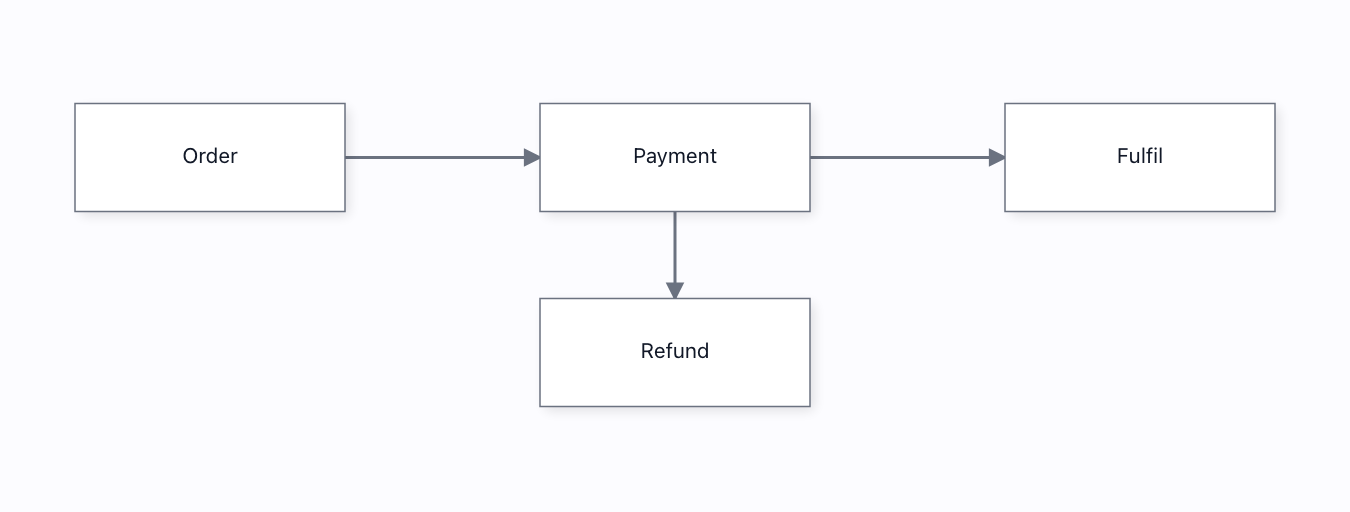
A design-token bridge: the HOST's shadcn / MUI / Tailwind variables paint the diagram — and deriveTheme() audits its own output against WCAG.
Turbo flow→
Glowing animated gradient edges and node borders, all through the public style API.
Collaboration 6
Conflict resolution→
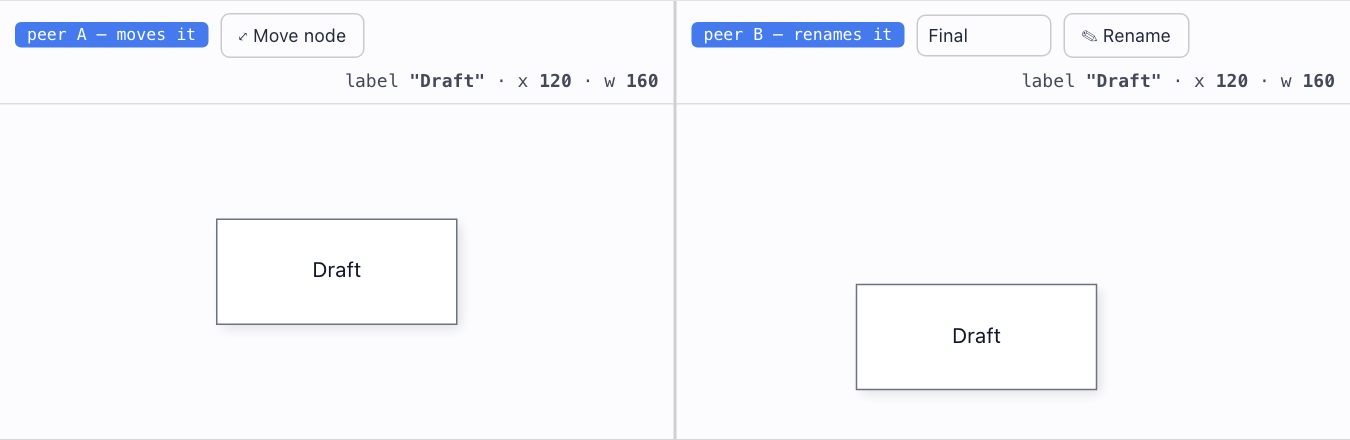
Concurrent move + rename of the SAME node: both survive on both peers. Whole-entity LWW would throw one away — a per-property CRDT does not.
Live cursors→
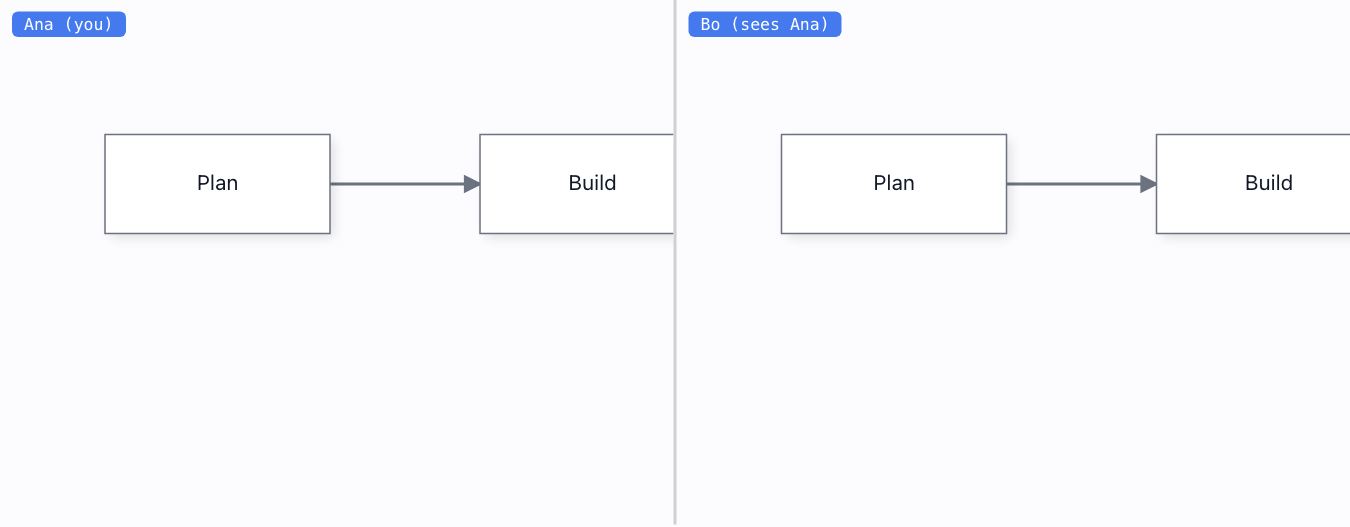
Remote presence cursors on a separate DOM layer — 60Hz cursor traffic never repaints the diagram and never touches the op log.
Offline & reconnect→
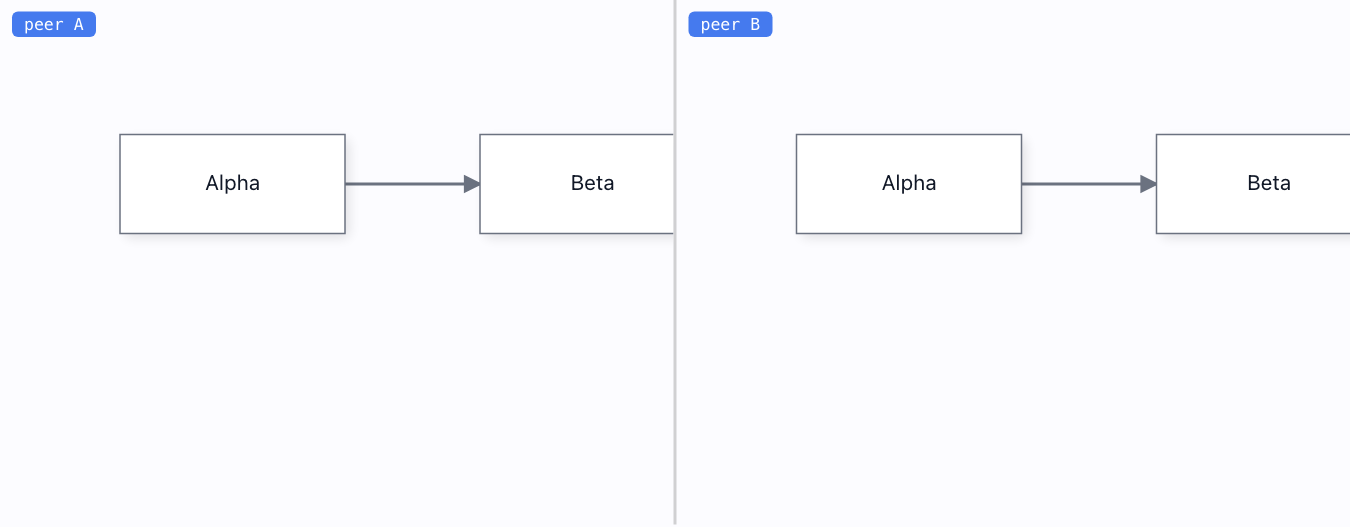
Disconnect, edit both sides, reconnect — anti-entropy ships each peer exactly what it missed and they converge. No lost edits.
Presentation mode→
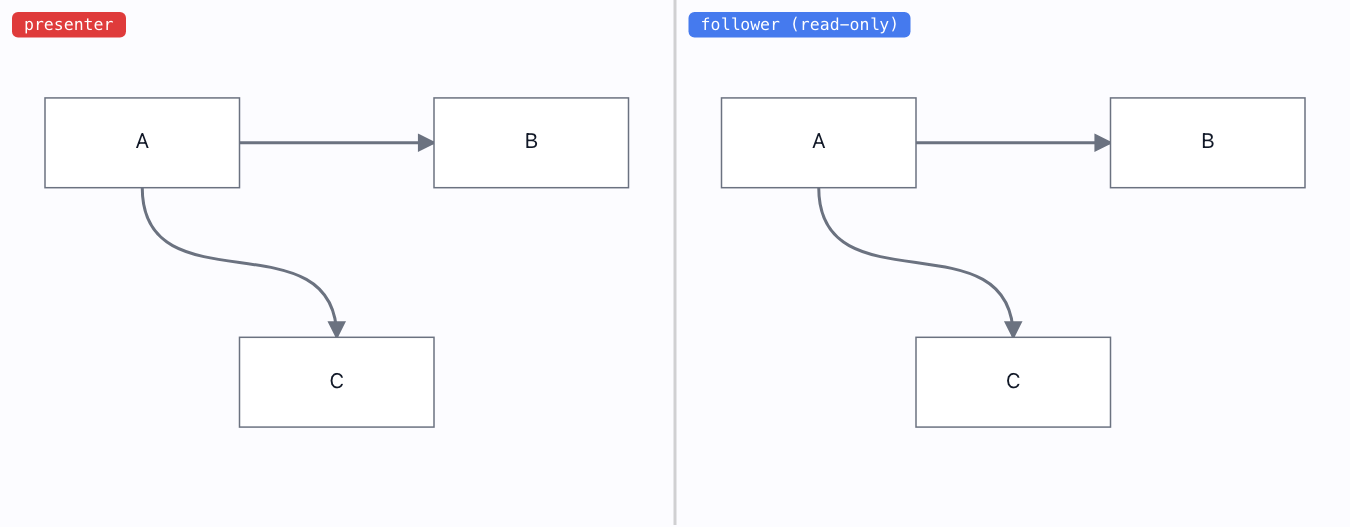
Follow-the-presenter + a real read-only lock. Followers see the presenter's world region at their own screen size, and cannot edit.
Threaded comments→
Write a comment on any node and reply in-thread — then delete the node and the thread is orphaned, not destroyed. Concurrent replies both survive (one register per message).
Two tabs, live→
Real cross-tab multiplayer over BroadcastChannel — no server. Edit one instance, the other converges through a per-property CRDT.
Whiteboard 4

Eraser→
Wipe over ink to remove it. Whole-stroke delete; a sweep across several strokes is one undo step.

Freehand draw→
Draw ink with a pointer or a finger. The line commits as one simplified stroke entity — real vector ink, not a screenshot.

Rectangle tool→
Drag out a rectangle. It becomes a real NODE — connectable, resizable, laid out — because a rectangle IS a box, unlike freehand ink.

Stroke edit→
Select committed ink with the edit tool and drag it — the whole stroke translates, as one undoable step.
Export & misc 9
Download image→
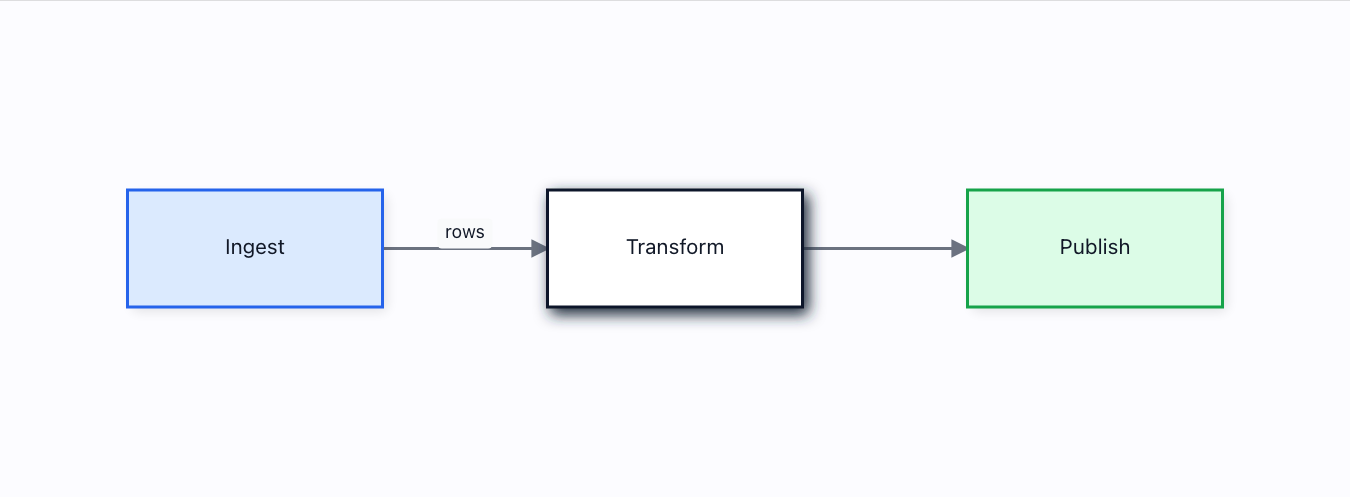
PNG and SVG straight from the VNode tree — labels, arrowheads and shadows included — and the raster is provably not blank and not black.
draw.io import→
Import .drawio files — plain XML or the default compressed save — onto live engine models: shapes, colours, swimlane containers with real membership, edge labels. Every dropped construct is a named warning.
Editable round-trip→
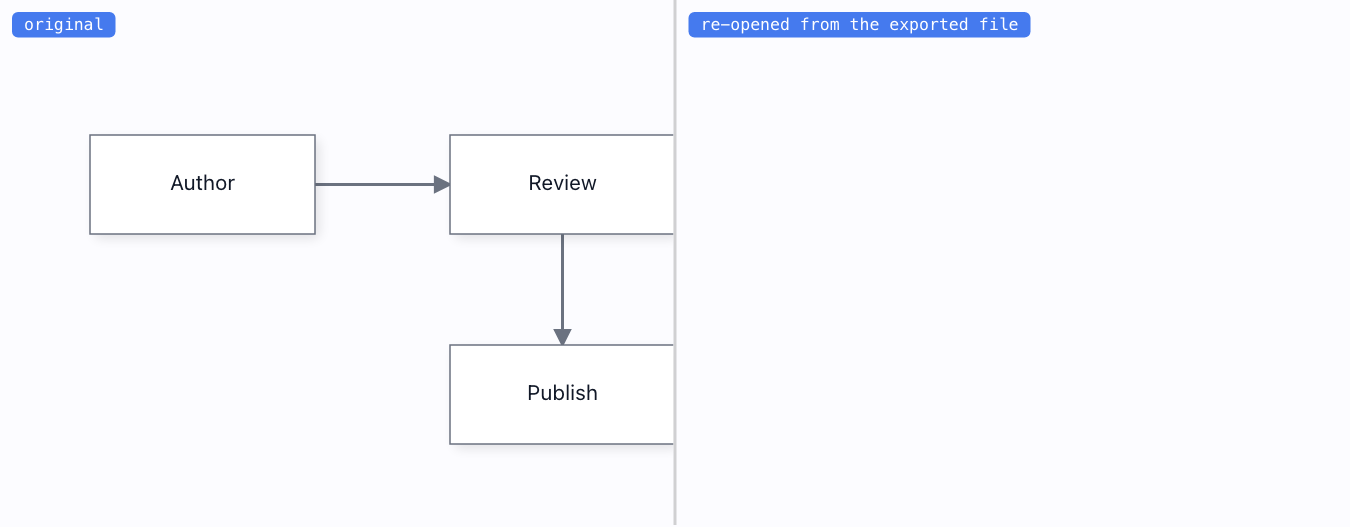
The diagram model is embedded in the exported SVG/PNG; re-opening the file gives back an EDITABLE diagram, not a flat image.
Mermaid text→
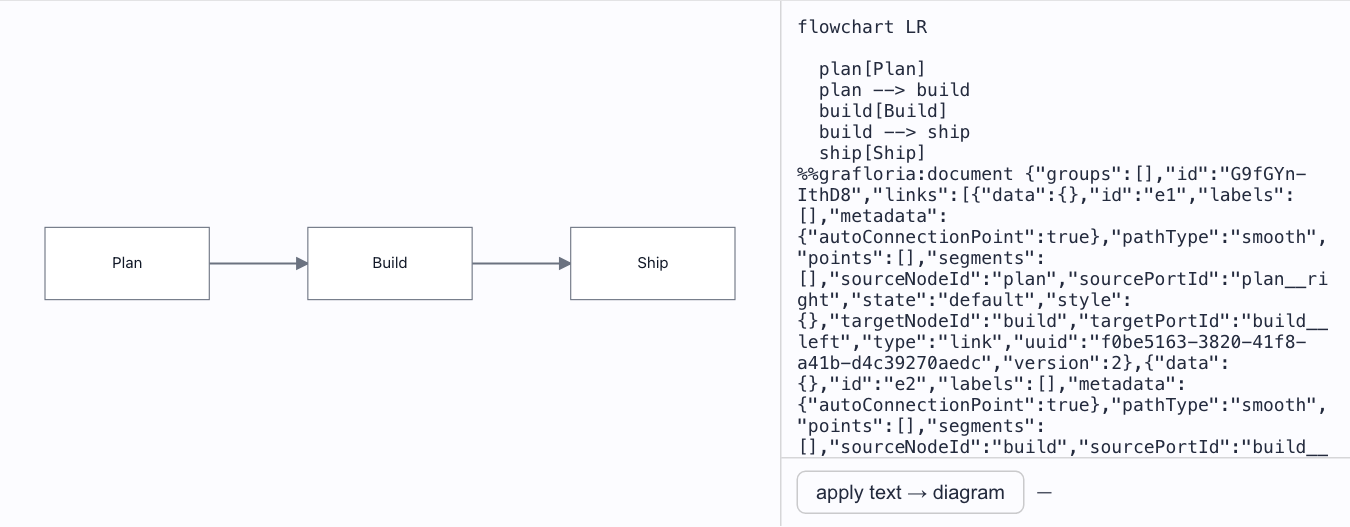
Lossless, Mermaid-compatible text with a hidden model sidecar — and hand-edit detection: edit the text and the diagram rebuilds from your edit.
Mermaid viewer→
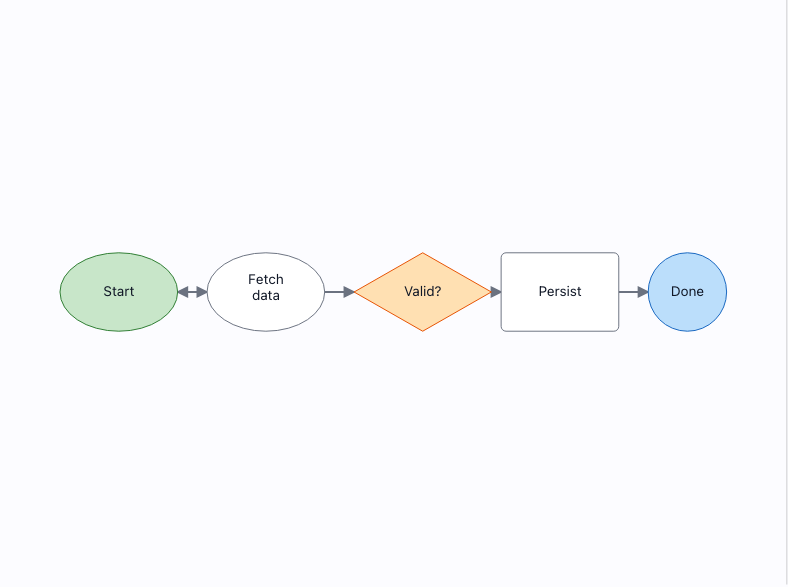
Paste or pick a Mermaid diagram and see how Grafloria renders it. Flowcharts render fully (shapes, colours, subgraphs, node status); ER / class / state are in progress; unsupported types report themselves instead of blanking.
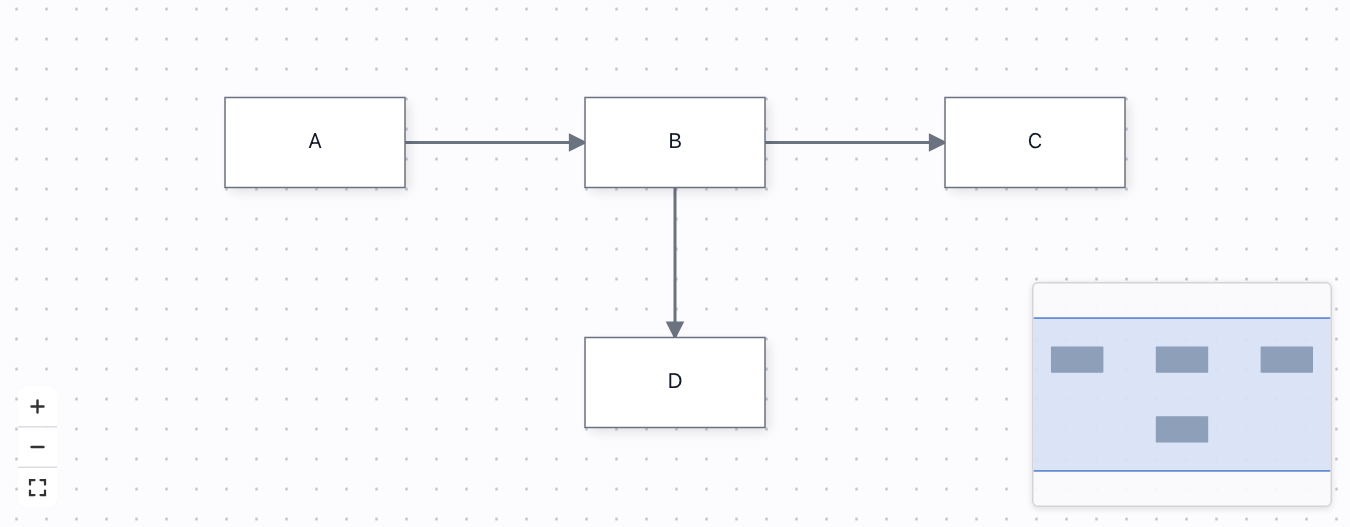
Minimap & controls→
A live minimap that mirrors the diagram, plus zoom/fit controls and a dotted background — all from one attachCanvasPlugins() call.
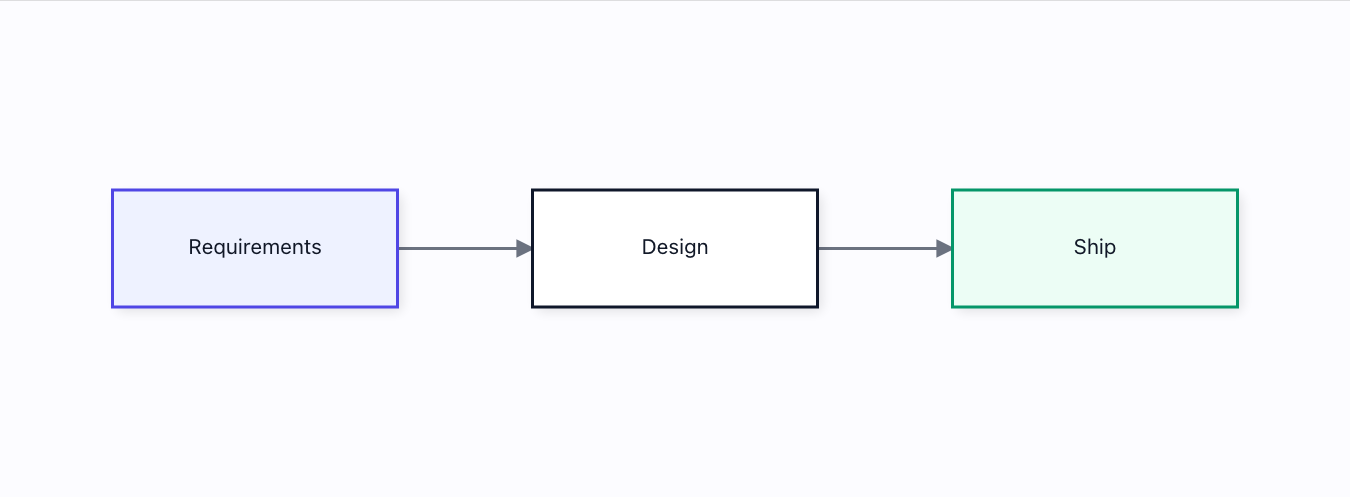
PDF export→
A real vector PDF — selectable text and true paths, not a rasterized screenshot — built with zero new dependencies.
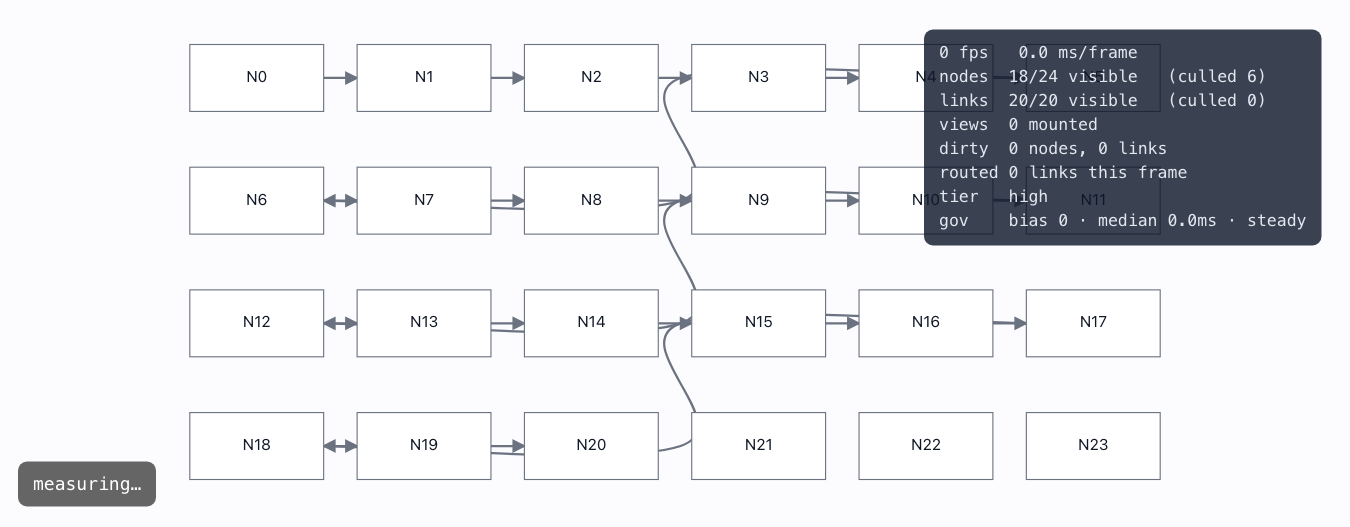
Perf HUD & quality governor→
An adaptive quality governor that steps the render tier down under load, with a live HUD — and idle-cost / pan-fps measured in the page.
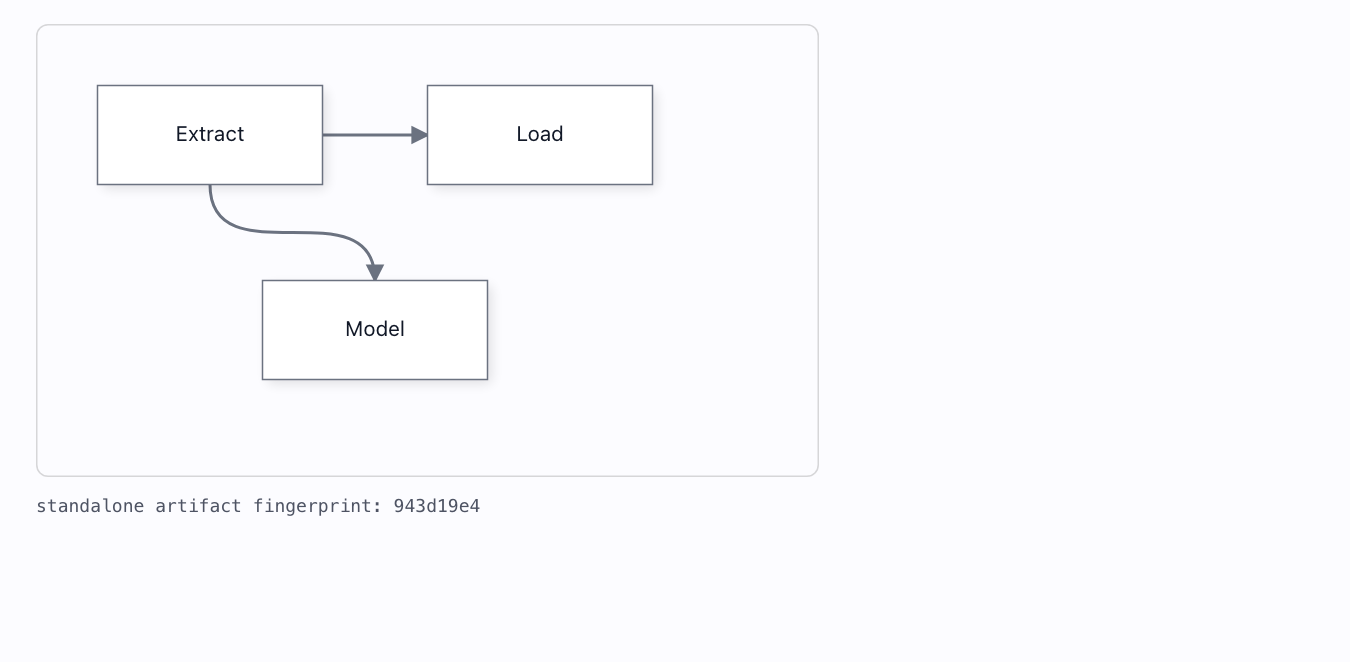
Server-side export→
Deterministic headless export: pure spec → styles-inlined SVG, zero DOM, byte-identical across independent renders. Provable in-page.
Diagrams & kits 14
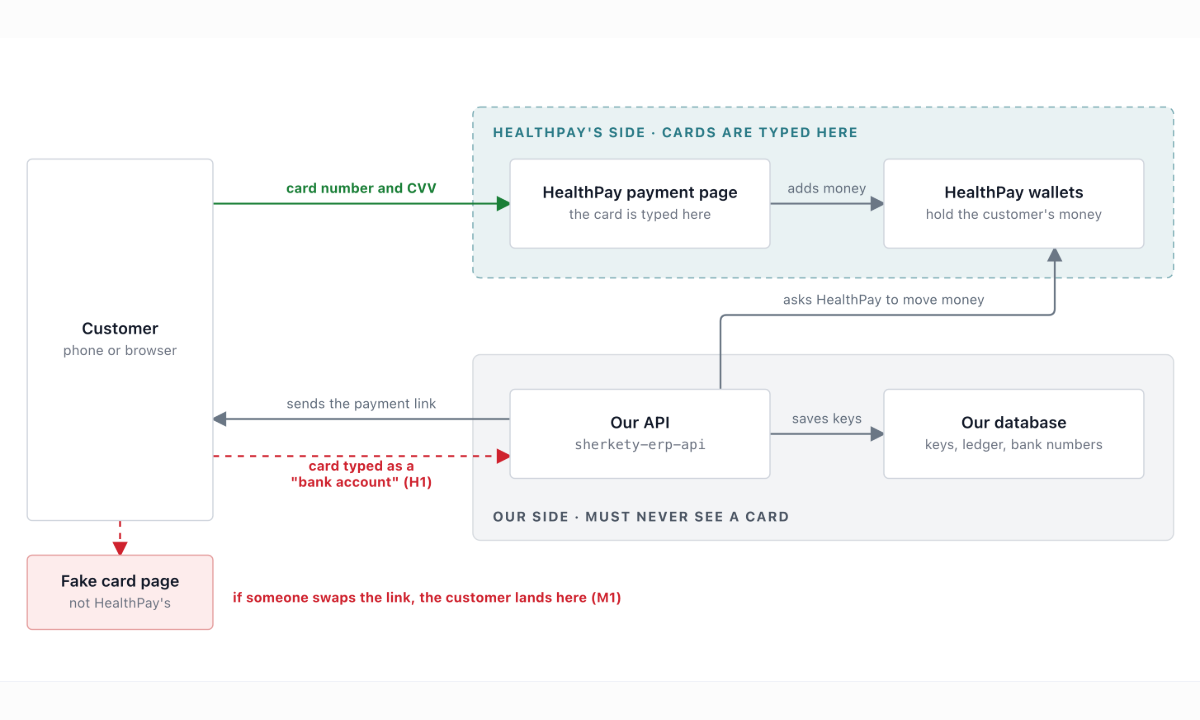
NewAI-style diagrams→
The diagrams Claude and ChatGPT hand-write as SVG — zones with corner captions, a name over a muted line, coloured labels riding their lines — drawn by Grafloria, from the native API or from Mermaid.
NewArchitecture layout→
The look of an AI-drawn architecture diagram — zones as regions, boxes sized to their words in rows, straight lines where boxes line up, bends in the gutters, a note beside what it warns about — from Grafloria Mermaid with no coordinates in it.
Class diagram (UML)→
A UML class diagram from PURE DATA via the reusable umlDiagram() kit: class boxes with name / attributes / methods compartments, hollow-triangle inheritance and hollow-diamond aggregation — look, selection and routing all from the kit.
NewData modeling studio→
Design a database on the board and get live SQL: table cards with inline names, types and UQ / NN switches, foreign keys made by dragging a column's grip onto another table, coloured groups that fold away, DDL for SQLite, PostgreSQL or MySQL that rewrites itself on every edit, DDL import and export, and a query runner that builds the schema in a real in-browser database — all of it undoable.
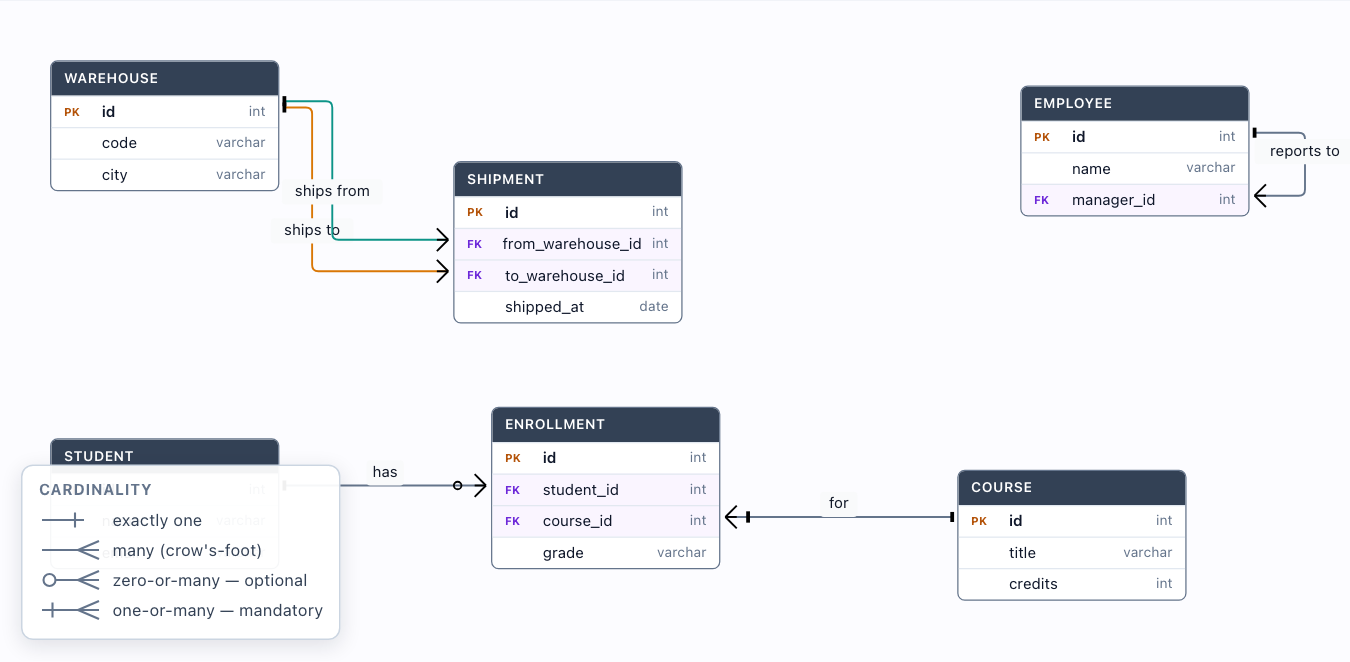
ER diagram — advanced→
The advanced ER shapes — two relationships between the SAME pair of tables on different FK columns, a self-reference, a many-to-many junction, optional-vs-mandatory crow's-foot cardinality — all from ONE erDiagram() call: every line is a 'TABLE.column' → 'TABLE.column' string pinned to the exact row it joins.
ERD editor (in-canvas editing)→
The erDiagram() kit with editable:true — rename tables & columns in place, add and delete columns, all as undoable edits. Field ports and FK→PK edges reconcile automatically, so an edge never comes unglued when the rows shift.
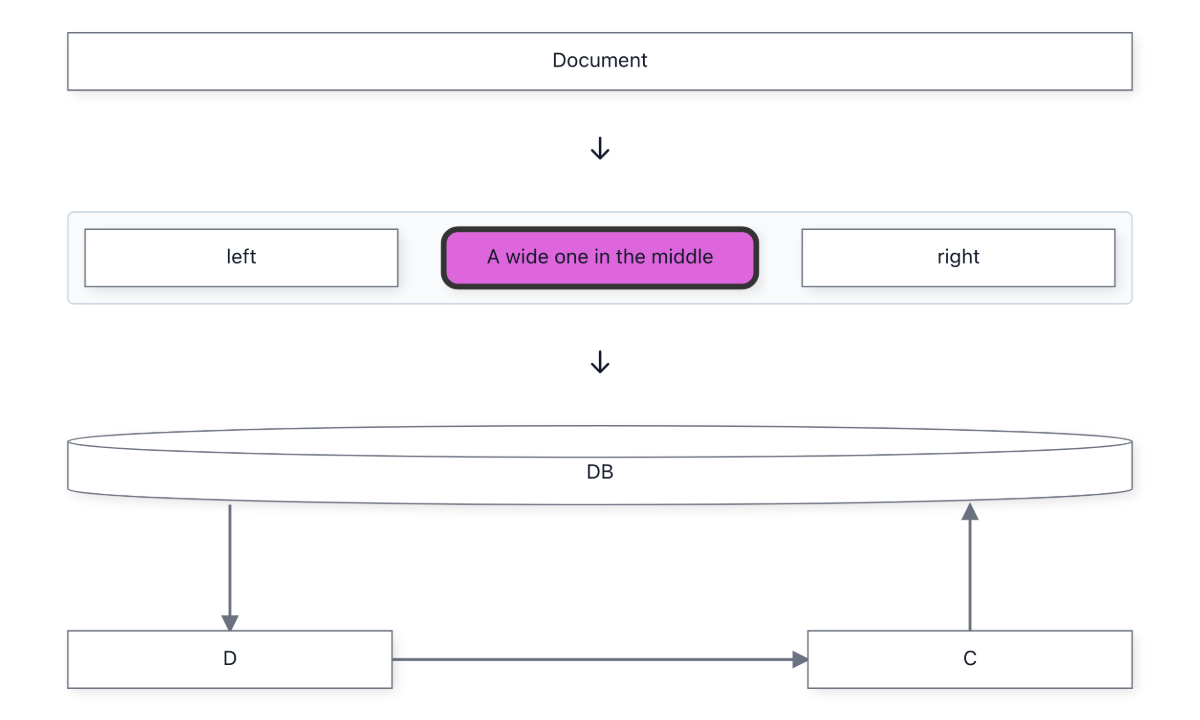
NewMermaid architecture & block diagrams→
Mermaid's architecture-beta and block-beta, read by Grafloria: groups as regions, services placed where their sided lines say, a block grid with spans and holes, a classic 3-tier application with security down every layer — laid out, editable, and written back as the same Mermaid.
Query builder (visual SQL)→
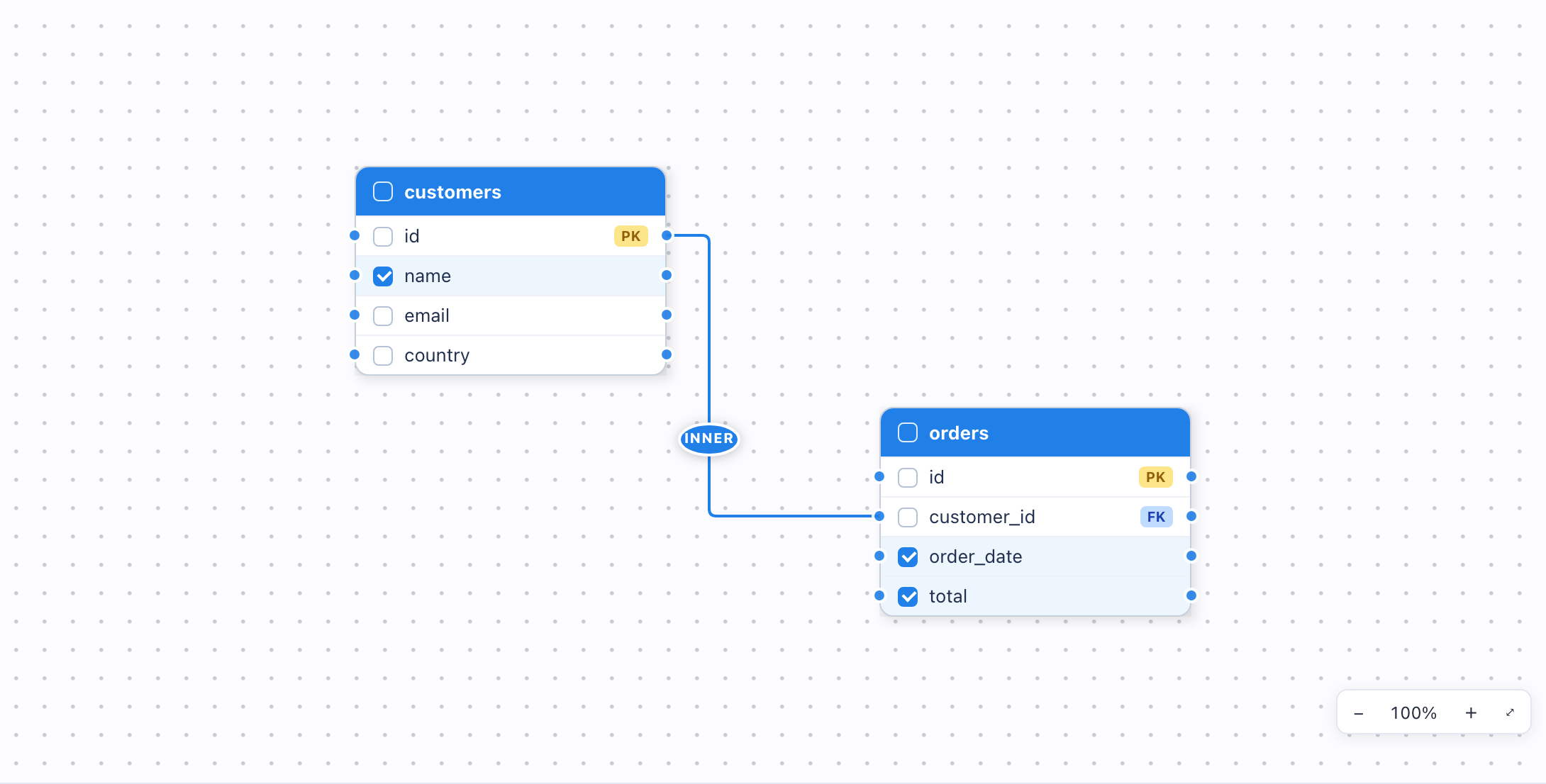
A BI-tool Query Studio on Grafloria: drag tables in, wire column to column with LIVE join guidance (the best PK↔FK match glows gold), click the pill to change the join type, tick columns — and the SQL below writes itself. Every edit undoable.
Scrollable cards→
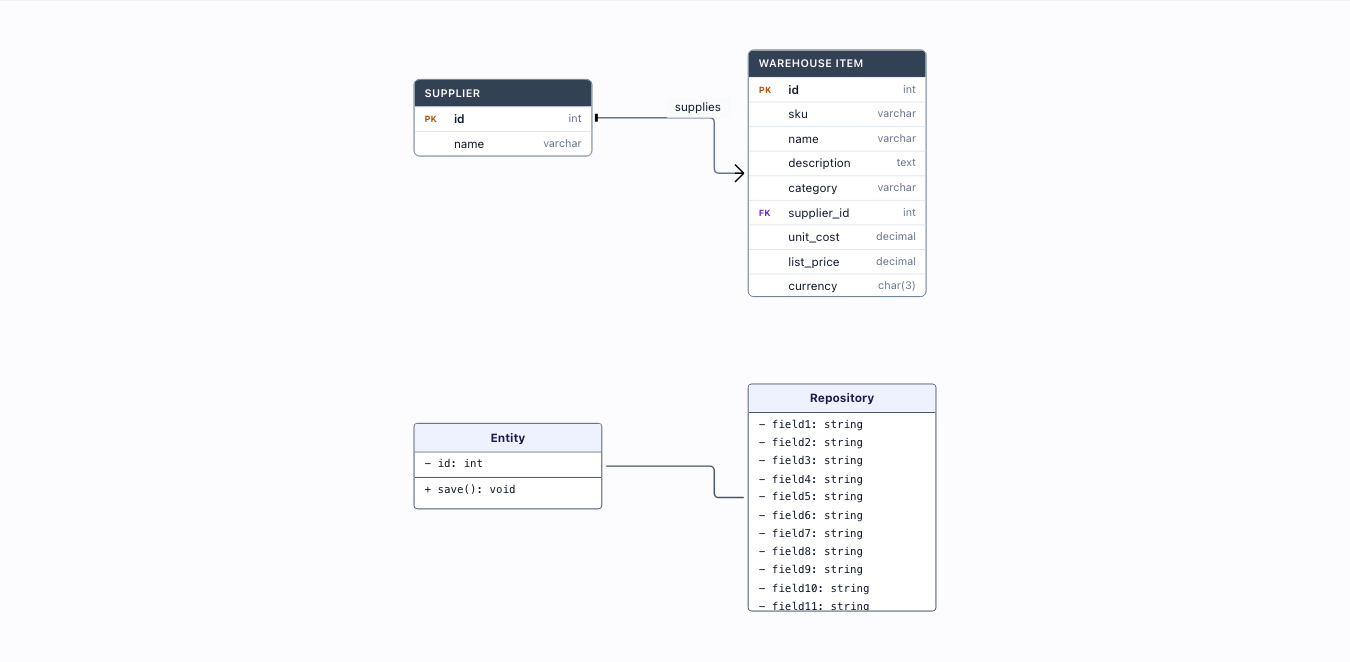
BOTH an ER table (21 columns) and a UML class (26 members) capped at a fixed height: each card body scrolls. The wheel belongs to the card (the binder delegates — card content is pointer-events:none) and is CONTAINED: at the end of the range the canvas does not pan, so reaching the bottom never jumps the whole diagram. ctrl/⌘-wheel always zooms.
Shape data panel→
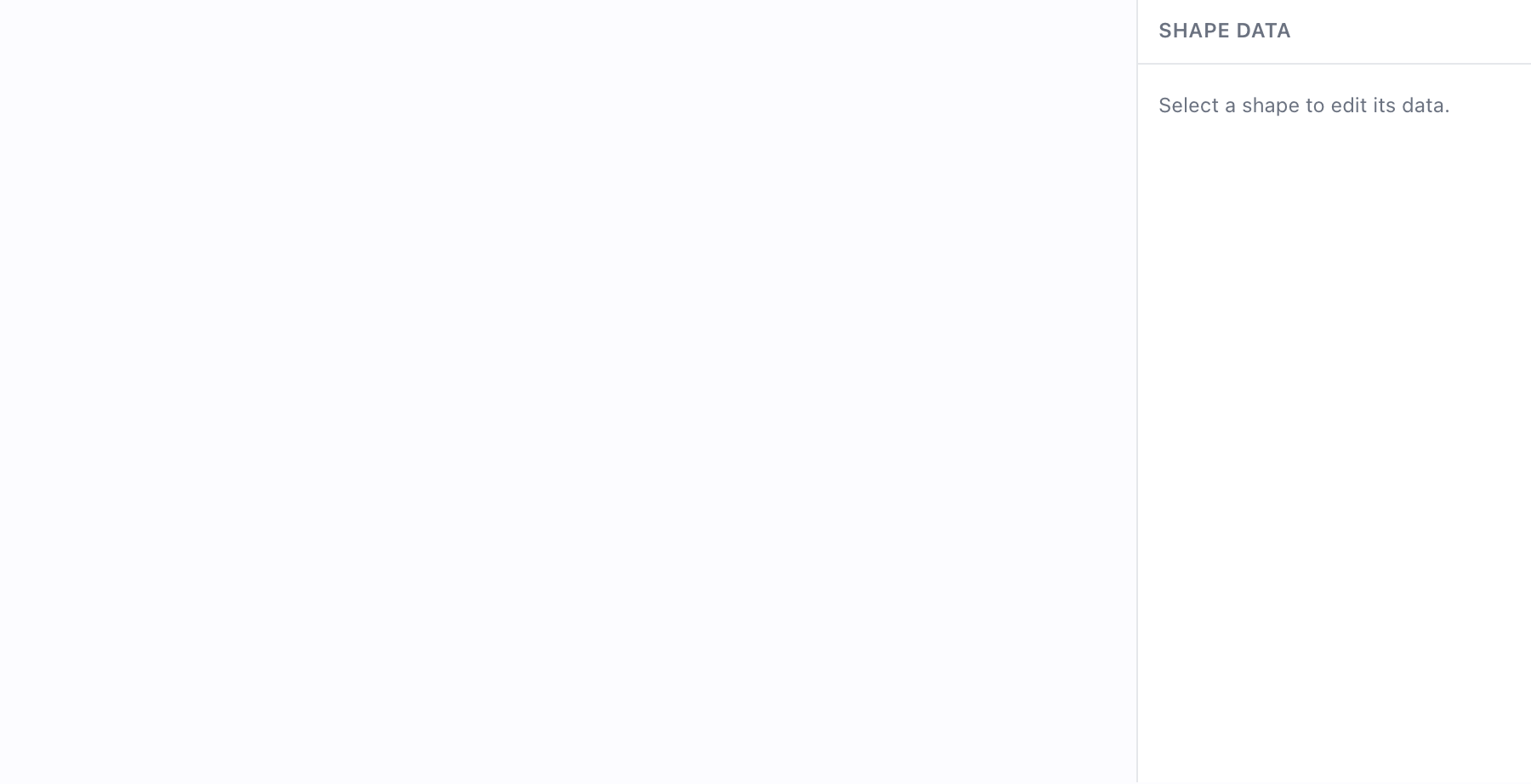
Select a shape and edit the fields its master declares — a framework-free property sheet driven by the template's dataSchema, with every edit undoable.
Stencil palette (Visio-style)→
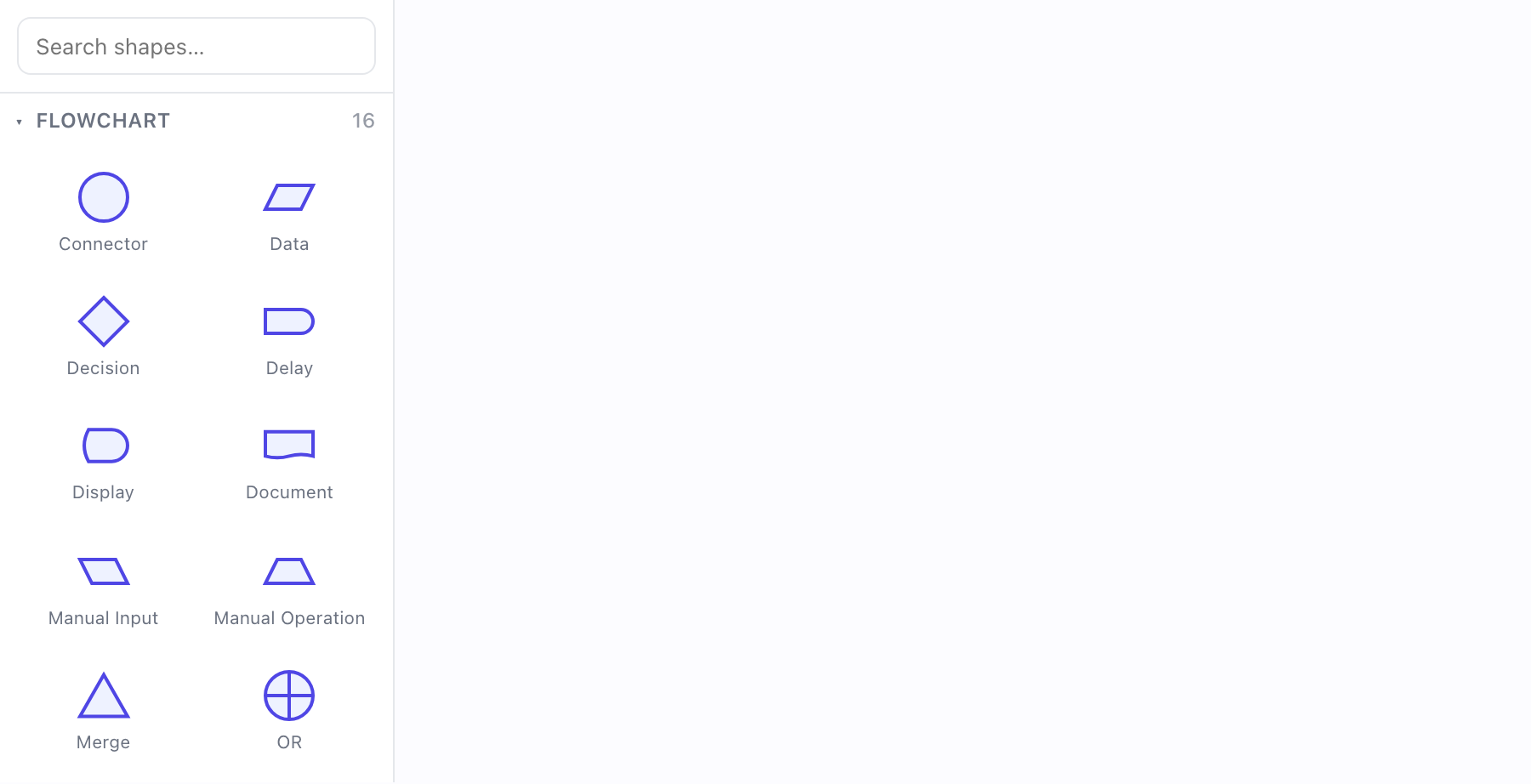
Drag a shape out of a categorized stencil palette and drop it on the canvas — 80 BPMN / flowchart / UML / ERD masters, searchable, each thumbnail drawn from the shape's own outline geometry.
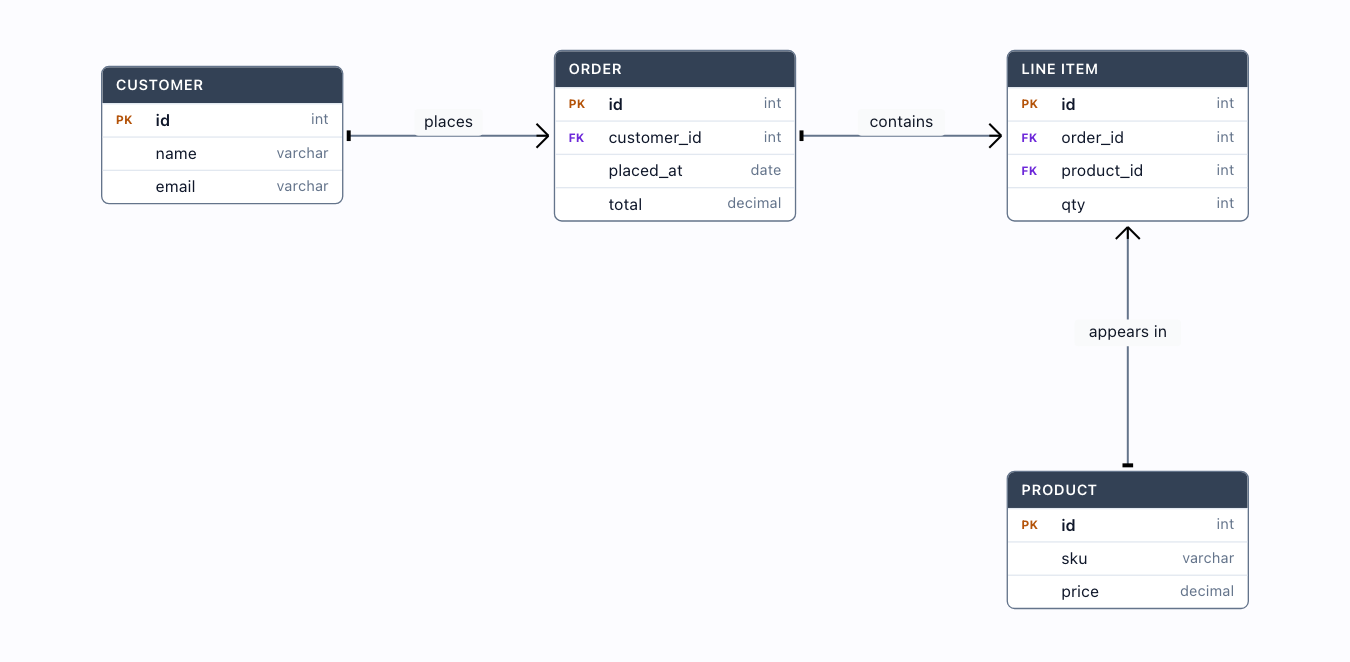
Table / ER diagram→
A database entity-relationship diagram from PURE DATA via the reusable erDiagram() kit: HTML "table" nodes with typed columns and PK/FK badges, joined by crow's-foot cardinality — the look, selection and routing all come from the kit.
UML relationships→
The FULL UML class-relationship vocabulary from PURE DATA via the reusable umlDiagram() kit: generalization, realization, association (with multiplicity chips), directed association, aggregation, composition and dependency — each with its real UML notation, look / selection / editing surface all from the kit. Only the Employee self-association is a hand-written edge (self-loops are not in the kit vocabulary yet).
Visio-style editor→
The whole authoring surface: a page grid with snap, zoom controls and a minimap, drop a shape OR a real database table, group, align, drop into containers — every edit undoable.